


🚨 Scope and compliance: Verifiable symbols and codes come from the public FANUC
Series 0i-MODEL F Plusspecification sheet, which splits columns by Type 0 / 1 / 3 / 5 and M (milling) / T (turning), and from the FANUC America0i-F Plusproduct page. The claim that0i-F Plusturned a group of former options into standard equipment comes from a public third-party integrator article and is labelled third party, not purchasing evidence. Option codes visible in a specification sheet (R552, J749, S661, R626, R671, J839, J720, J704, J987, S812) shift with software version, sales region and Type, so this page states only which family each belongs to; it supplies no complete matrix, no order numbers and no promise that an option can be added. Extendable macro variable ranges are an option, but the exact ranges vary by control generation, so no universal ranges are given here. Specification sheets, manual text and option lists are copyright material: this page gives mechanisms and lookup paths only, reproduces no original text, and provides no manual download link, file mirror or packaged archive. Adding options involves a licence file bound to the system ID; repeatedly changing bits, loading another machine’s backup or downgrading software creates no licence and can prevent start-up. All checks here are read-only observations; before any edit, record the state as described in Fanuc Parameter Number Map by Range and consult the machine builder.
30-Second Triage: Map the Symptom to a Check
Table 0. Six symptoms and the first decision line
1. First Principle
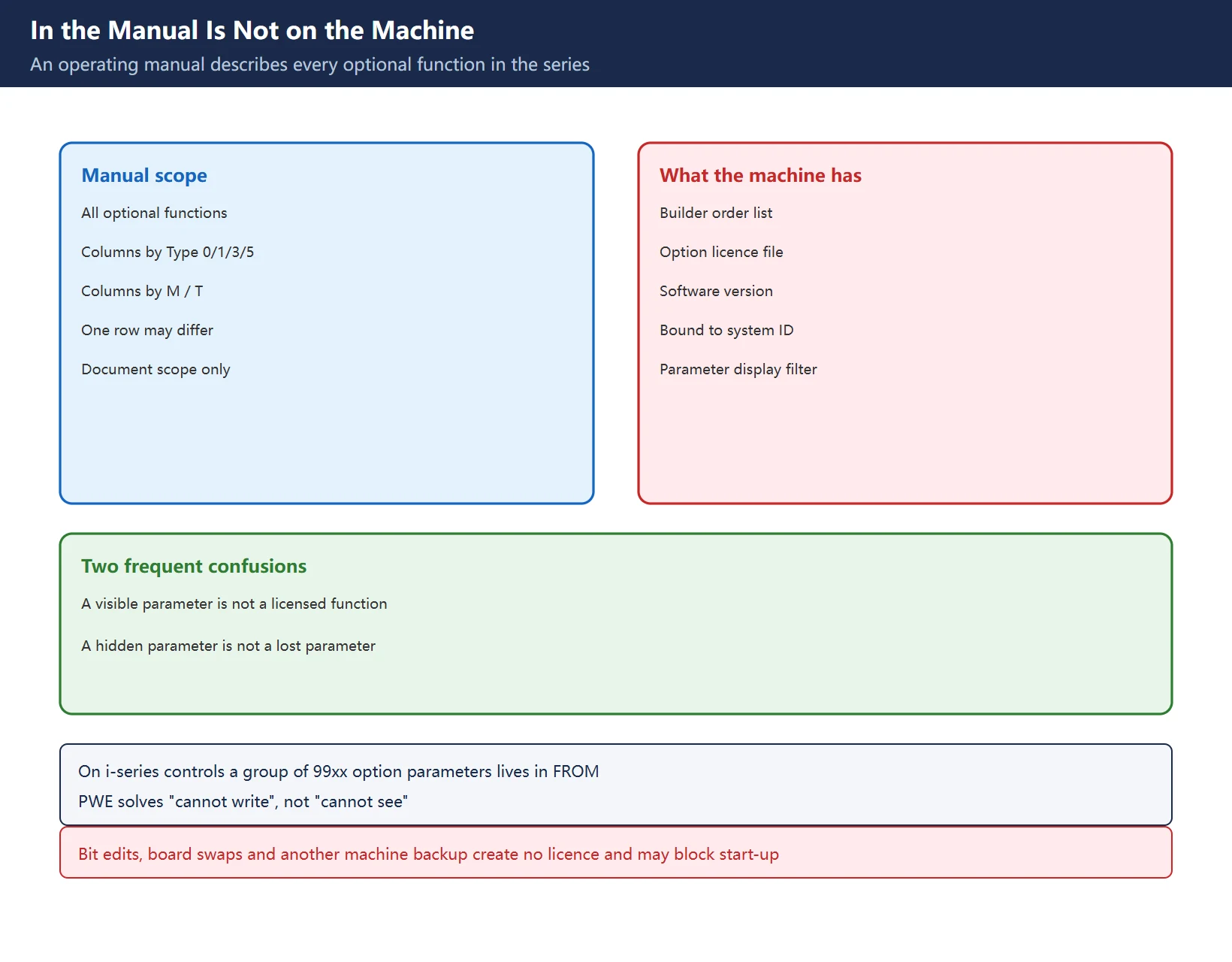
This is not a rule of thumb; it follows from how the specification sheet is built. One sheet splits its columns by Type 0 / 1 / 3 / 5 and M (milling) / T (turning), and a single function row may be standard, optional or unavailable depending on the column. Reading the operating manual as a configuration list implicitly assumes that every column’s function is installed on your machine.
| Layer | Who defines it | How to see it | Can it be changed |
|---|---|---|---|
| All optional functions in the series | Fanuc operating manual / specification sheet | Manual contents, sheet row names | No, it is document scope |
| What this model and Type offers | Official sheet, marked per column | Legend such as standard / option / unavailable | No, it is product definition |
| What this machine was ordered with | Builder order list and contract | Marked columns, option list | Adding requires a new licence |
| What is actually activated | Licence file bound to the system ID | On-screen version / option view | Cannot be created by setting bits |
| Which parameters are displayed | Display filter plus version | Parameter screen, number by number | Unrelated to licensing |
Table 1. Five layers from document scope to on-screen display
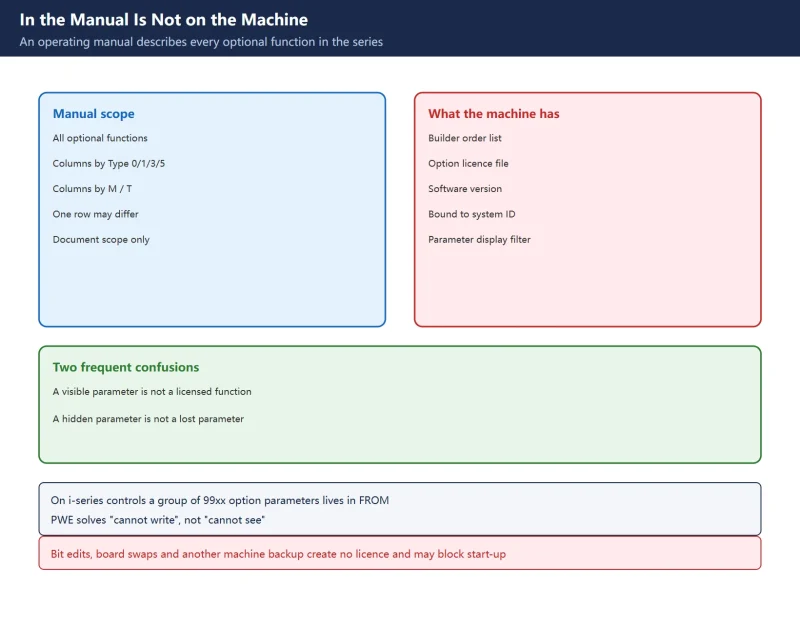
The trap here is treating “the parameter is visible” as “the function is licensed”, and “the parameter is hidden” as “the parameter was lost”. On i-series controls from roughly 2006 onward, a group of 99xx option parameters does not appear on the parameter screen at all; it lives in FROM and is activated by a licence file bound to the system ID. PWE solves “cannot write”, not “cannot see”. The full four-layer mechanism is covered in Why Is a Fanuc Parameter Missing?.
2. Reading the Symbol Legend
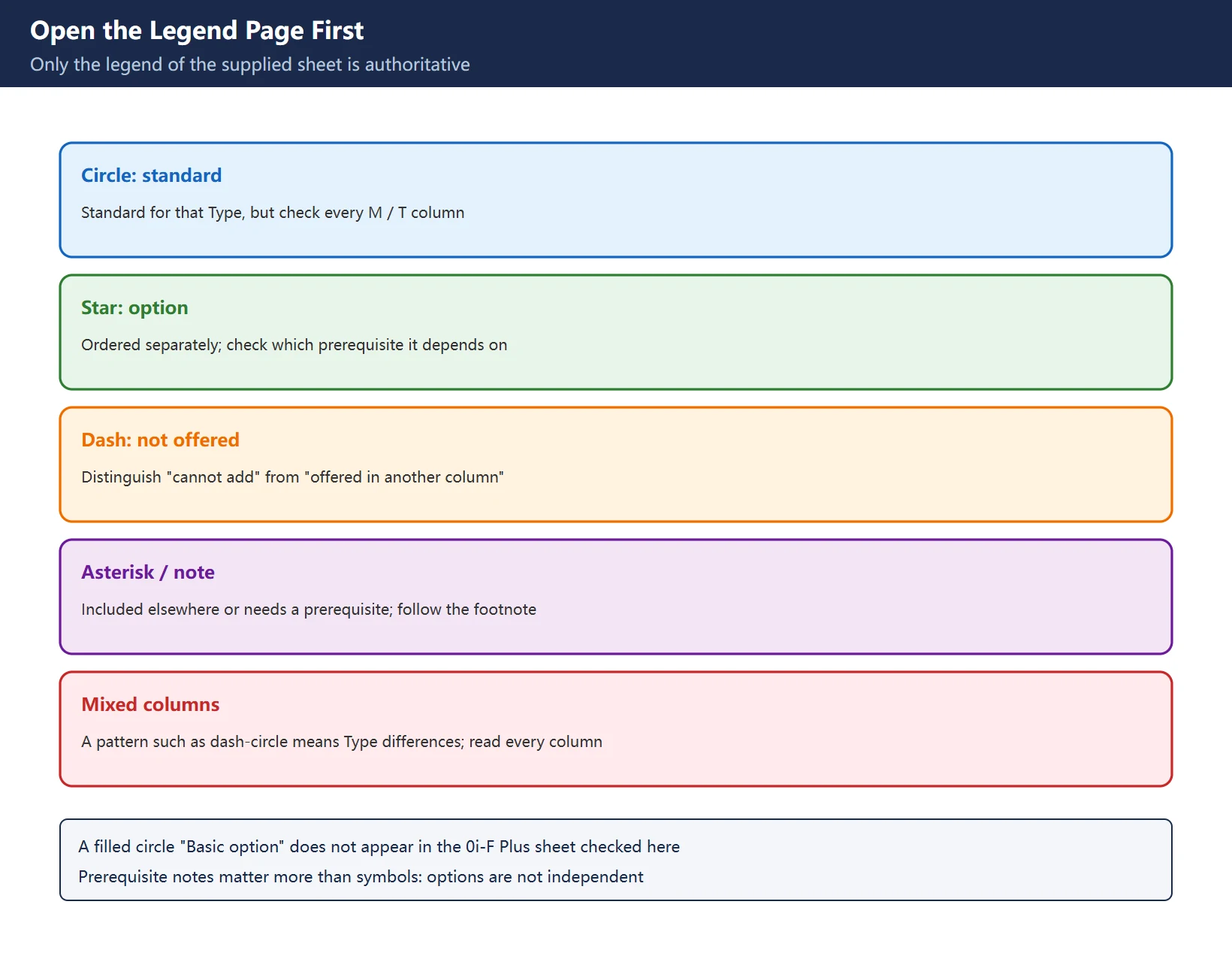
In the public 0i-MODEL F Plus specification sheet, each function row is followed by a set of marked columns. The common forms are a circle (standard), a star (option), a dash (not offered) and an asterisk or conditional note (included in another option, or subject to a prerequisite). Every sheet carries its own legend, so open the legend page first: meanings are not guaranteed to match across editions or languages.
| Common form | Usual meaning | Extra check when reading |
|---|---|---|
| Circle | Standard for that Type | Whether every M / T column is a circle |
| Star | Option, ordered separately | Which prerequisite option it depends on |
| Dash | Not offered for that Type | “Cannot be added” versus “offered in another column” |
| Asterisk / conditional note | Included elsewhere, or needs a prerequisite | The footnote referenced by the note number |
| Mixed columns (for example dash-circle-dash) | Differences between Types | Read every column, not just the first |
Table 2. Five symbol forms and the extra checks they require
One circulating claim needs correcting: the legend is often written as “circle standard / filled circle Basic option / star Option / asterisk included / dash unavailable”, but the filled circle (Basic option) does not appear in the 0i-F Plus sheet checked here. It may come from a different manual edition or another series; applying it blindly misreads a column. Our approach is to give the common forms only and defer to the legend page of the supplied sheet. The sheet also carries prerequisite notes such as “Dual check safety is required”, “AI contour control I or II is required” and “Custom macro is required” – these matter more than the symbols themselves, because options are not independent.
3. Three Verification Paths
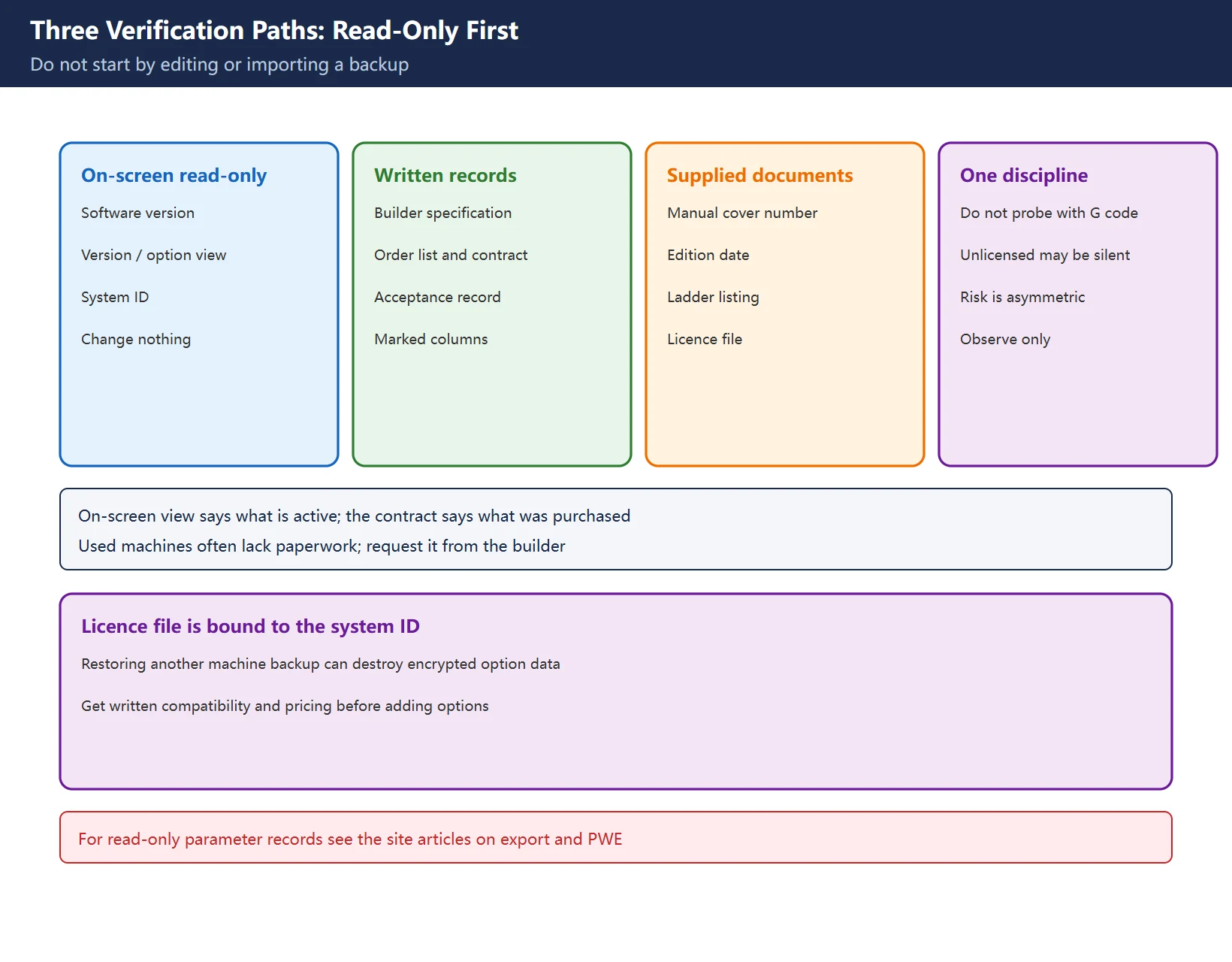
Work in the order “read-only first, cross-check second, ask the builder third”. Do not start by editing parameters or importing another machine’s backup.
| Path | What to look at | What it answers | Limitation |
|---|---|---|---|
| Read-only on-screen observation | Software version, version / option view, system ID | What is active now, which manual edition applies | Does not explain what was purchased, and is not the contract |
| Builder specification and contract | Marked columns, option list, order number, acceptance record | What was actually ordered | Often missing on used machines; request a copy |
| Supplied document pack | Manual cover number and date, ladder listing, licence file | Whether documents match this machine generation | Licence is bound to the system ID, not transferable |
Table 3. Three verification paths, what each answers and its limits
One field discipline: do not infer licensing by running a G-code block and watching for an alarm. An unlicensed function may alarm, may be silently ignored, or may take a different interpolation path. Testing that on a machine with tools and fixtures is an asymmetric risk. Read-only observation plus written cross-checks is the only low-risk route. For read-only parameter records, see Exporting parameters for record and PWE write permission.
4. Option Families and Codes
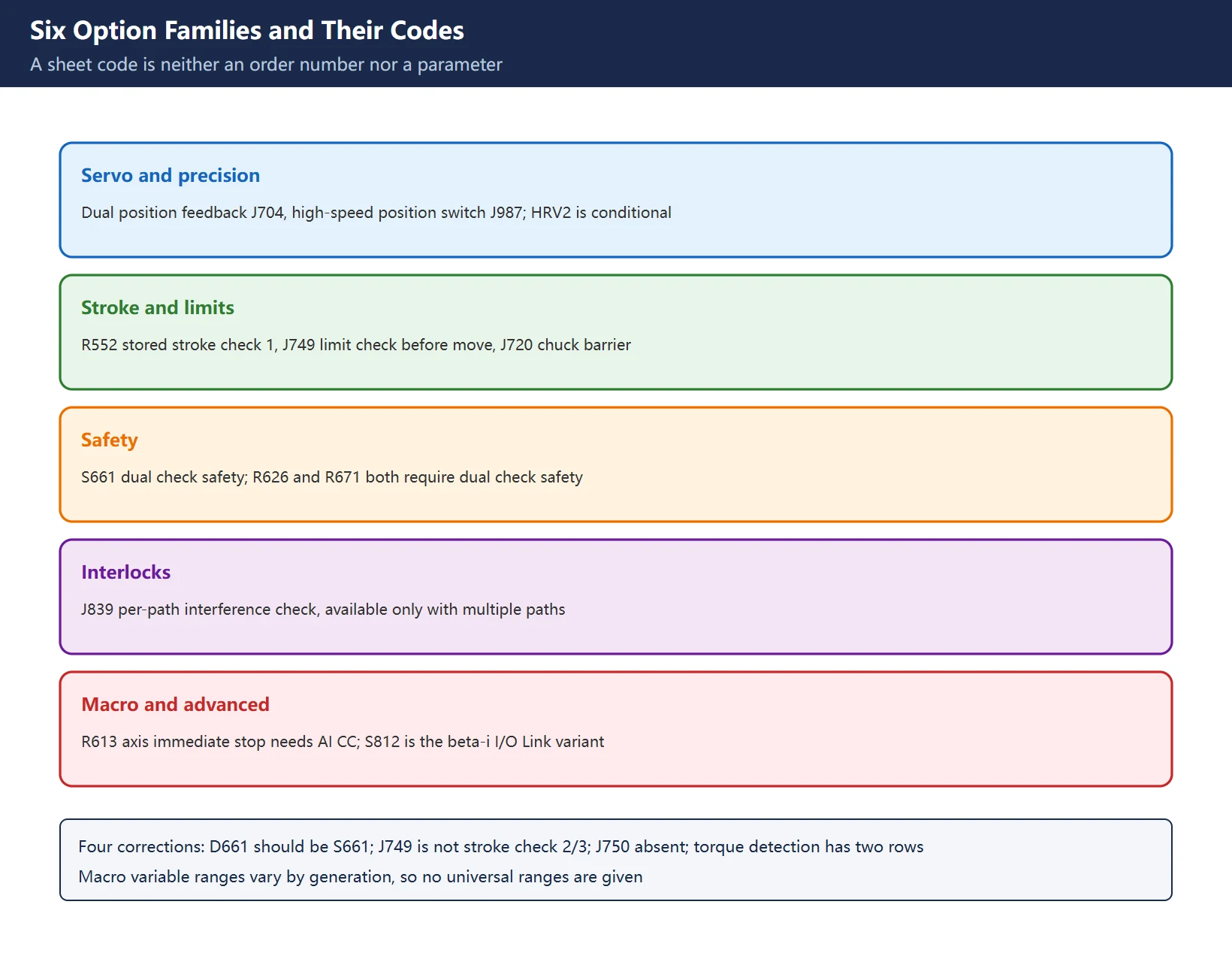
The table below lists codes verifiable in the public specification sheet, grouped by function family, with prerequisites noted. A code is that function’s identifier inside the specification sheet – not an order number and not a parameter number; the same code can carry a different description in a different edition.
| Family | Representative rows in the sheet | Codes (sheet scope) | Prerequisite / note |
|---|---|---|---|
| Servo and precision | Dual position feedback, HRV3 / HRV2 control, position switch, high-speed position switch | J704, J987 | HRV2 carries a conditional note on some Types |
| Stroke and limits | Stored stroke check 1 and its area expansion, stored limit check before move, chuck and tailstock barrier | R552, J749, J720 | Several rows vary by Type |
| Safety | Dual check safety, safety spindle speed limit, acceptance test mode | S661, R626, R671 | The latter two explicitly require Dual check safety |
| Interlocks and sequencing | Interference check for each path, mirror image, follow-up, servo off / mechanical handle | J839 | Per-path interference check needs multiple paths |
| Spindle and motion | Rigid tapping retract, dry run, single block, JOG, manual reference position return | No complete codes in the section checked here | Verify row by row in the supplied sheet |
| Macro and advanced | Extendable macro variable range, AI contour control related, unexpected disturbance torque detection | R613 (axis immediate stop, needs AI CC), S812 (beta-i I/O Link variant) | Macro range is an option; no universal ranges given |
Table 4. Six option families, verifiable codes and prerequisites
Four widely circulated errors deserve explicit correction:
- Dual check safety is
S661, notD661in the sheet checked here. J749belongs to “stored limit check before move”, not to stored stroke check 2/3; that latter row is marked standard in the sheet and is not bound to J749. AJ750code mentioned in some lists did not appear in the section checked and is not used here.- Unexpected disturbance torque detection must be read as two rows: the basic function is standard, while the beta-i series I/O Link option variant is
S812. Calling the whole thing “an option” is misleading. - Claims of universal macro ranges (for example #150-#199, #532-#999, or #98000-#98499 on a 30i-B Plus) are not reproduced. An extendable macro range is indeed an option, but the ranges vary by control generation and no cross-generation official wording was verified here. We keep only the verifiable conclusion: the same G-code block can behave differently on differently specified machines.
5. 0i-F versus 0i-F Plus: More Than a Name Change
Table 5. Five dimensions between 0i-F and 0i-F Plus and their source scope
The third-party article names AI Contour Control II, Fast Cycle Time Setting, Fine Surface Machining, Machining Condition Selection and Smart Rigid Tapping as functions that became standard. Those names matter when buying a used machine or assessing capability, but “became standard” describes that integrator’s supplied configuration, not every Type and sales region worldwide, so they sit in the third-party column rather than in our comparison conclusion. Fanuc Generation Cross-Reference covers version migration, not the option catalogue; do not conflate the two.
6. Combination Limits and Four Things We Will Not Invent
The official sheet repeatedly notes that some option combinations are restricted – one function requires AI contour control, another requires dual check safety, another exists only on multi-path controls. Check compatibility before adding anything; options are not a menu to tick freely.
| What cannot be invented | Why | Substitute approach |
|---|---|---|
| A complete Type-by-option matrix | Editions and regions differ, and the sheet itself carries conditional notes | Read the supplied sheet legend row by row |
| A three-way code / order number / parameter number mapping | These are three separate coding systems with no official universal mapping | Locate the family, then check written documents |
| Pricing and feasibility of adding an option | Depends on builder, software version and licence | Request written confirmation from the builder |
| “Set this bit to unlock it” | Licence lives in FROM and is bound to the system ID; bit edits can brick the control | Do not attempt any bit change |
Table 6. Four classes we refuse to invent, and the substitute approach
One last cross-generation trap: the old Series 0 forum claim that changing a bit in 907 reveals hidden 8400-8799 parameters has only third-party field reports for that generation, and the same thread warns that it can brick the control. It neither extends to 0i-F / 0i-F Plus nor solves licensing. See Why Is a Fanuc Parameter Missing?.
7. Site Index
Table 7. Seven further reading paths
Frequently Asked Questions
How do I find out which Fanuc options a machine has, and where in the system?
Cross-check three paths. Start with read-only on-screen observation: record the software version, the version / option view and the system ID. Then read the machine builder specification, order list and acceptance record to see which options were ticked. Finally use the supplied document pack (manual cover number and date, ladder listing, licence file) to confirm the documentation matches this machine generation. The on-screen view only tells you what is active now; the contract tells you what was purchased. If they disagree, get written confirmation from the builder. Do not probe with G code: an unlicensed function may be silently ignored, and the downside is asymmetric.
The manual lists AI contour control – why can I not use it?
Because an operating manual describes the complete set of optional functions for the series, not your machine’s configuration list. High-precision functions such as AI contour control are usually marked as options in the specification sheet and carry prerequisites; when not ordered or not activated, the screens, parameters and G-code behaviour can all differ. A second confusion is common: a visible parameter does not mean a licensed function, and a hidden parameter does not mean a lost one. On i-series controls a group of option parameters lives in FROM and is activated by a licence file bound to the system ID; changing bits, swapping boards or loading another machine’s backup creates no licence. Separate the layers first, then decide whether to contact the builder.
What is the option difference between 0i-F and 0i-F Plus, and what should I check before adding one?
Verifiable official differences include the 0i-F Plus product page stating 400 look-ahead blocks, integrated Dual Check Safety, iHMI and MANUAL GUIDE i. A third-party integrator article also says a group of high-precision / efficiency functions (AI CC II, Fast Cycle Time, Fine Surface Machining, Machining Condition Selection, Smart Rigid Tapping) moved from option to standard, but that describes a supplied configuration and must be verified in your own specification sheet. Before adding an option, check three things: prerequisites and combination limits, the licence being bound to the system ID, and the legend varying between sheet editions. Request written compatibility and pricing from the builder; never order from an online “complete option table”.
Last updated: 2026-11-15
Beyond option codes: in the manual is not on your machine
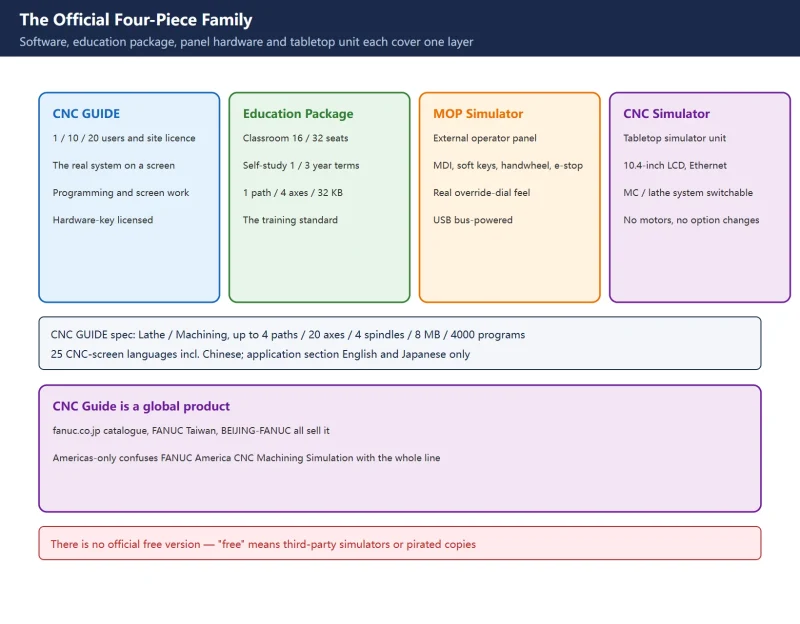
Beyond option codes: what a simulator can and cannot replicate
Where to go next
- FANUC Troubleshooting — the full guide library: alarms, diagnosis numbers, servo, spindle, PMC and electrical faults, organised by symptom.
- CNC Repair Tools — which instrument measures what: multimeters, clamp meters, insulation testers and oscilloscopes, with the specification that actually matters.
- Remote Technical Support — have the readings reviewed with you: alarm reverse lookup, PMC ladder analysis and servo tuning advice by call. Repair companies and integrators welcome.
Read the guide, get the right instrument, or walk the diagnosis through with someone — pick whichever you need.
The original Chinese version — same procedure, with the full field notes.















暂无评论内容