


FANUC’s programmable machine controller is programmed in ladder logic, and the software every FANUC technician ends up living in is LADDER III. It is how you read a ladder on the screen, watch a signal live, force a test, and back up or restore the PMC program. This guide covers which version matches which control, how to install it without the classic beginner failures, and how to get connected for online monitoring.
Related reading: for the PC-side edit-and-return workflow, see FANUC PMC Program: Edit on PC and Send Back to NC; for the address and ladder basics, see FANUC PMC Ladder Diagram Beginner Tutorial; for using what you see, see FANUC No-Alarm Fault Diagnosis.
1. What LADDER III is
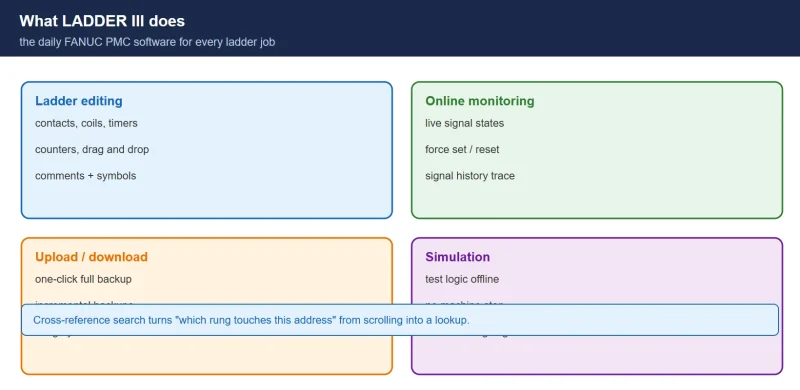
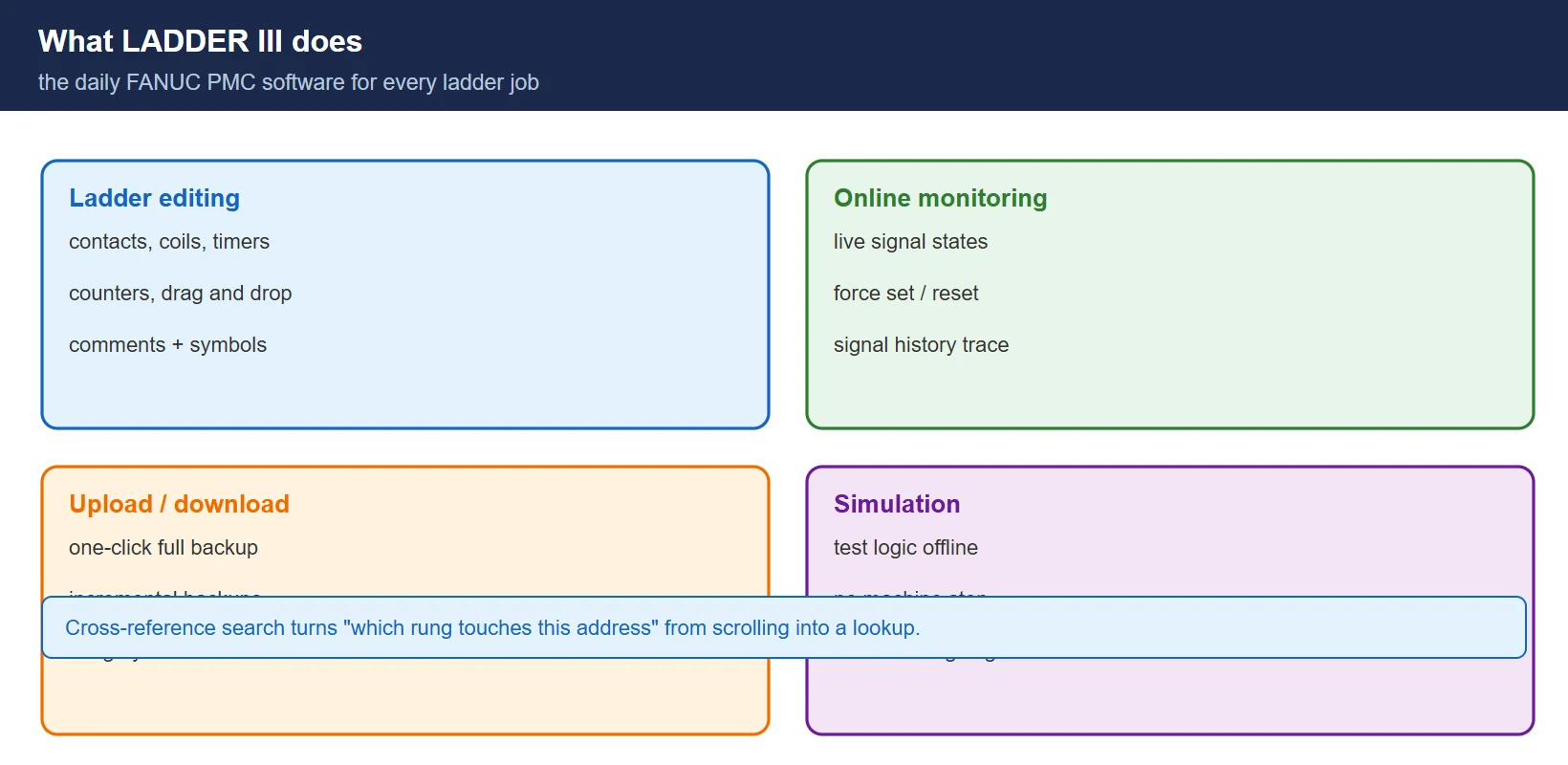
LADDER III is FANUC’s official PMC programming and debugging software, used across the Series 0i / 16i / 18i / 21i family. Whether you are reading an existing ladder to trace a fault, monitoring signals while the machine runs, or writing new control logic, this is the tool:
Table 1 — What LADDER III is used for
| Function | What it does |
|---|---|
| Ladder editing | Write and modify the PMC control logic |
| Online monitoring | See live signal states; diagnose faults |
| Upload / download | Back up and restore the PMC program |
| Signal trace | Track signal changes to find intermittent faults |
| Simulation | Test logic offline without stopping the machine |
✅ For electrical commissioning and maintenance engineers this is the default working tool — worth installing correctly once and keeping.
2. Version comparison — match the software to the control
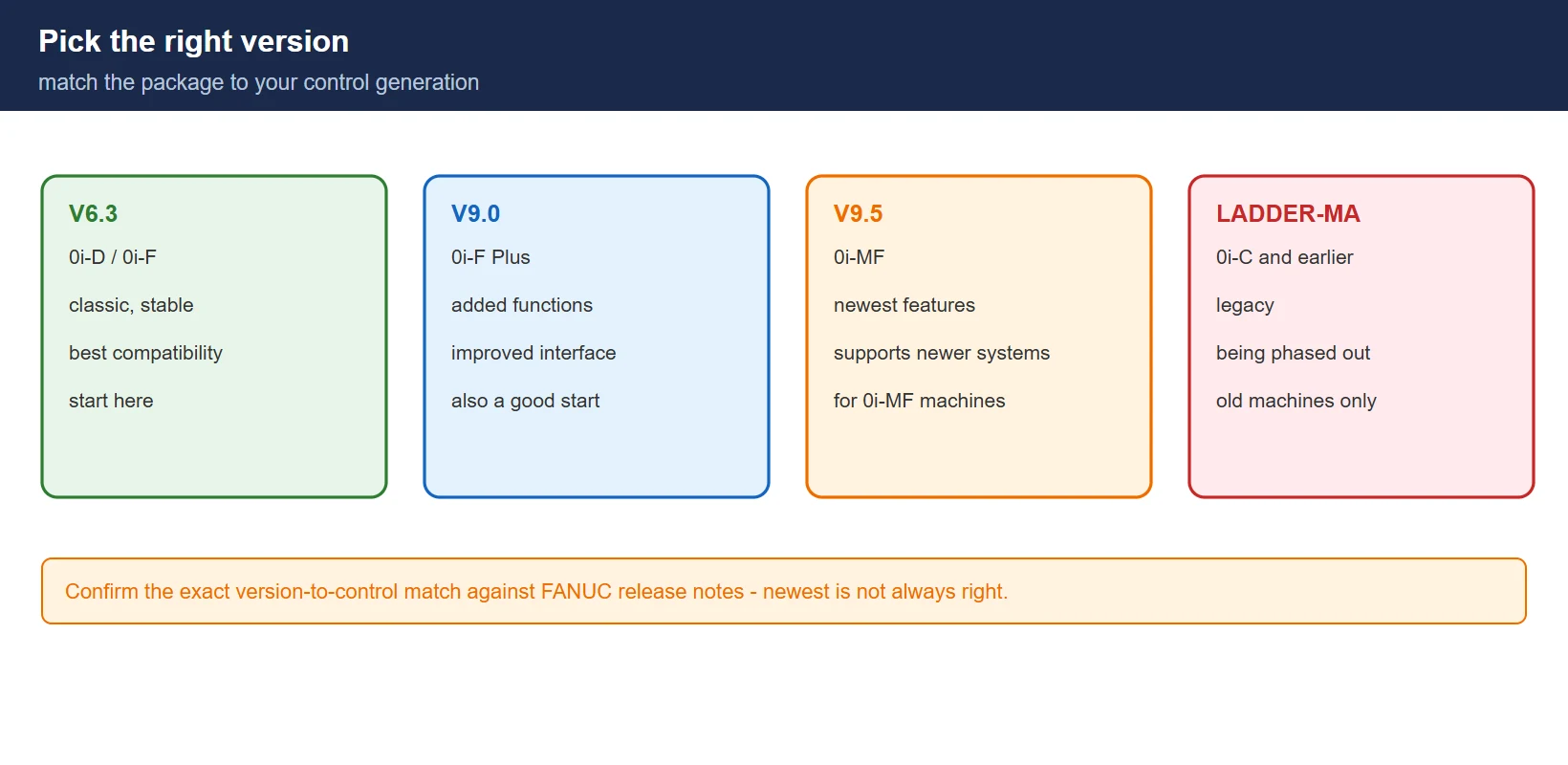
Table 2 — LADDER III versions and the controls they cover
| Version | Controls | Notes |
|---|---|---|
| LADDER III V6.3 | 0i-D / 0i-F | classic, stable, best compatibility |
| LADDER III V9.0 | 0i-F Plus | added functions, improved interface |
| LADDER III V9.5 | 0i-MF | newest features, supports newer systems |
| LADDER-MA | 0i-C and earlier | legacy, being phased out |
✅ Beginners should start from V6.3 or V9.0 — the most tutorials and the best compatibility. Version compatibility against your exact control is confirmed in FANUC’s release notes, not by assuming the newest is always right.
3. Core functions in daily work
3.1 Ladder editing
Standard instructions — normally open and closed contacts, coils, timers, counters — with drag-and-drop placement, plus comments and symbol tables so the program stays maintainable years later.
3.2 Online monitoring
Live signal states (energised vs de-energised), force set/reset for debugging, and signal history for tracking down intermittent faults that never show up on a static printout.
3.3 Backup and restore
One-click full backup of the PMC program, incremental backups to save space, and integrity checking on restore so a corrupt file never gets written into a healthy control.
3.4 Cross-reference
Find every network where an address appears — by symbol, address or comment. This is what turns “which rung touches Y2.4” from an hour of scrolling into a search.
4. Installation and first launch
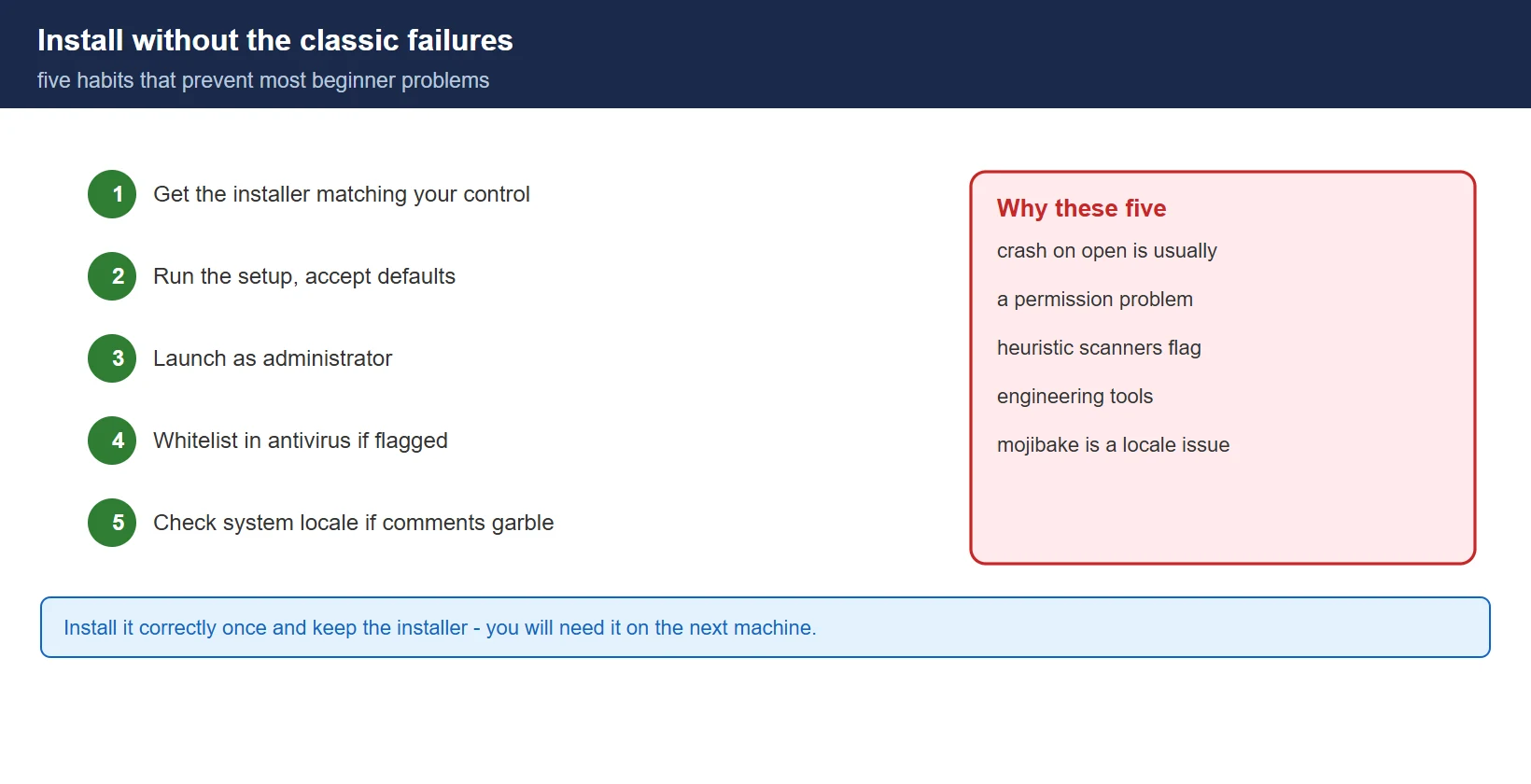
- Get the installer through FANUC or your dealer, matching your control
- Run the setup and accept the defaults
- Launch as administrator — several beginners’ crashes are permission problems
- If your antivirus flags the installer or runtime, whitelist it; engineering tools with driver components are a common false-positive source
- If comments display as garbled text, check the PC’s system locale and language settings before blaming the software
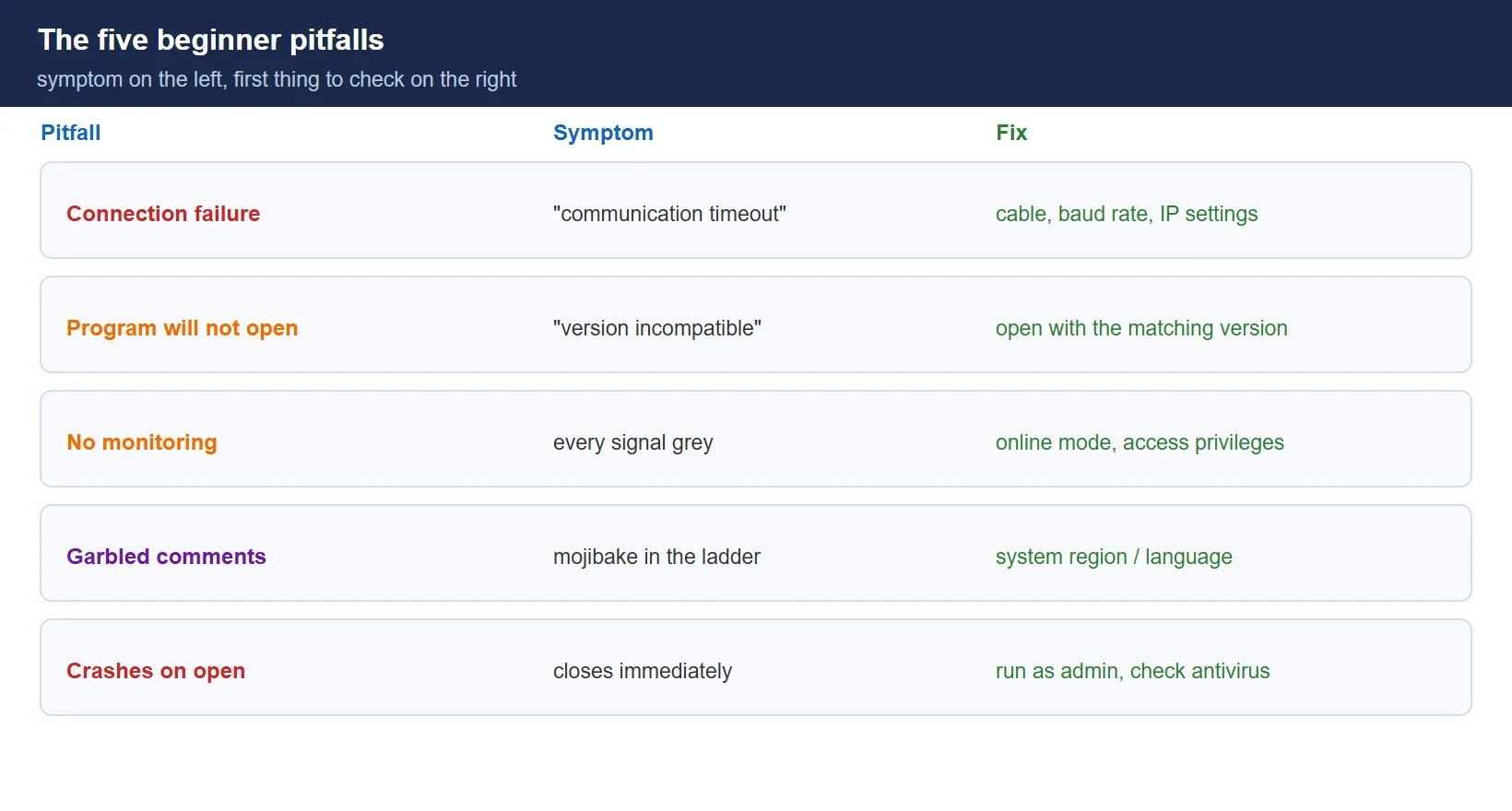
5. The five beginner pitfalls
Table 3 — Common failures and their fixes
| Pitfall | Symptom | Fix |
|---|---|---|
| Connection failure | “Communication timeout” | check serial cable / network cable, baud rate, IP settings |
| Program will not open | “Version incompatible” | open with the matching version, or convert the format |
| No signal monitoring | every signal grey | confirm online mode and sufficient access privileges |
| Garbled comments | mojibake in comments | set the system region / language correctly |
| Crashes on open | closes immediately | run as administrator, close or whitelist antivirus |
Need the software, a license, or field troubleshooting help?
- WeChat group: add the site owner’s WeChat ID
136959805with the note “CNC” to join the engineers’ group (FANUC / SINUMERIK users). Best for mainland China & Taiwan. - Email: djb2924@163.com — software access, fault diagnosis, or business inquiries.
- 24/7 Knowledge Agent: CNC Knowledge Base Agent — instant answers on alarms, parameters, and programming.
Frequently Asked Questions
Is LADDER III free?
It is FANUC engineering software — obtain it through FANUC or your machine’s dealer, in the version that matches your control. Machine documentation packages often include it; unofficial copies are a licence and malware risk on a PC that talks to your machines.
Which version should I start with?
V6.3 or V9.0 for the best documentation and compatibility, and V9.5 if your control is a 0i-MF. Confirm the exact match against FANUC’s release notes for your control version — installing the wrong package is the single most common time-waster here.
Why is every signal grey and nothing monitors?
You are most likely not online, or the session lacks the privileges to monitor. Check the connection first (cable/network, address, port), then confirm online mode, then the access level on the control.
Last updated: 2026-10-25
The original Chinese version — same procedure, with the full field notes.























暂无评论内容