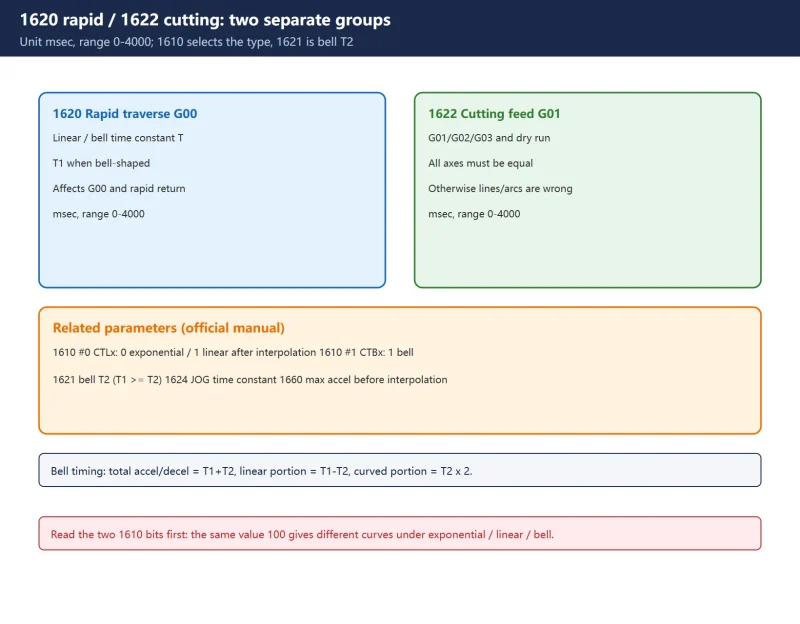



Short answer, per the FANUC parameter manual:
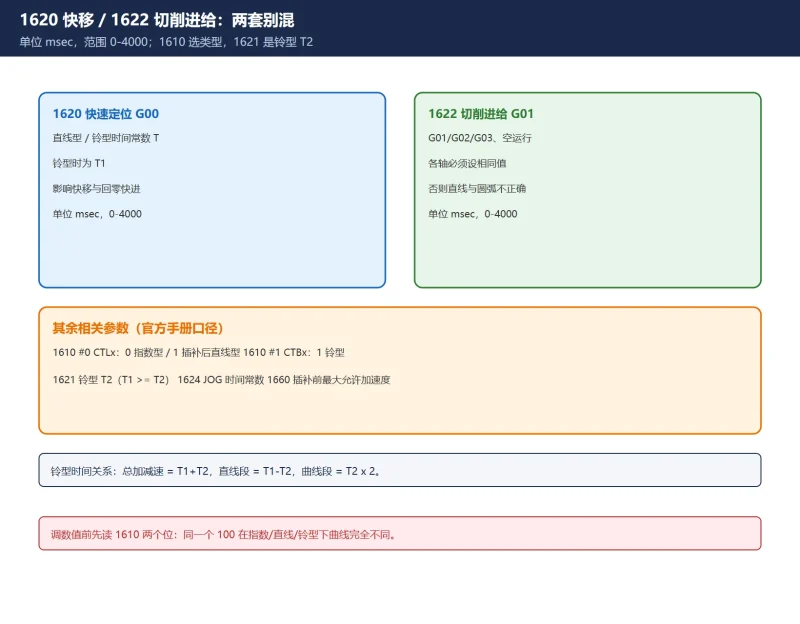
- 1620 = time constant T (or T1) for linear / bell-shaped acceleration-deceleration in rapid traverse (G00), unit msec, range 0–4000;
- 1622 = acceleration-deceleration time constant in cutting feed (G01/G02/G03, dry run), unit msec, range 0–4000, and all axes must share the same value except in special applications;
- The type is selected by 1610 bit 0 (CTLx) and bit 1 (CTBx): exponential / linear after interpolation / bell-shaped.
Numbers and bit definitions follow the FANUC Series 30i/300i/300is-MODEL A parameter manual (B-63944EN/03). Ranges differ substantially across control series and options — check the manuals shipped with your machine before editing. No unverified “corner slowdown parameter” numbers are listed here.
30-second check: symptom to first move
| Symptom | Direction | Check first |
|---|---|---|
| Corner overshoot, start/stop shock, vibration | Time constant too small | Original 1620 / 1622 values and mechanical limits |
| Rounded corners, slow corners, longer cycle time | Time constant too large | Whether 1622 was raised, T1/T2 relation of 1620/1621 |
| Arcs not round, trajectory differs between axes | Axis time constants differ | 1622 must be identical on all axes (manual requirement) |
| Harsh or stuttering accel/decel | Wrong type selected | 1610 #0/#1: exponential, linear or bell |
| No effect at all | Wrong order or overlaid functions | Whether gains and accel/decel were settled before AICC |
1. Two different groups: 1620 rapid, 1622 cutting
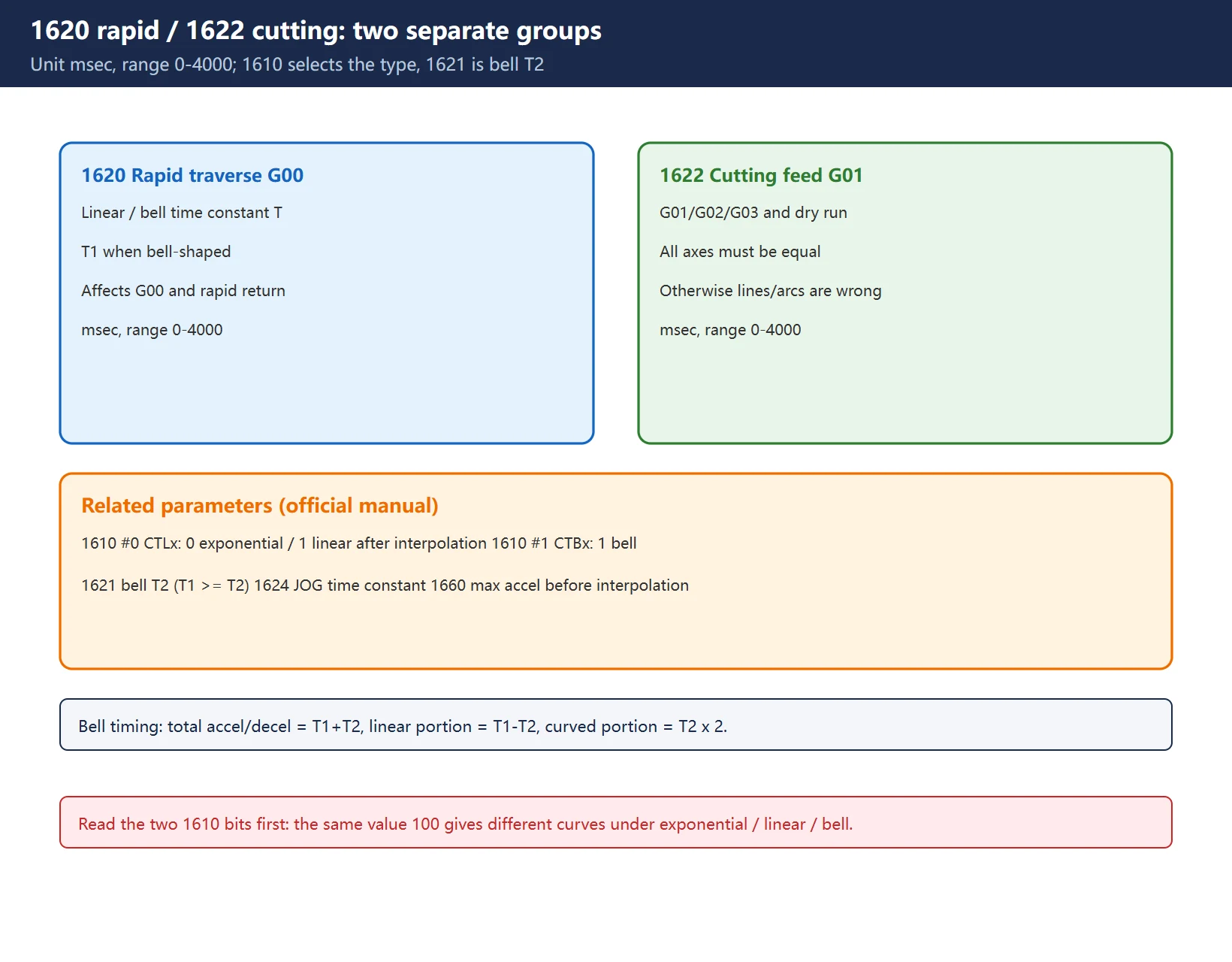
Rapid traverse and cutting feed are two independent acceleration/deceleration systems:
| Parameter | Governs | Unit / range | Key point |
|---|---|---|---|
| 1620 | Per-axis rapid traverse linear / bell accel-decel time constant T or T1 | msec, 0–4000 | Affects G00 and rapid reference-point return |
| 1621 | T2 for bell-shaped accel-decel (bell only) | msec | Manual requires T1 >= T2; total accel/decel time = T1+T2 |
| 1622 | Per-axis cutting feed accel-decel time constant | msec, 0–4000 | Used for exponential / linear-after-interpolation / bell |
| 1624 | JOG feed accel-decel time constant | msec | Handwheel / jog — do not mix with 1622 |
| 1610 #0 CTLx | Cutting accel-decel: 0 exponential, 1 linear after interpolation | Bit | Determines how 1622 is interpreted |
| 1610 #1 CTBx | 1 = bell-shaped accel-decel | Bit | Combined with CTLx |
One line from the manual is worth writing down: if 1622 differs between axes, correct straight lines and arcs cannot be obtained. So when a circle is not round or a line has a kink, check whether someone changed 1622 on just one axis before touching gains.
The bell-shaped calculation is also explicit (with 1620 as T1 and 1621 as T2): total accel/decel time = T1 + T2, linear portion = T1 – T2, curved portion = T2 x 2. That is why simply raising T1 does not change the feel in the way you might expect — the linear and curved portions change separately.
2. Check the type bits before touching values
The same number 100 produces completely different velocity curves under exponential, linear and bell-shaped accel/decel. So read the two bits of 1610 before adjusting 1620/1622, otherwise an on/off comparison means nothing.
There is another layer: parameters for accel/decel before interpolation (for example 1660, the maximum allowable acceleration rate per axis in the manual) are not the same thing as the after-interpolation time constants 1620/1622. Look-ahead, corner speed and angle-judgement parameters vary widely by control generation and options, and online “universal corner slowdown tables” often stitch together numbers from different series. No such numbers are given here — look up the “accel/decel before interpolation / automatic corner slowdown” chapter of the manual shipped with your control.
3. Corner slowdown and rounded corners
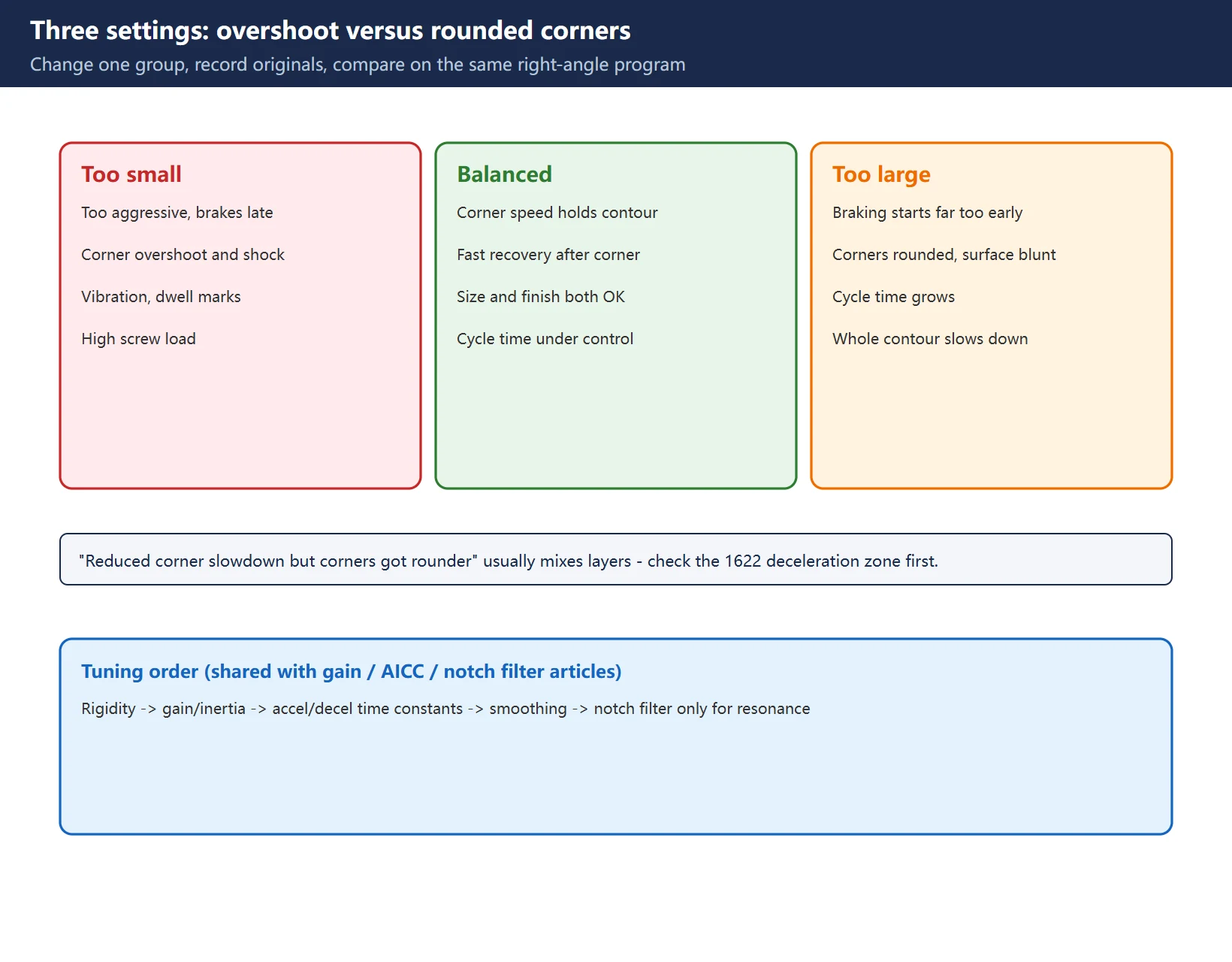
This is a purely physical trade-off — once understood, no need to memorise a conclusion:
- Time constant too small → acceleration too aggressive, deceleration too late, the corner arrives before speed has dropped → overshoot, shock, vibration, dwell marks, higher load on screws and guideways;
- Time constant too large → deceleration starts well before the corner and recovery is slow → corners get rounded off and cycle time grows, surfaces look blunt;
- Balanced → speed drops just enough at the corner to hold the contour, then recovers as quickly as possible.
That is also why “I reduced corner slowdown but corners got rounder” happens: the parameter you changed and the effect you observed belong to different layers. You may have adjusted a look-ahead / corner judgement while the real cause was a longer deceleration zone from a larger 1622 — or raised 1622 “to protect accuracy” and slowed the whole contour.
Fix one variable: change only 1620 or 1622 at a time, record the original, run the same right-angle test program, compare corner shape and cycle time, then decide on the next group.
4. Symptom to parameter map
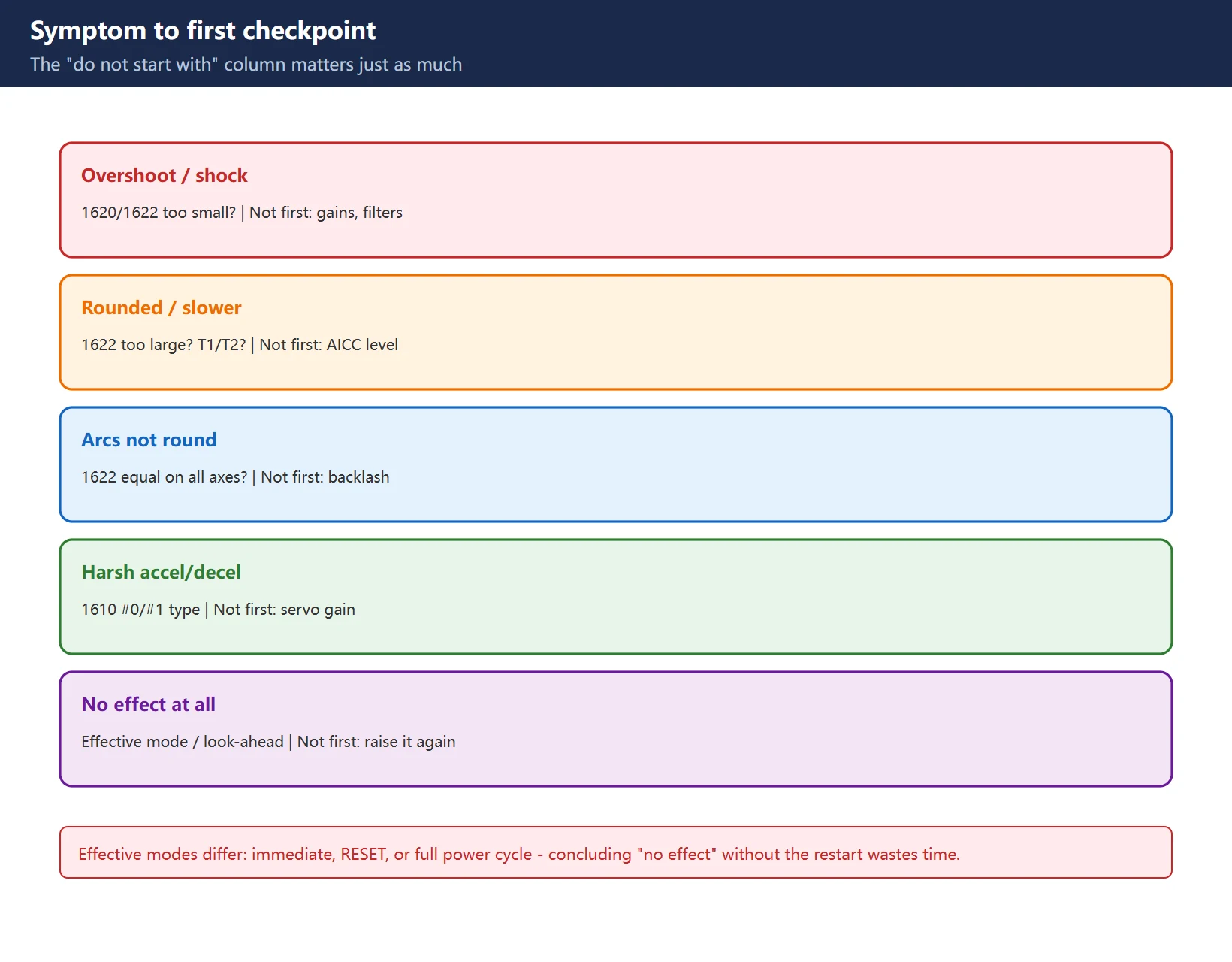
| Symptom | First checkpoint | Do not start with |
|---|---|---|
| Corner overshoot, clunk on start/stop | 1620 / 1622 too small | Gains, filters |
| Rounded corners, longer cycle time | 1622 too large, bell T1/T2 ratio | AICC smoothing level |
| Arcs not round, kinked lines | 1622 identical on all axes? | Backlash compensation |
| Harsh, stuttering accel/decel | 1610 #0/#1 type selection | Servo gain |
| No effect whatsoever | Effective mode (some need power cycle), look-ahead override | Increasing the value further |
The last row is often missed: different parameters take effect differently (immediate / RESET / full power cycle). Concluding “it did nothing” without the required restart is the most avoidable rework.
5. Tuning order and safety limits
Keep the same order used across this site’s gain, AICC and notch-filter articles:
Mechanical rigidity -> gain / inertia -> accel/decel time constants -> smoothing / look-ahead -> notch filter only if resonance remains.
Safety limits:
- Record originals first (export the parameter table or photograph each item) — otherwise there is no rollback;
- Change one group at a time, then run the same test program;
- Never exceed mechanical capability: pushing time constants down sharply raises shock loads on ballscrews, couplings and guideways, especially on older machines;
- Never set 1622 differently per axis to chase cycle time;
- After any change, check alarms and servo diagnostic bits; an SV alarm means revert immediately.
6. Coupling with look-ahead / AICC: accel/decel first
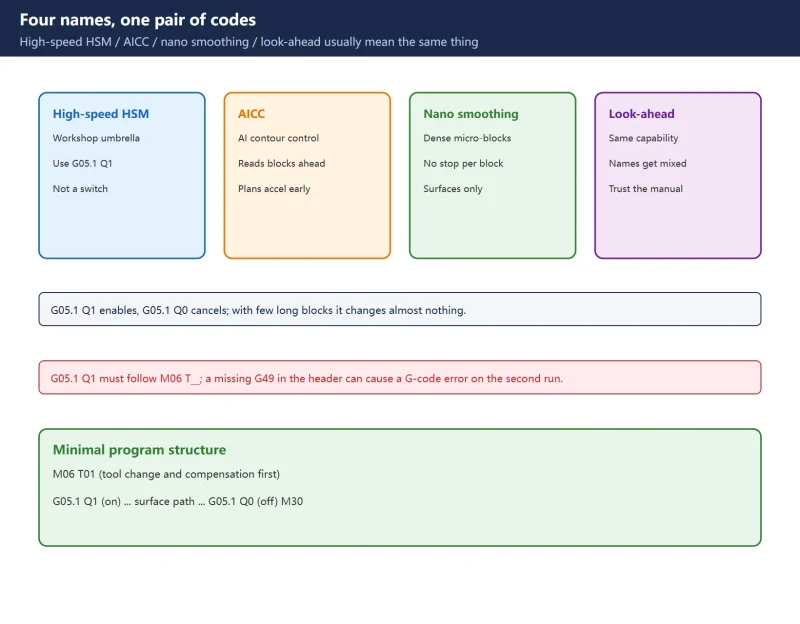
High-speed high-precision functions (AICC / nano smoothing) do look-ahead and velocity planning on top of an already sensible accel/decel setup. If 1620/1622 are too large, the planned velocity gets clamped back and the symptom reads “AICC does nothing”; if they are too small, smoothing amplifies overshoot and vibration.
So: settle 1620/1622 and gains -> then enable AICC -> only then evaluate filtering. Reversing it produces the familiar “every parameter looks guilty” situation. The AICC article on this site lists six “it does nothing” causes — numbers five and six are exactly this layer.
7. Acceptance with waveforms and test cuts
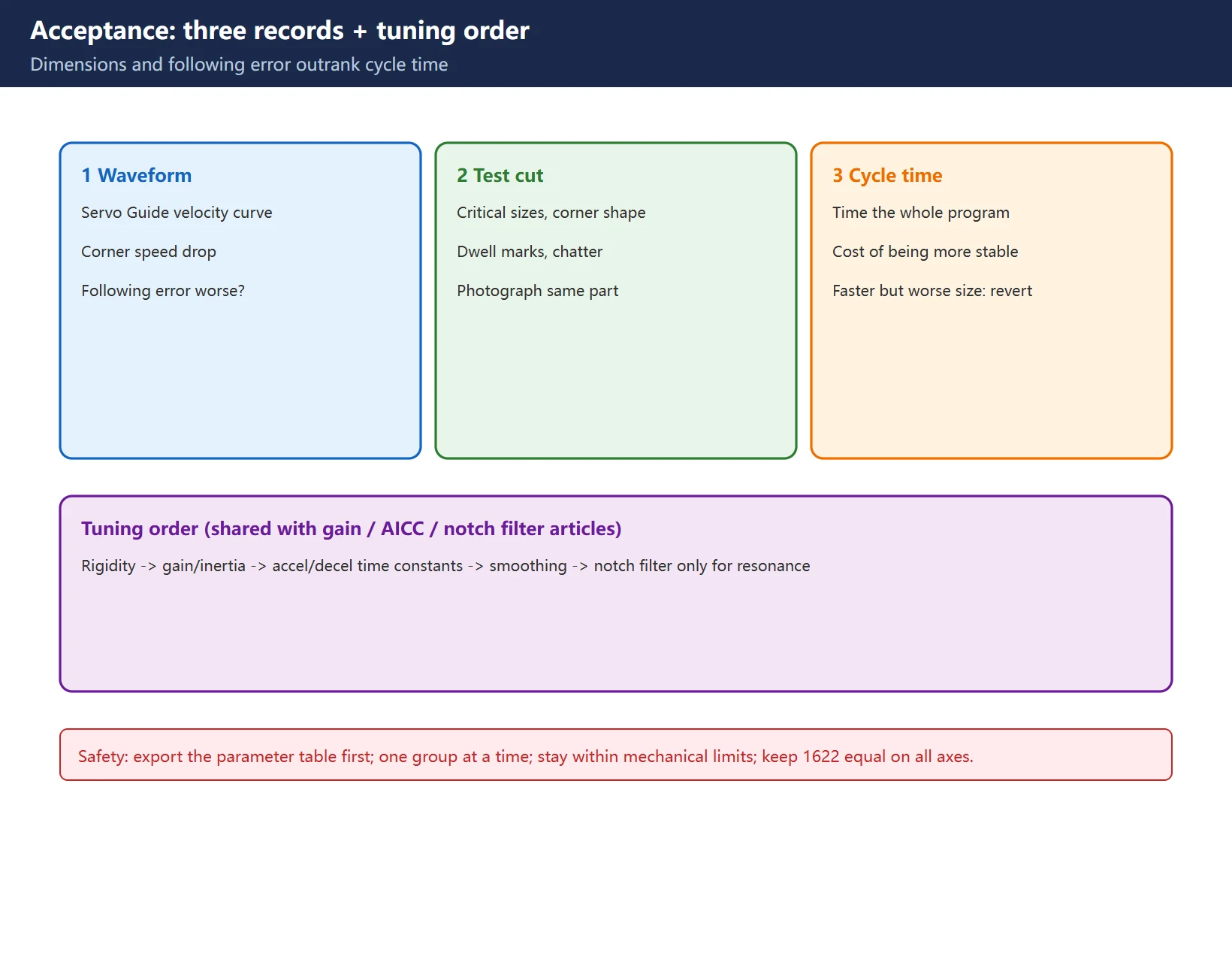
Feel alone is not enough. Record three things:
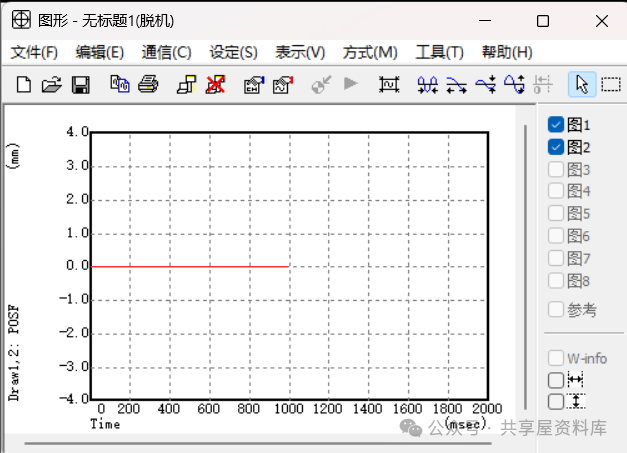
- Waveform: with Servo Guide or equivalent, check the velocity curve — does the corner speed drop match the direction of your change, and has following error got worse?
- Same-part test cut: measure critical dimensions, corner shape, dwell marks and surface chatter; photograph the same part for comparison;
- Cycle time: record the whole program to see whether “more stable” cost significant time.
Decide only after all three are recorded. Dimensions and following error outrank cycle time; slightly faster with worse dimensions means revert.
Frequently Asked Questions
Do 1620 and 1622 govern rapid or cutting feed?
1620 governs rapid traverse (G00 and similar) linear / bell accel-decel time constant T (T1 for bell-shaped); 1622 governs cutting feed (G01/G02/G03, dry run) accel-decel time constant. Both use msec with a 0–4000 range, and they are independent. 1624 is the JOG feed time constant — do not mix it in. The type is selected by 1610 bit 0 / bit 1.
I reduced corner slowdown – why did the corners get rounder?
Usually because the variable you changed and the effect you observed are not the same layer. Automatic corner-slowdown judgement is not the same as the deceleration zone created by the 1622 time constant. Raising 1622 makes the control start slowing earlier and recover later, rounding the whole contour and lengthening cycle time. Fix one variable, change one group at a time, and compare corner shape and cycle time on the same right-angle program.
With AICC / nano smoothing available, which do I tune first?
Tune accel/decel (1620/1622) and gains first, then enable AICC / smoothing / look-ahead, and consider filtering last. With accel/decel unsettled, the planned velocity is clamped and AICC appears to do nothing; with accel/decel too small, smoothing amplifies overshoot. Also check how each parameter takes effect — some need a full power cycle.
Last updated: 2026-11-07
FANUC AICC / Nano Smoothing Setup
SINUMERIK Following Error and Contour Error
FANUC SERVO GUIDE: Waveform Analysis
FANUC Parameter Write Protect (PWE)
Where to go next
- FANUC Troubleshooting — the full guide library: alarms, diagnosis numbers, servo, spindle, PMC and electrical faults, organised by symptom.
- CNC Repair Tools — which instrument measures what: multimeters, clamp meters, insulation testers and oscilloscopes, with the specification that actually matters.
- Remote Technical Support — have the readings reviewed with you: alarm reverse lookup, PMC ladder analysis and servo tuning advice by call. Repair companies and integrators welcome.
Read the guide, get the right instrument, or walk the diagnosis through with someone — pick whichever you need.
The original Chinese version — same procedure, with the full field notes.























暂无评论内容