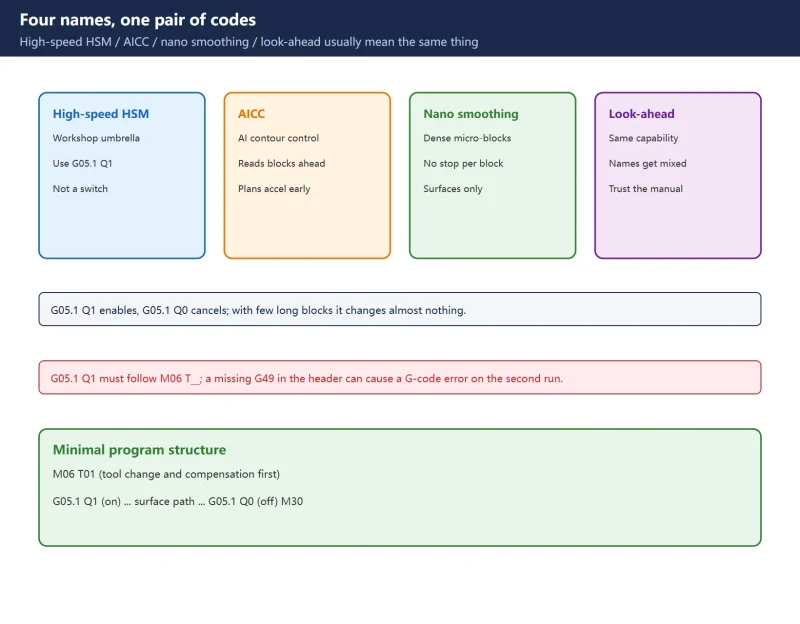



Short answer: G05.1 Q1 enables high-speed high-precision (AI contour control type) mode and G05.1 Q0 cancels it — but writing the line is not the same as enabling the function. Three conditions must hold: the option is licensed, the parameter side is enabled, and the program actually consists of dense short blocks.
About parameter numbers: lists of “AICC parameters” circulated online (for example 19581 / 8486 / 8490) cannot be mapped back to any publicly verifiable FANUC operator’s manual, and the relevant ranges vary heavily by control generation, software version and options. This article deliberately does not list unverified parameter numbers. It gives only the codes, menu path, decision order and acceptance method you can check on your own machine. For actual parameter edits, use the manuals shipped with that machine.
30-second check
| Symptom | Most likely cause | Check first |
|---|---|---|
G05.1 Q1 makes no difference | Option not licensed / parameter side not enabled | Specification or option screen, SYSTEM -> [PRMTUN] |
| Illegal G-code or axis-control error | Code in the wrong place | Put G05.1 Q1 after M06 T__ |
| Feed will not reach the programmed F | Feed clamped | F value, override, accel/decel time constants, axis speed limits |
| Cycle time got longer | Look-ahead and corner slowdown working | Compare cycle time with the mode on and off |
| Surface rounded / small-segment overcut | Smoothing vs accuracy mismatch | Revert, set accel/decel before touching smoothing |
1. What people actually mean by AICC
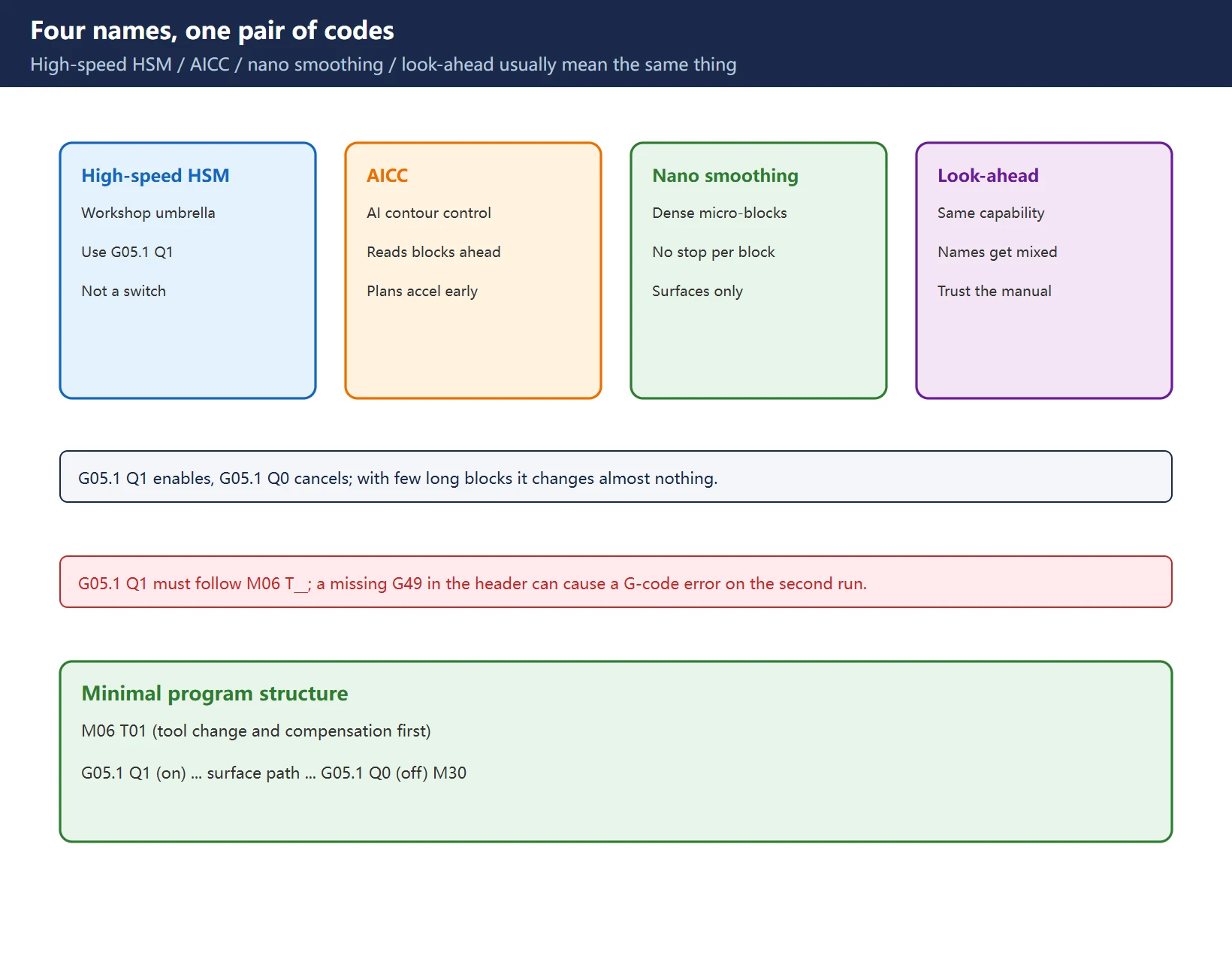
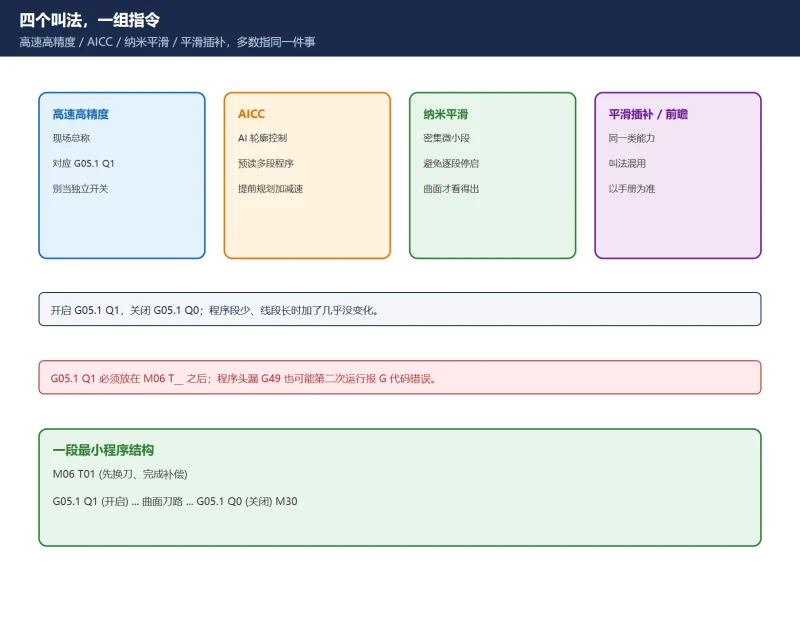
In workshops, high-speed high-precision, AICC, nano smoothing, smooth interpolation and look-ahead are used interchangeably. Most of the time they all mean one thing: the CNC reads several blocks ahead and plans acceleration in advance, so dense micro-segments run continuously instead of stopping at each block. That also explains when it works — on a program with a few long lines, adding it changes almost nothing.
Do not treat those names as four independent switches to hunt down. What matters is three things:
- The code:
G05.1 Q1in the right place; - The cancel:
G05.1 Q0after the machining section and before program end (or reset clears the mode); - The conditions: the option is licensed and the parameter side allows it to take effect.
One recurring trap: G05.1 Q1 placed before M06 T__ raises an axis-control / illegal G-code alarm. Complete the tool change and compensation first, then enable the mode. A missing G49 (cancel tool length compensation) in the program header can also make a second run of the same program fail with a G-code error — that is a program structure problem, not a broken function.
2. Enabling it: the G-code and the parameter side
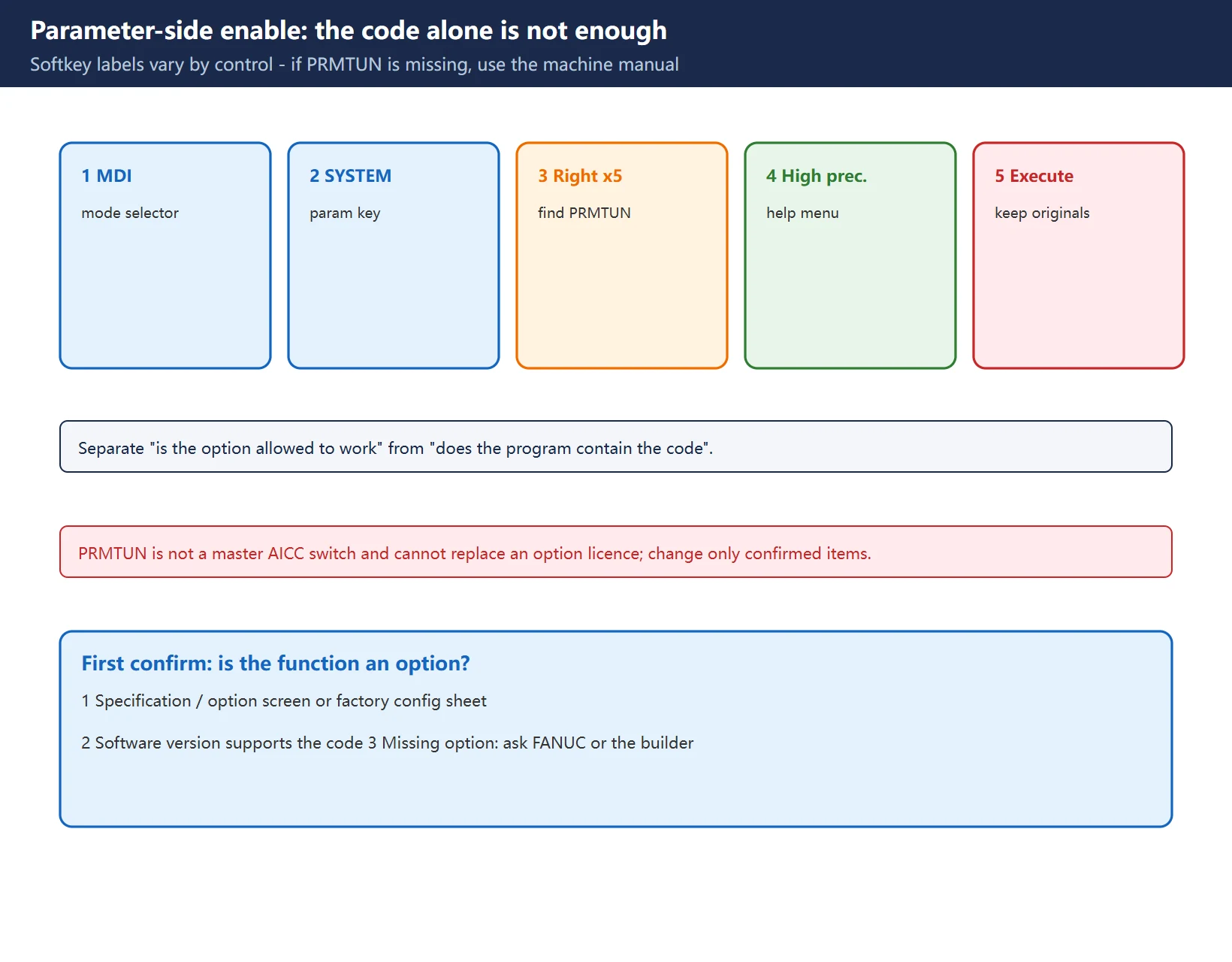
The classic report is “the line is there, no alarm, but the machine still stutters”. The commonly documented setup path on FANUC controls is:
- Select MDI mode.
- Press
SYSTEM, then the right extension softkey repeatedly until[PRMTUN](parameter tuning / parameter help setting menu) appears. - In that menu choose the high-precision setting item and press execute.
- Return to the program and verify the mode actually takes effect.
The point of this path is to separate “the option is allowed to work” from “the program contains the code”. Softkey labels and menu items vary by control and version — if you cannot find PRMTUN, do not randomly change parameters; go to the high-precision section of the machine’s operator’s manual.
Also note: [PRMTUN] is a parameter-tuning menu, not a magic “enable AICC” switch. Change only items you have confirmed, record the original values, and never treat it as a substitute for a licensed option.
3. Why the option may not be there
High-speed high-precision functions are paid software options on many controls and need a FANUC option licence. This is especially common on used machines: the hardware is capable, but the original order did not include the function, so G05.1 Q1 does nothing (or is rejected as an illegal G-code).
Therefore check in this order:
- Confirm the option on the specification / option screen, the factory configuration sheet or the option list;
- Confirm the software version supports the code form you are using;
- Only then discuss parameter settings and program structure.
Do not try to “unlock” the option by editing a parameter. It is unreliable and crosses a licensing line. If the function is missing, ask FANUC or the machine builder whether it can be added officially.
4. Machine-generation differences
| Control family | Code form | Option status | How to confirm |
|---|---|---|---|
| 0i-D / 0i-Mate class | Usually G05.1 Q1 / Q0 | Often optional or limited | Option screen + operator's manual |
| 0i-MF / 0i-F Plus | G05.1 Q1 plus high-precision setup menu | Depends on order config | PRMTUN and specification screen |
| 30i / 31i / 32i | Wider code family (look-ahead, AI pre-processing layers) | Usually layered options | Option list + the matching programming manual |
This table is deliberately qualitative, with no parameter numbers: look-ahead block counts, acceleration clamps and corner speed parameters are not portable between series. Copying another machine’s numbers is the single most common way to make things worse. Check the specification screen and the manuals shipped with your control, not a generic online table.
5. Six reasons it does nothing
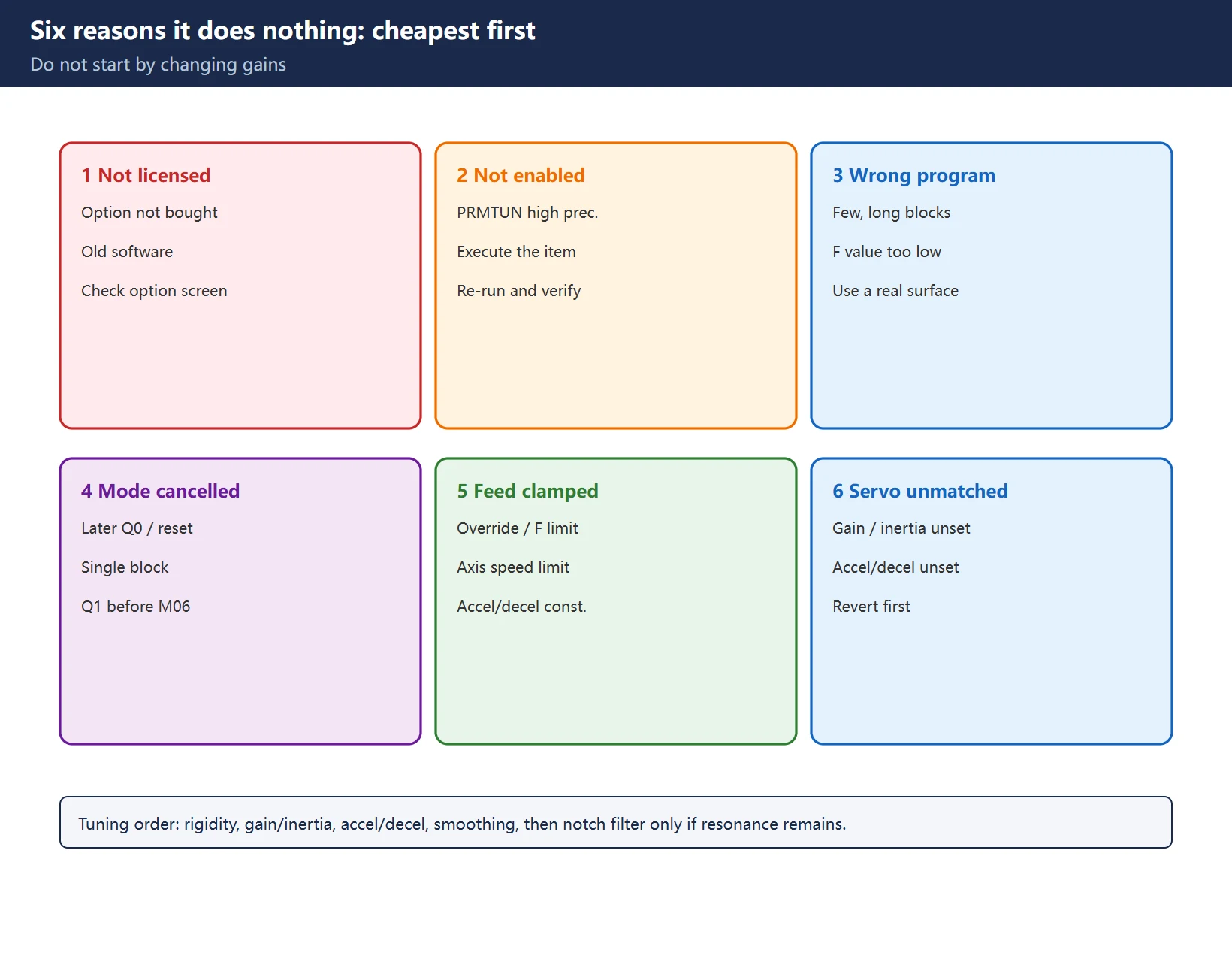
Work from cheapest to most expensive. Do not start by changing gains:
- Option not licensed (not ordered, or software version too old) — see section 3.
- Parameter side not enabled —
SYSTEM -> [PRMTUN]high-precision item, see section 2. - Wrong program shape — too few blocks, long segments, or an F value so low that nothing can improve. Test on a real dense-surface program.
- Mode cancelled or code misplaced — a later
G05.1 Q0, reset, single block, orG05.1 Q1beforeM06causing an alarm. Remember to cancel before program end too. - Feed clamped — override, F ceiling, axis maximum speed, or accel/decel time constants pull the planned velocity back down.
- Servo side not matched — gains, inertia ratio and accel/decel are not settled yet; smoothing on top of that amplifies the problem.
Points 5 and 6 imply a mandatory tuning order: mechanical rigidity -> gain / inertia -> accel/decel time constants -> smoothing / look-ahead -> notch filter only if resonance remains. Reverse it and you get “no effect” or “worse, and no idea why”.
6. Side effects: slower is not always a fault
- Longer cycle time: automatic corner slowdown and acceleration clamping intentionally reduce speed at corners. Quantify it with an on/off comparison instead of judging by feel.
- Rounded corners / small-segment overcut / changed dwell marks: a trade-off between smoothing level and accuracy priority; fix it on the parameter side, do not mask it by lowering feed.
- Trouble around tool changes: check the order of
G05.1 Q1andM06, and whether the program header clears modes such asG49.
7. Acceptance test
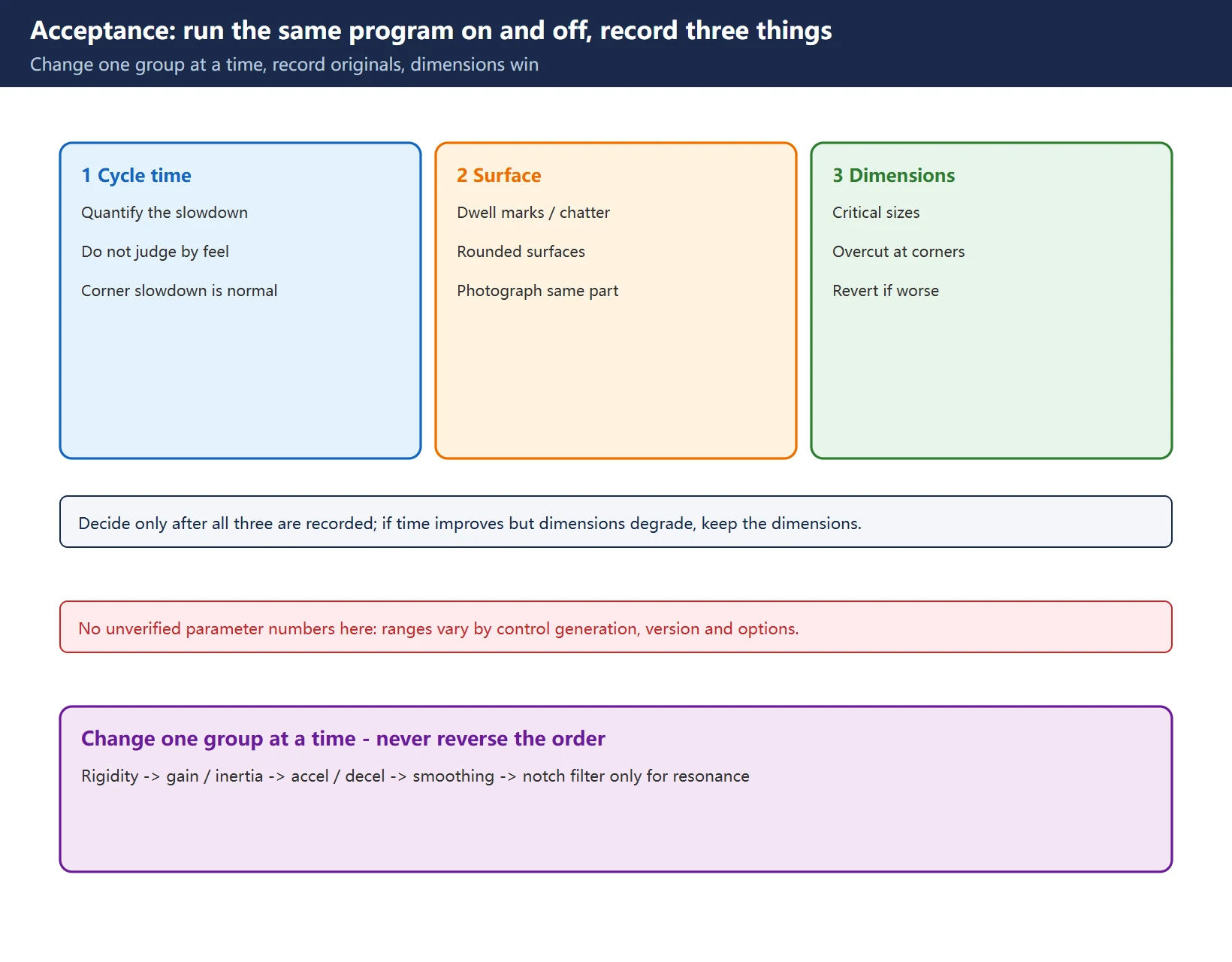
Change one variable only. Run the same program twice — once with G05.1 Q1, once with G05.1 Q0 — and record:
- Cycle time (did it get slower, and by how much);
- Surface quality (dwell marks, chatter, rounded surfaces — photograph the same part for comparison);
- Dimensions / overcut (critical sizes and corners within tolerance).
Only then decide which settings to keep. Change one parameter group at a time and record original values — that is what makes rollback possible. If time improves slightly but dimensions get worse, keep the dimensions.
Frequently Asked Questions
What is the difference between G05.1 Q1 and G05 P10000, and can I write both?
G05 P10000 is commonly described online as a separate “AI pre-processing” mode on certain 30i/31i controls, but the code form, prerequisites and cancel method vary considerably by control generation. We cannot verify its exact semantics for any specific machine here, so no answer is given on whether the two can be combined: follow the programming manual shipped with your control and do not paste forum snippets into a production program. The one portable rule is that G05.1 Q1 is cancelled with G05.1 Q0.
Why did AICC make the machine slower, or cause overcut?
First decide whether it is an expected side effect: automatic corner slowdown and acceleration clamps do lengthen cycle time. Overcut or rounded surfaces usually mean smoothing is not matched to accel/decel and gain settings. Walk the order back — mechanical, gain, accel/decel, smoothing — changing one group at a time, and verify with the on/off comparison of cycle time, surface finish and dimensions.
How do I confirm my 0i-MF actually has the high-speed high-precision option?
Three steps: check the specification / option screen or the factory configuration sheet for the option; check whether the high-precision item exists under SYSTEM -> [PRMTUN]; then run one dense micro-segment surface program twice, with G05.1 Q1 and with G05.1 Q0, and compare motion continuity, cycle time and surface finish. All three have to pass — writing the line alone proves nothing.
Last updated: 2026-11-07
Servo Vibration / Overshoot Symptom Chart
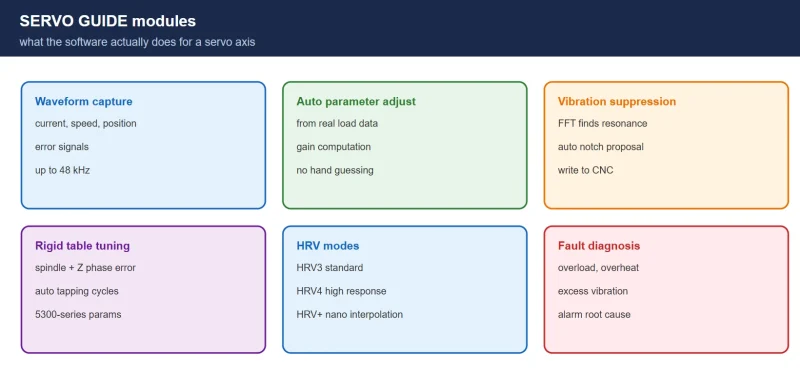
FANUC SERVO GUIDE: Waveform Analysis and Vibration Suppression
FANUC Parameter Write Protect (PWE)
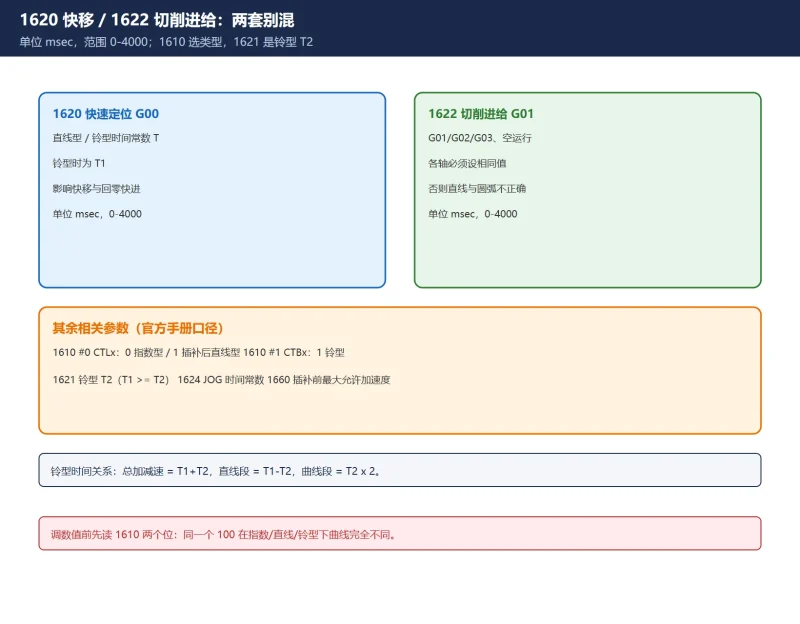
FANUC 1620 / 1622 Accel-Decel Tuning
Where to go next
- FANUC Troubleshooting — the full guide library: alarms, diagnosis numbers, servo, spindle, PMC and electrical faults, organised by symptom.
- CNC Repair Tools — which instrument measures what: multimeters, clamp meters, insulation testers and oscilloscopes, with the specification that actually matters.
- Remote Technical Support — have the readings reviewed with you: alarm reverse lookup, PMC ladder analysis and servo tuning advice by call. Repair companies and integrators welcome.
Read the guide, get the right instrument, or walk the diagnosis through with someone — pick whichever you need.
The original Chinese version — same procedure, with the full field notes.





















暂无评论内容