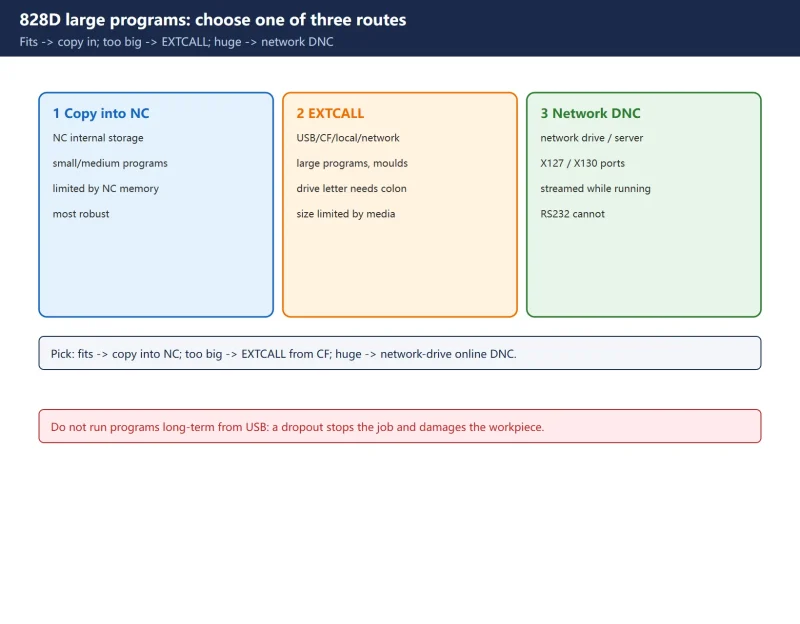



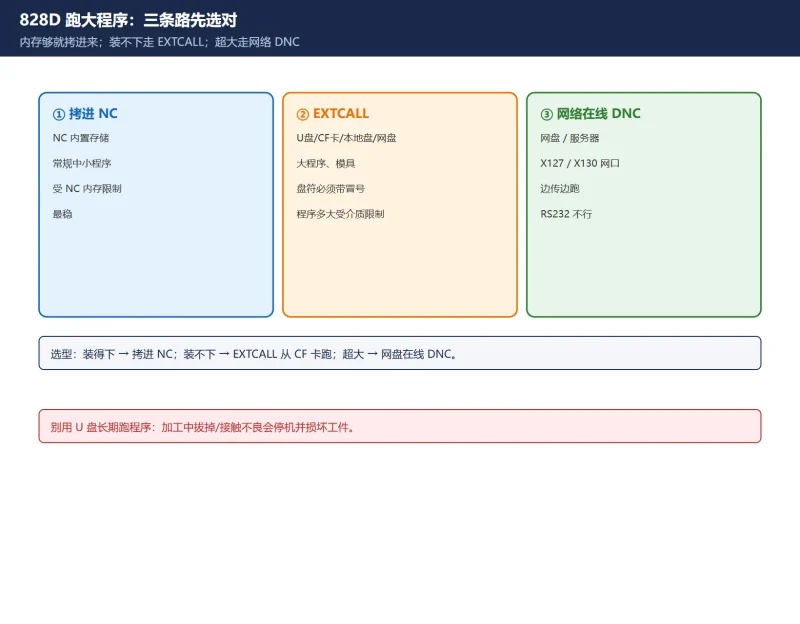
- Copy the program into the NC (normal, when memory is enough);
- Execute directly from external memory (USB / CF card, via
EXTCALL); - Network online machining (DNC) (program on a network drive/server, streamed while running).
This article covers the three routes, EXTCALL syntax, the network ports and drive setup, and three rules.
Based on SINUMERIK 828D. The 840D sl / ONE EES syntax is different – see the note at the end.
1. Three routes – choose first
| Method | Media | Use | Key point |
|---|---|---|---|
| Copy into NC | NC internal storage | Normal small/medium programs | Limited by NC memory |
| EXTCALL external | USB / CF / local drive / network | Large programs, moulds | Drive letter must have a colon |
| Network online DNC | Network drive / server (X127/X130) | Very large, streamed | Ethernet only; RS232 cannot |
2. EXTCALL: the core command for external execution
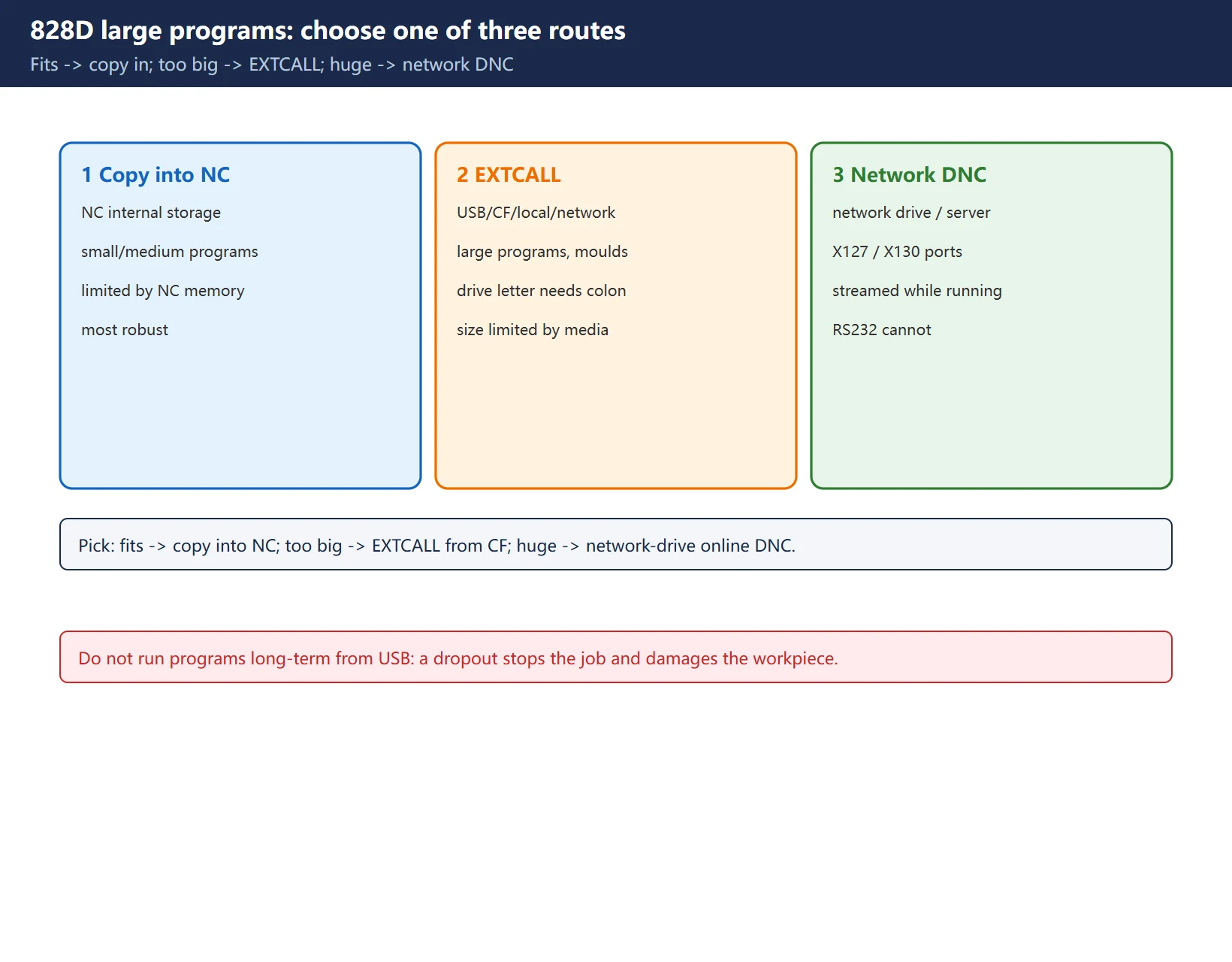
EXTCALL lets the 828D execute a part program directly from external memory. Syntax:
EXTCALL("<path/program>")The brackets can be omitted. Available external media and drive letters (a colon is mandatory after the drive letter):
| Media | Drive |
|---|---|
| User CF card | CF_CARD: |
| USB drive (operator panel) | USB: |
| Local drive | LOCAL_DRIVE: |
| Network drive | drive/path mapped by the network manager |
Two ways to give the path:
- Preset in machine setting data: set the default path in channel setting data
SD42700 $SC_EXT_PROG_PATH, e.g.SD42700 $SC_EXT_PROG_PATH="USB:"(USB root) or"USB:SubDir"(subfolder). - Specify in the EXTCALL statement. If you give a path without a drive letter, the full path = preset path + the path in EXTCALL.
Examples:
EXTCALL "CF_CARD:/PROGRAMS/SAMPLE.SPF"
EXTCALL "USB:/MOLD_DIE/CAM_SCHRUPP.SPF"
EXTCALL "LOCAL_DRIVE:/PROGRAMS/SAMPLE.SPF"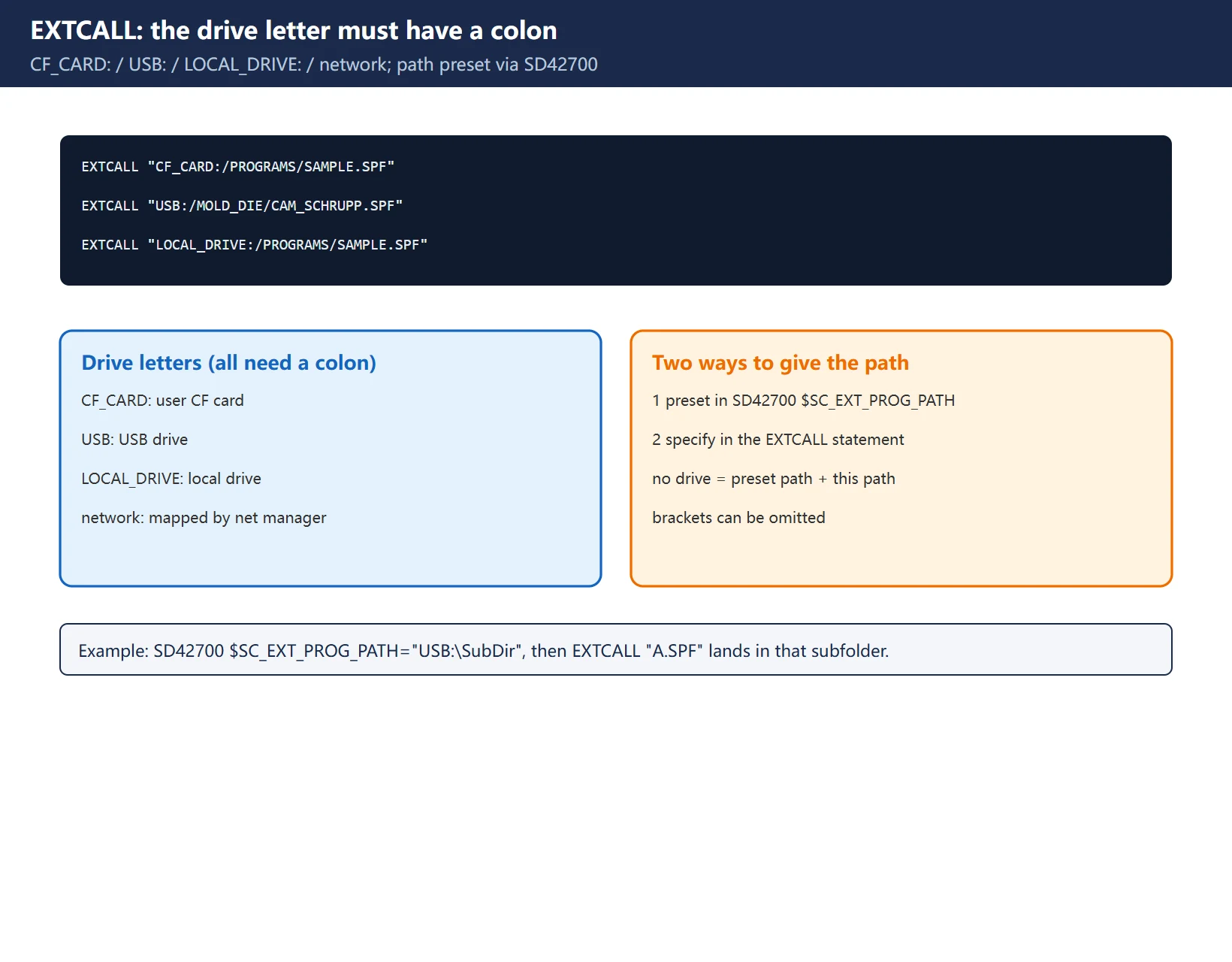
3. Running directly from USB / CF card (the easiest)
The 828D front panel has a USB port and a CF card slot; media can be inserted/removed during operation without a restart. Copy the program in and run it from the card.
But Siemens explicitly does not recommend executing a program directly from a USB stick: if the USB is unplugged or loses contact during machining, the job stops and the workpiece is damaged. Recommended:
- Execute from the CF card (DNC run with no speed loss);
- or copy the program into the NC first;
- keep USB only as a “carrier”, not a long-term run medium.
4. Network online machining DNC (recommended for large moulds)
The 828D has two network ports:
- X127: system commissioning interface on the front panel;
- X130: factory network interface on the rear (use X130 for real shop connections).
Two network routes:
- Access My Machine (formerly RCS Command): shipped in the 828D toolbox; transfers programs from the PC to the system, or to a USB/CF card plugged into the system.
- Network manager (network-drive function): maps a network share as a “network drive”; programs can be transferred from it, or executed directly on it for online machining, with access permissions configurable.
DNC over the network is far faster and more reliable than serial; do not expect “zero latency” from network-drive online machining – network jitter directly affects the feed.
5. RS232: can transfer, cannot DNC
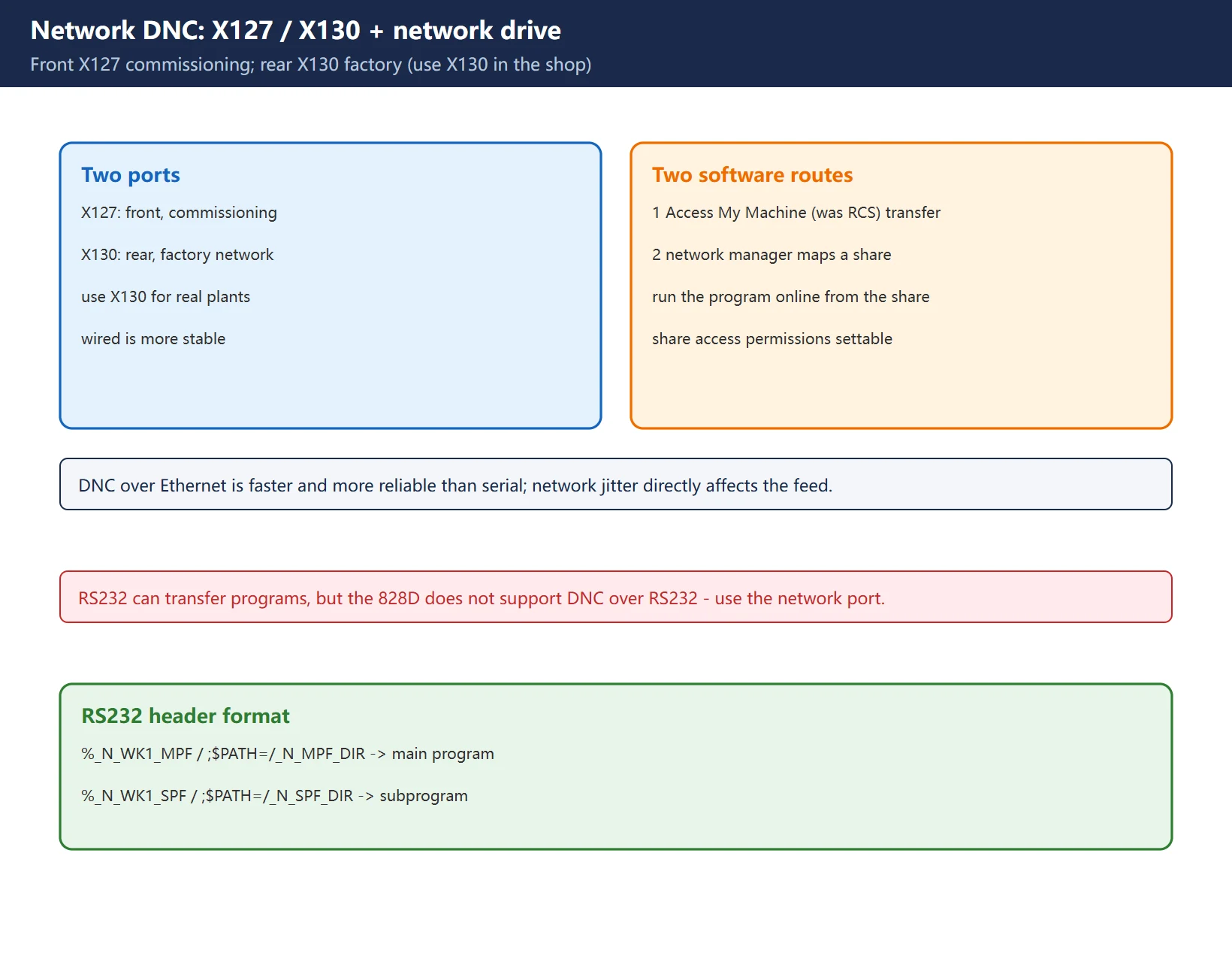
The 828D keeps RS232 – it can transfer programs, but does not support DNC online machining. For DNC use the network port.
When transferring over RS232, the program header must be correct (main / subprogram):
%_N_WK1_MPF
;$PATH=/_N_MPF_DIR
G54 G0 X0 Y0 Z0
G01 X50 F100
M30
A subprogram header uses %_N_WK1_SPF + ;$PATH=/_N_SPF_DIR. On the PC use something like WINPCIN, with parameters matching the system’s RS232 settings.
6. Three rules
- No Chinese characters in the path: a transfer path or folder name with Chinese characters will fail to transfer or execute.
- Access level must be sufficient: transferring programs / changing network settings needs “user” level or above, or the operation is refused.
- Do not unplug media mid-machining: especially USB; either run from CF or copy the program into the NC first.
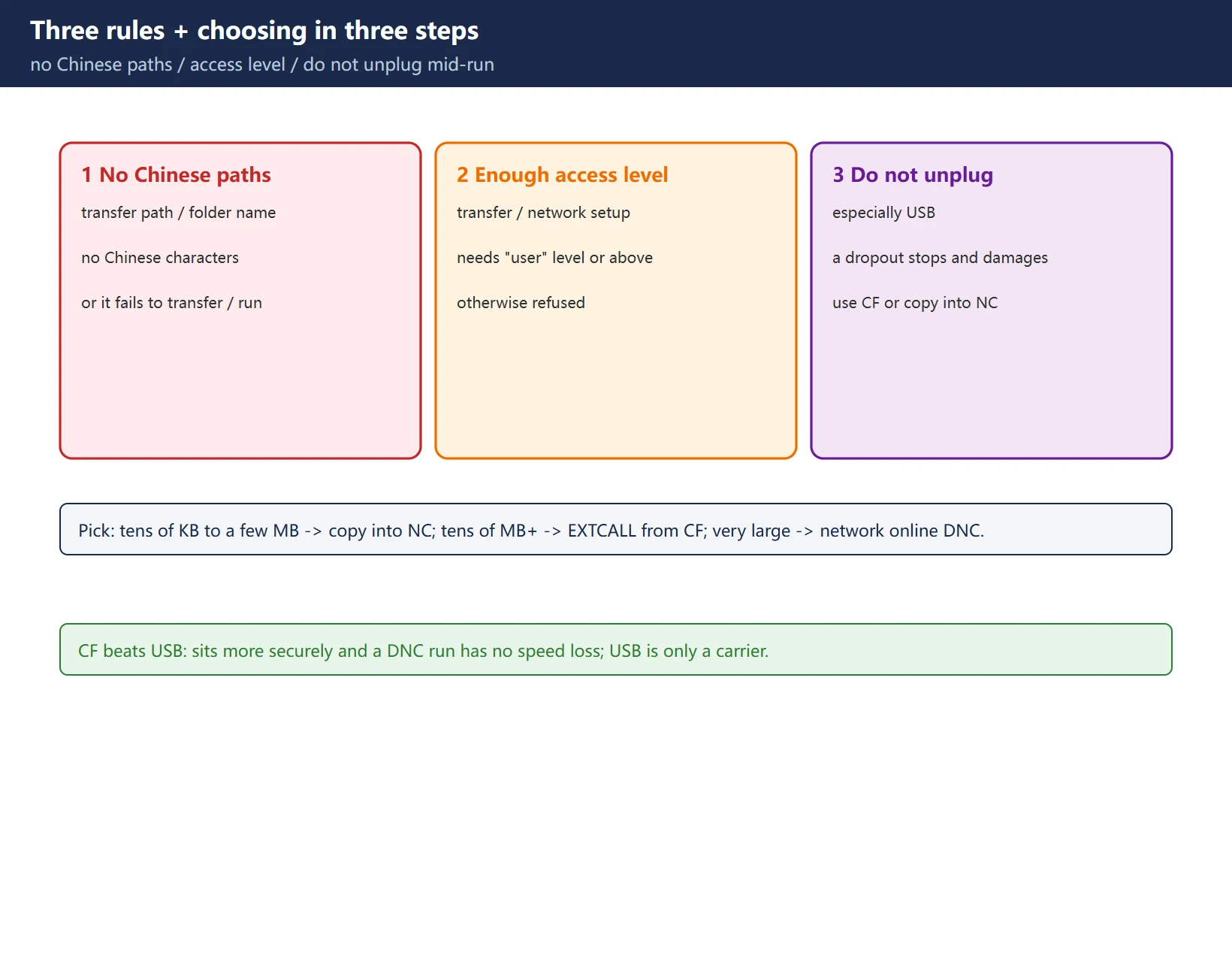
7. Choosing in three steps: which route for which size
- Tens of KB to a few MB, fits in NC -> copy into the NC, most robust.
- Tens of MB+, does not fit ->
EXTCALLfrom the CF card (first choice), or map a network drive andEXTCALLto it. - Very large, streamed -> network-drive online DNC (X130 + network manager), with a stable network.
Frequently Asked Questions
What is the difference between EXTCALL and copying the program into the NC?
Copying puts the program into NC working memory and runs it there, limited by memory size; EXTCALL makes the NC read and execute the program directly from external memory (CF/USB/local/network), so the size is limited only by the external medium’s capacity. Large mould programs suit EXTCALL better.
Why run from CF rather than USB?
Siemens explicitly does not recommend executing directly from a USB stick: if the USB is unplugged or loses contact during machining, the job stops and the workpiece is damaged. A CF card sits more securely in its slot, and a DNC run has no speed loss. USB is better as a carrier.
Does network-drive online machining drop speed?
DNC over Ethernet is normally fast enough; but “online” means the program is read from the network in real time, so network jitter, share permissions and server load directly affect the feed or even interrupt it. For stability use the X130 factory port with a wired connection, not unstable wireless.
Last updated: 2026-11-01
828D SD setting data vs MD machine data
Where to go next
- FANUC Troubleshooting — the full guide library: alarms, diagnosis numbers, servo, spindle, PMC and electrical faults, organised by symptom.
- CNC Repair Tools — which instrument measures what: multimeters, clamp meters, insulation testers and oscilloscopes, with the specification that actually matters.
- Remote Technical Support — have the readings reviewed with you: alarm reverse lookup, PMC ladder analysis and servo tuning advice by call. Repair companies and integrators welcome.
Read the guide, get the right instrument, or walk the diagnosis through with someone — pick whichever you need.
The original Chinese version — same procedure, with the full field notes.

























暂无评论内容