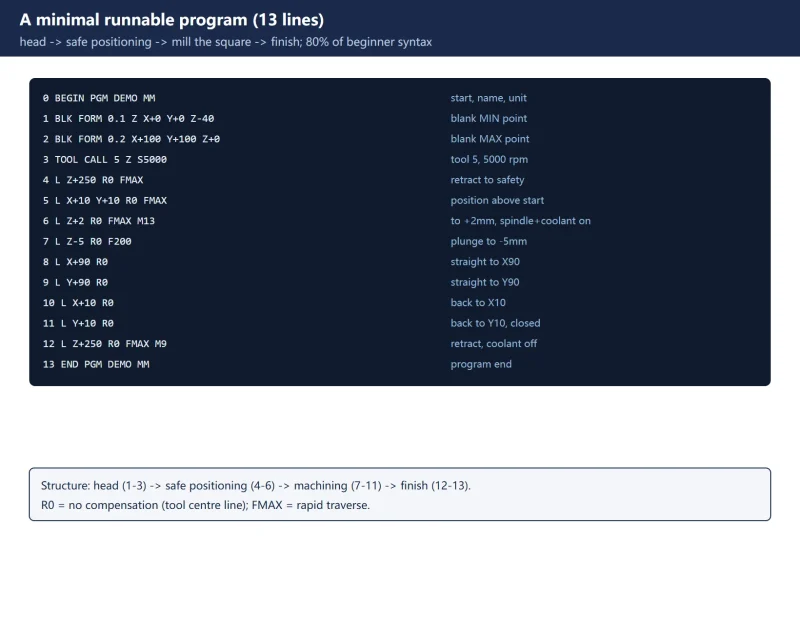



This article starts with a minimal runnable program, takes it apart line by line, then explains motion, approach/departure and cycles.
Based on the common TNC 620 / TNC 320 / TNC 128 family. Soft keys and cycle numbers vary slightly by model/software version – follow the manual shipped with your machine.
1. What conversational programming is: the screen asks, you answer
- In Programming mode, open a new program and choose the unit (MM or INCH).
- For each block, press the function key (
L,C,CR,TOOL CALL…). A “fill-in-the-blank” prompt appears at the top of the screen; enter each item, confirm withENT, and finish the block withEND. - Block numbers,
BEGINandENDare generated automatically – you do not hand-number them.
In one line: it does not make you memorise code; it makes you fill in coordinate / feed / compensation / auxiliary function correctly.
2. A minimal runnable program
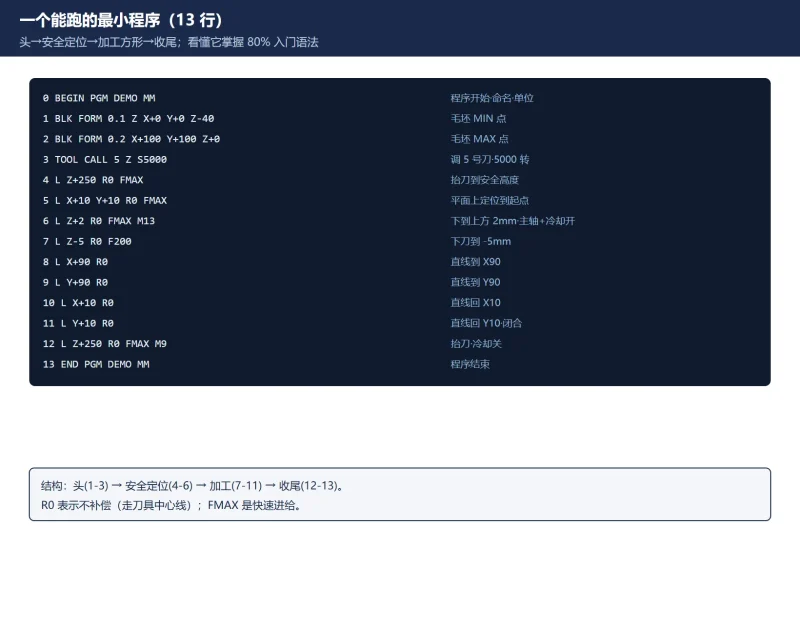
The block below mills an 80 x 80 square (5 mm deep). Each line is annotated:
0  BEGIN PGM DEMO MM            Program start, name DEMO, unit mm
1  BLK FORM 0.1 Z X+0 Y+0 Z-40  Blank: spindle axis Z, MIN point
2  BLK FORM 0.2 X+100 Y+100 Z+0 Blank: MAX point
3  TOOL CALL 5 Z S5000          Call tool 5, spindle axis Z, speed 5000
4  L Z+250 R0 FMAX              Retract to safety height, rapid
5  L X+10 Y+10 R0 FMAX          Position above the start point
6  L Z+2 R0 FMAX M13            Down to 2 mm above the part, spindle+coolant on
7  L Z-5 R0 F200                Plunge to -5 mm at feed 200
8  L X+90 R0                    Straight to X90
9  L Y+90 R0                    Straight to Y90
10 L X+10 R0                    Straight back to X10
11 L Y+10 R0                    Straight back to Y10 (closed)
12 L Z+250 R0 FMAX M9           Retract, coolant off
13 END PGM DEMO MM              Program end
Understand these 13 lines and you have 80% of the beginner syntax: head (1-3) -> safe positioning (4-6) -> machining (7-11) -> finish (12-13).
![图片[1]-HEIDENHAIN TNC Conversational Programming for Beginners: One Minimal Program-CNCShare | 数控电气技术中心](https://www.cncshare.com/wp-content/uploads/2026/11/TC-en-01.webp)
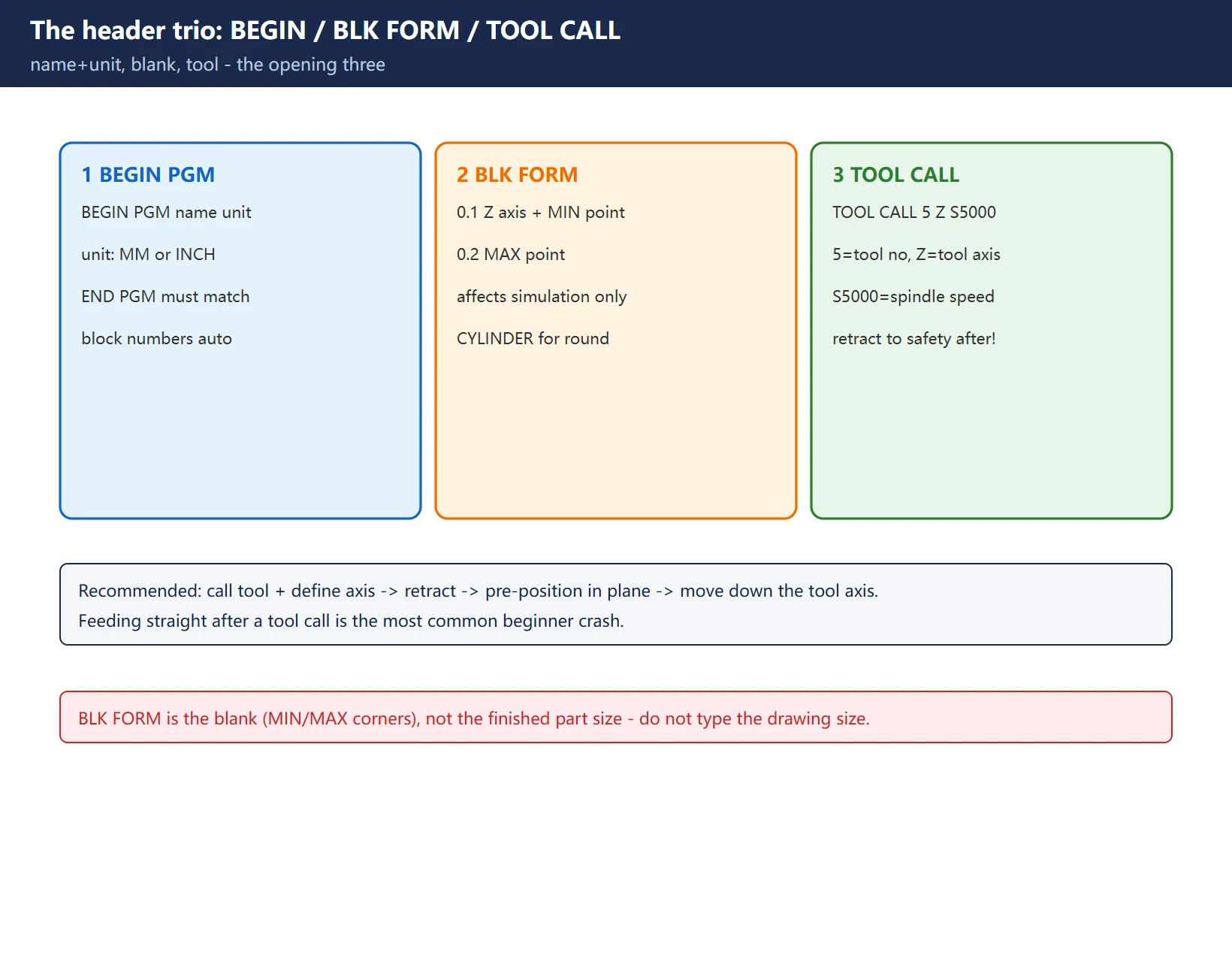
3. The header trio: BEGIN / BLK FORM / TOOL CALL
① BEGIN PGM name unit
0 BEGIN PGM DEMO MM. Name is free; unit is MM or INCH. The last block must be END PGM DEMO MM to match.
② BLK FORM: blank definition (only affects the graphic simulation; it runs without it, but always define it)
BLK FORM 0.1 Z X+0 Y+0 Z-40:Zis the spindle axis; the values are the MIN point (smallest X/Y/Z).BLK FORM 0.2 X+100 Y+100 Z+0: the MAX point.- Cylindrical blank:
BLK FORM CYLINDER Z R50 L105.
③ TOOL CALL: call the tool
TOOL CALL 5 Z S5000 = call tool 5, tool axis Z, spindle speed 5000. After a tool call, always retract to a safe position before feeding – avoid crashing at the change point.
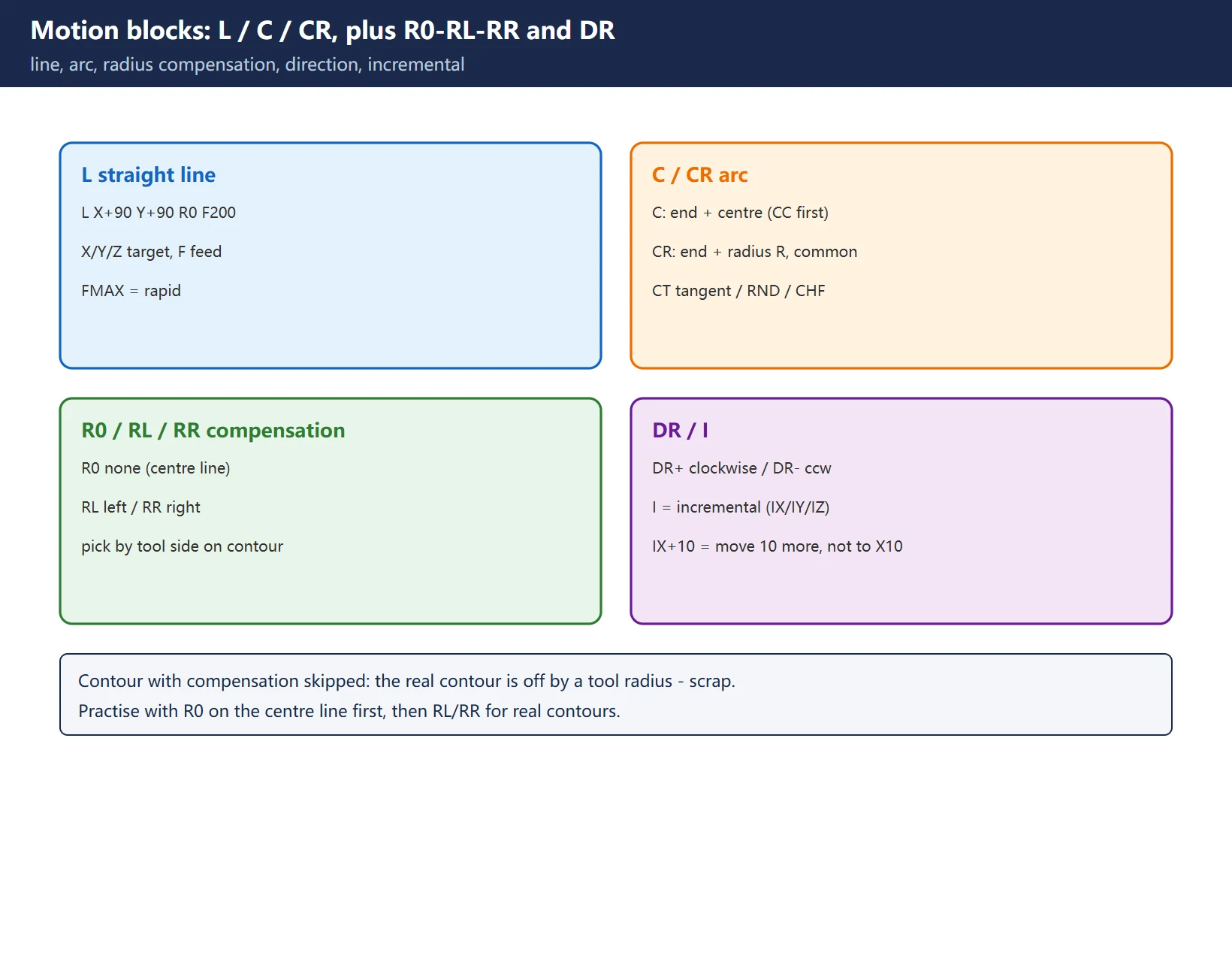
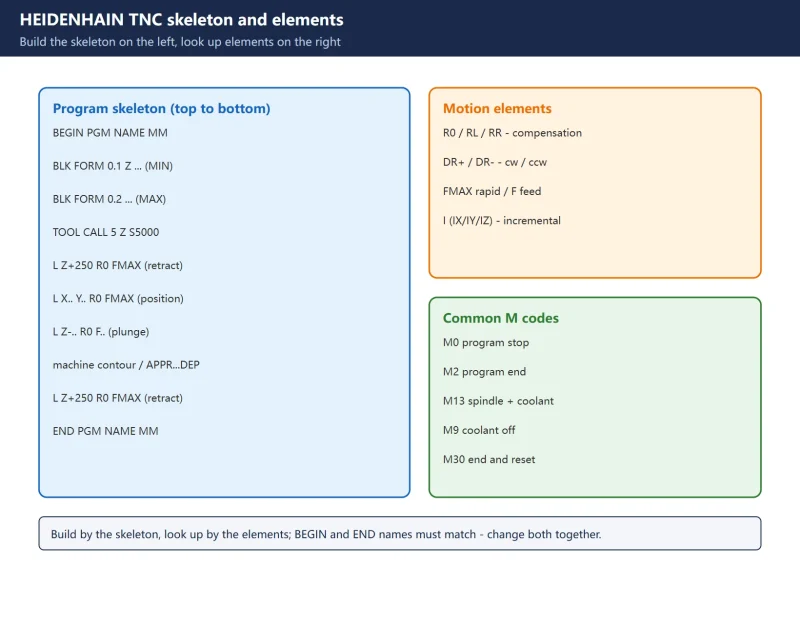
4. Motion blocks: L / C / CR, plus R0·RL·RR and DR
Straight line L: L X+90 Y+90 R0 F200. X/Y/Z are target coordinates, F is feed, FMAX is rapid.
Arcs have two forms:
C X... Y... DR+: give the end point and the arc centre (set the centre/pole first withCC);DR+clockwise,DR-counter-clockwise.CR X... Y... R... DR+: give the end point, radius R and direction – no prior centre needed, and more common.- Also
CT(tangential arc),RND(corner rounding),CHF(chamfer).
Radius compensation R0 / RL / RR:
R0= no compensation (the example above runs on the centre line);RL= left,RR= right (when milling a contour, pick by whether the tool is on the left/right of the contour; the control offsets by the tool radius).
Incremental I: IX/IY/IZ mean “move this much further from the current position”, not an absolute coordinate. Common in drilling/patterns.
5. Approach and departure: APPR / DEP
Driving straight into the contour start with L leaves a mark and can even over-cut. The correct way is the approach/departure functions:
- Approach
APPR: e.g.APPR LT(tangential straight-line approach) orAPPR LCT(tangential arc approach), with the approach point and radius. - Departure
DEP: after machining,DEP ...leaves tangentially/straight, then retract.
This way the tool enters and exits while cutting – better corner quality and no gouge at the start point.
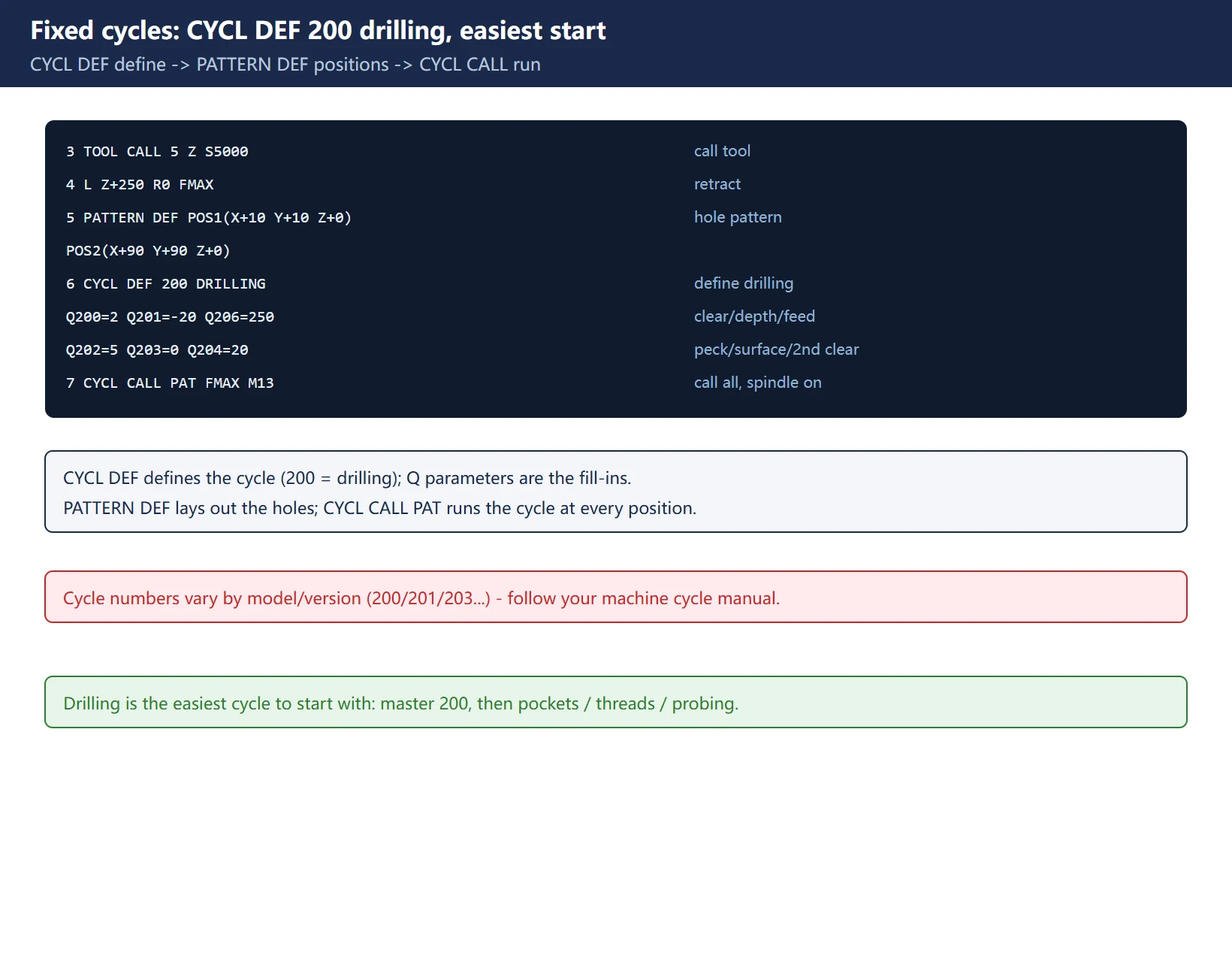
6. Fixed cycles: CYCL DEF 200 drilling, the easiest start
Do not hand-code repeated holes or pockets – use fixed cycles. For drilling:
3  TOOL CALL 5 Z S5000
4  L Z+250 R0 FMAX
5  PATTERN DEF POS1(X+10 Y+10 Z+0) POS2(X+90 Y+90 Z+0)
6  CYCL DEF 200 DRILLING
     Q200=2   ;set-up clearance
     Q201=-20 ;depth
     Q206=250 ;plunging feed rate
     Q202=5   ;plunging depth
     Q210=0   ;dwell at top
     Q203=0   ;surface coordinate
     Q204=20  ;2nd set-up clearance
7  CYCL CALL PAT FMAX M13
9  END PGM ...
CYCL DEFdefines the cycle (200 = drilling here); theQparameters are the cycle’s “fill-in” values.PATTERN DEFdefines the hole pattern;CYCL CALL PATcalls the cycle at every position.- Cycle numbers vary by model (200/201/203…), so follow your machine’s cycle manual.
7. Six beginner mistakes
- Forgetting to retract after TOOL CALL: feeding straight after a call can crash near the change point. Call tool -> retract to safety -> then position.
- Mixing up R0/RL/RR: using
R0whereRL/RRis needed means running on the tool centre – off by a tool radius. - DR+ / DR- reversed: the arc goes the other way, or over-cuts.
- Using incremental I as absolute:
IX+10is “move 10 more”, not “go to X10”; in patterns the whole row shifts. - Forgetting M13/M9:
M13turns spindle+coolant on,M9coolant off; plunge without the spindle on, or cut dry and smoke. - Wrong unit: typing imperial numbers into a
MMprogram (or vice versa) scales dimensions by 25.4.
Frequently Asked Questions
How is conversational programming different from ISO/G-code?
Klartext is HEIDENHAIN’s “question-and-answer” language: each block describes the motion in words/parameters and the screen prompts you for what to enter – highly readable and hard to mistype; ISO/G-code is general text instructions. The TNC can also run ISO programs, but writing at the machine in Klartext is more intuitive and easier for the graphic simulation to check.
Do I have to define a BLK FORM?
Strictly, the program runs without it, but BLK FORM is the blank basis for the graphic simulation. Without it the simulation shows no workpiece and you cannot see over-cutting or collisions. Get into the habit of “define the blank first”, and debugging becomes much safer.
Why must R0 / RL / RR be distinguished?
They set how far the tool is offset from the programmed path: R0 no offset (centre line), RL/RR offsets by the tool radius to the left/right. If a contour or pocket needs compensation and you do not apply it, the actual contour is a tool radius too small (or large) and the part is scrap. Practise on the centre line with R0 first, then switch to RL/RR for real contours and check the tool radius.
Last updated: 2026-11-01
HEIDENHAIN TCH PROBE 31/481 cycles
HEIDENHAIN TNC tool management
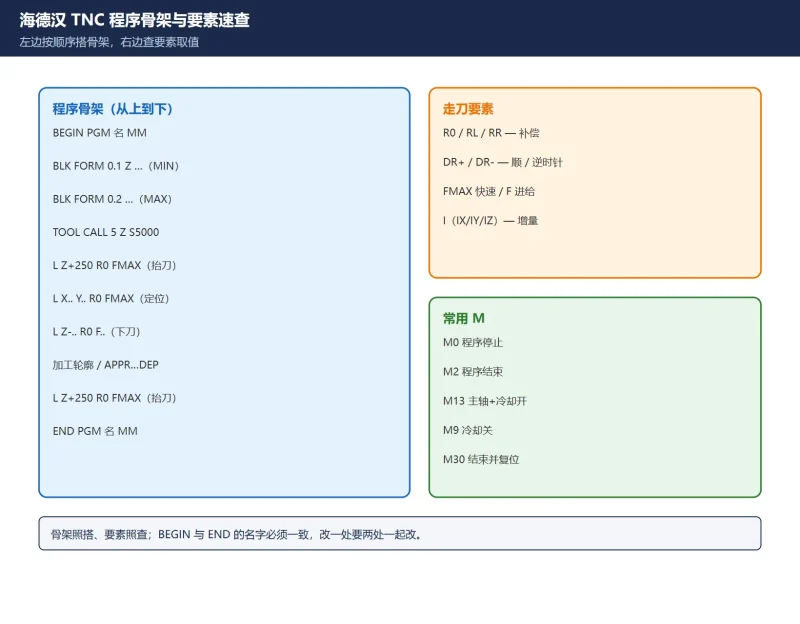
HEIDENHAIN TNC block quick reference
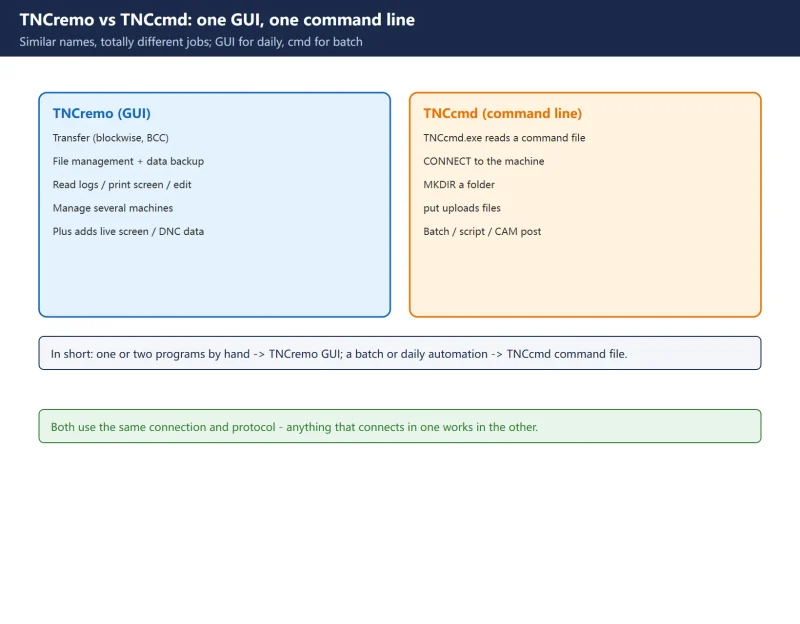
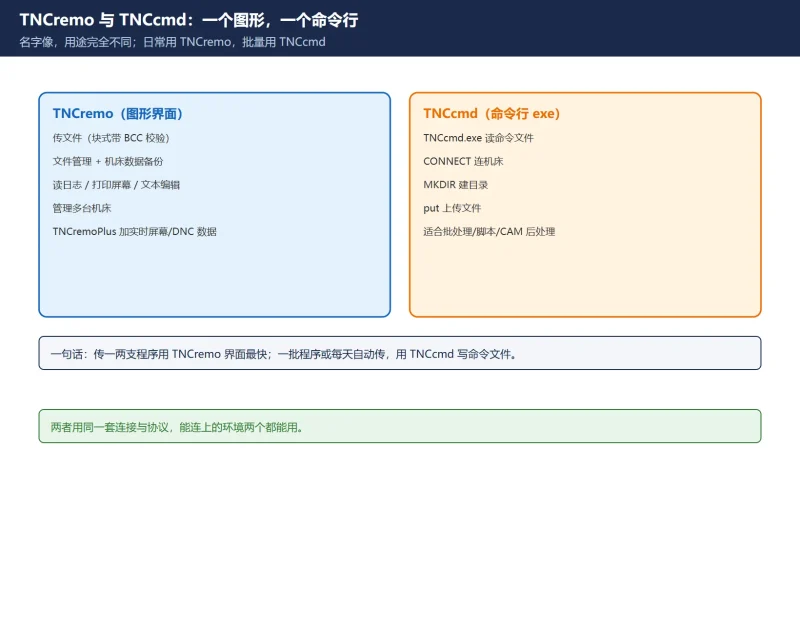
HEIDENHAIN TNCremo / TNCcmd transfer
Where to go next
- FANUC Troubleshooting — the full guide library: alarms, diagnosis numbers, servo, spindle, PMC and electrical faults, organised by symptom.
- CNC Repair Tools — which instrument measures what: multimeters, clamp meters, insulation testers and oscilloscopes, with the specification that actually matters.
- Remote Technical Support — have the readings reviewed with you: alarm reverse lookup, PMC ladder analysis and servo tuning advice by call. Repair companies and integrators welcome.
Read the guide, get the right instrument, or walk the diagnosis through with someone — pick whichever you need.
The original Chinese version — same procedure, with the full field notes.






























暂无评论内容