


For FANUC 0i-MD / 0i-MF (including 0i Mate) machines with a serial spindle (SPM). Parameter values follow your machine’s manual.
1. The three alarms at a glance
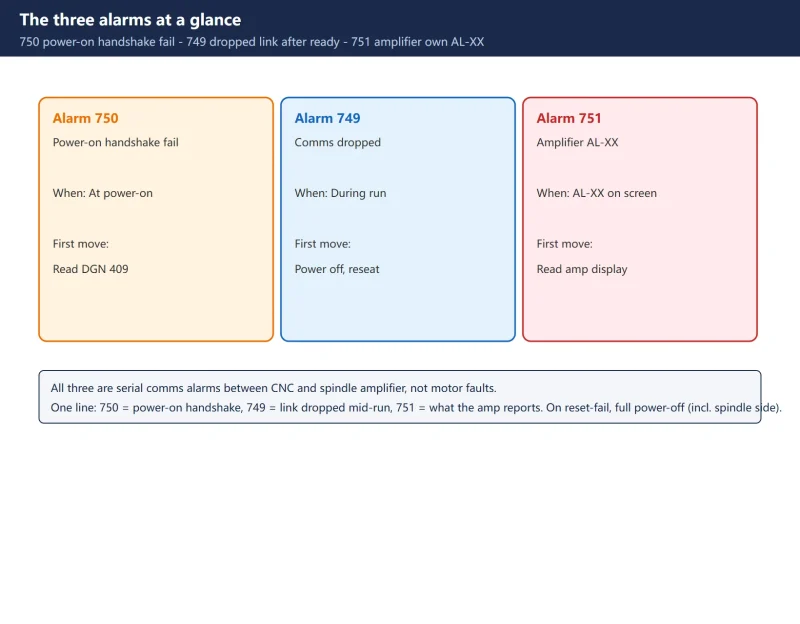
| Alarm | Meaning | When it appears | First move |
|---|---|---|---|
749 S-SPINDLE LSI ERROR | Serial comms dropped after ready | During run, or won't clear on reset | Full power-off (incl. spindle side), reseat cable |
750 SPINDLE SERIAL LINK START FAULT | Amplifier not ready at power-on | Reported right at power-on | Read DGN 409, read the display |
751 FIRST SPINDLE ALARM DETECTION | Amplifier's own AL-XX | AL-XX shown on screen | Go by the amplifier's AL-XX on its display |
In one line: 750 = power-on handshake, 749 = link dropped mid-run, 751 = what the amplifier itself reports.
2. Split by timing first: 750 at power-on vs 749 after ready
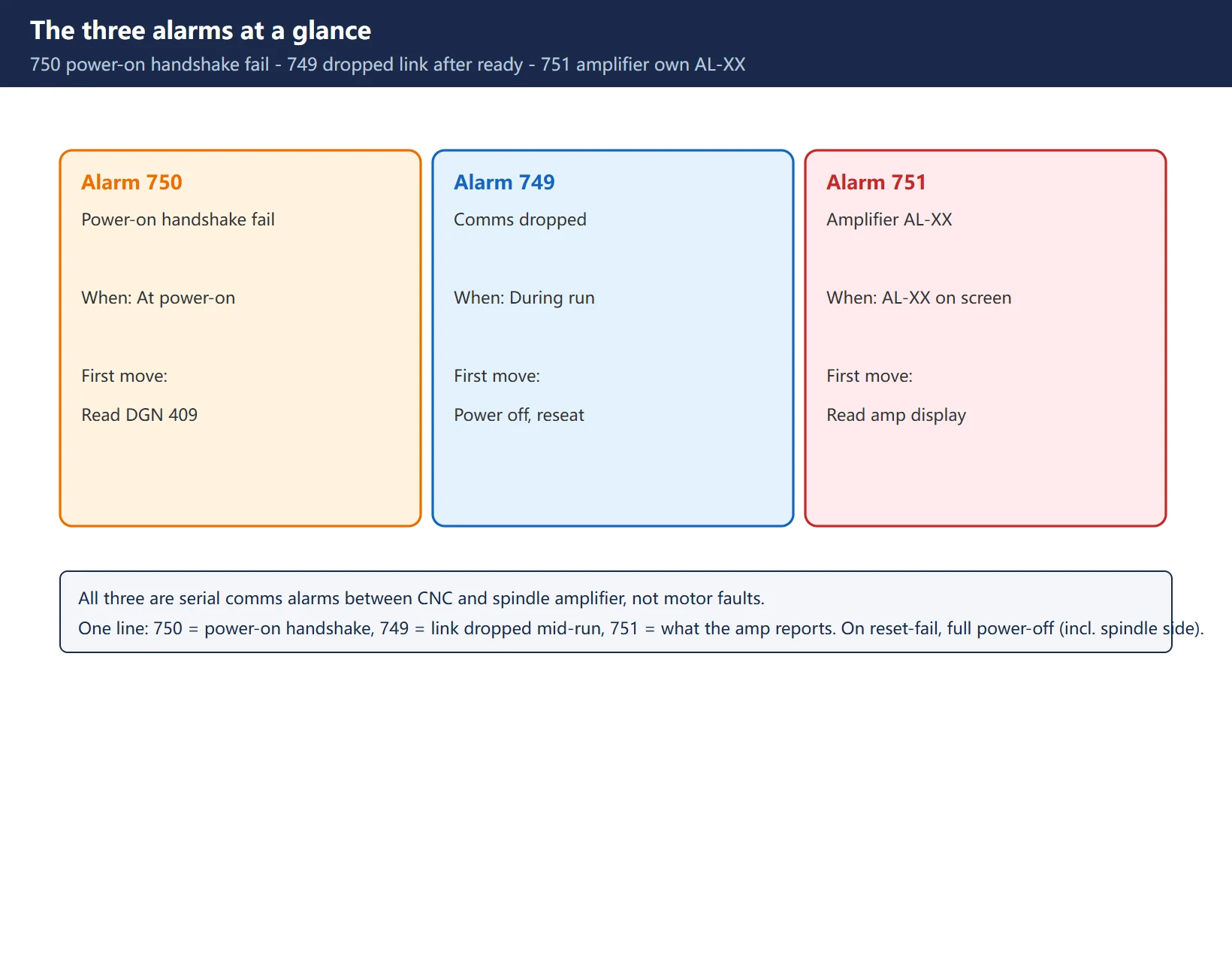
- 750 at power-on: the CNC-amplifier “handshake” did not finish. Suspect the optical cable, the amplifier 200V input / DC bus, and whether the serial-spindle parameters (4000 block) satisfy startup conditions.
- 749 after ready: the handshake succeeded, then the link broke later. Suspect a loose optical connector, dirty end-face, a faulty amp board, or drive-line noise during run.
- Won’t clear on reset: if 749/750 persists after a CNC reset, you must power the whole system off, including the spindle amplifier side, then back on – a CNC reset alone does nothing.
3. Read diagnostic 409: four bits unpacked
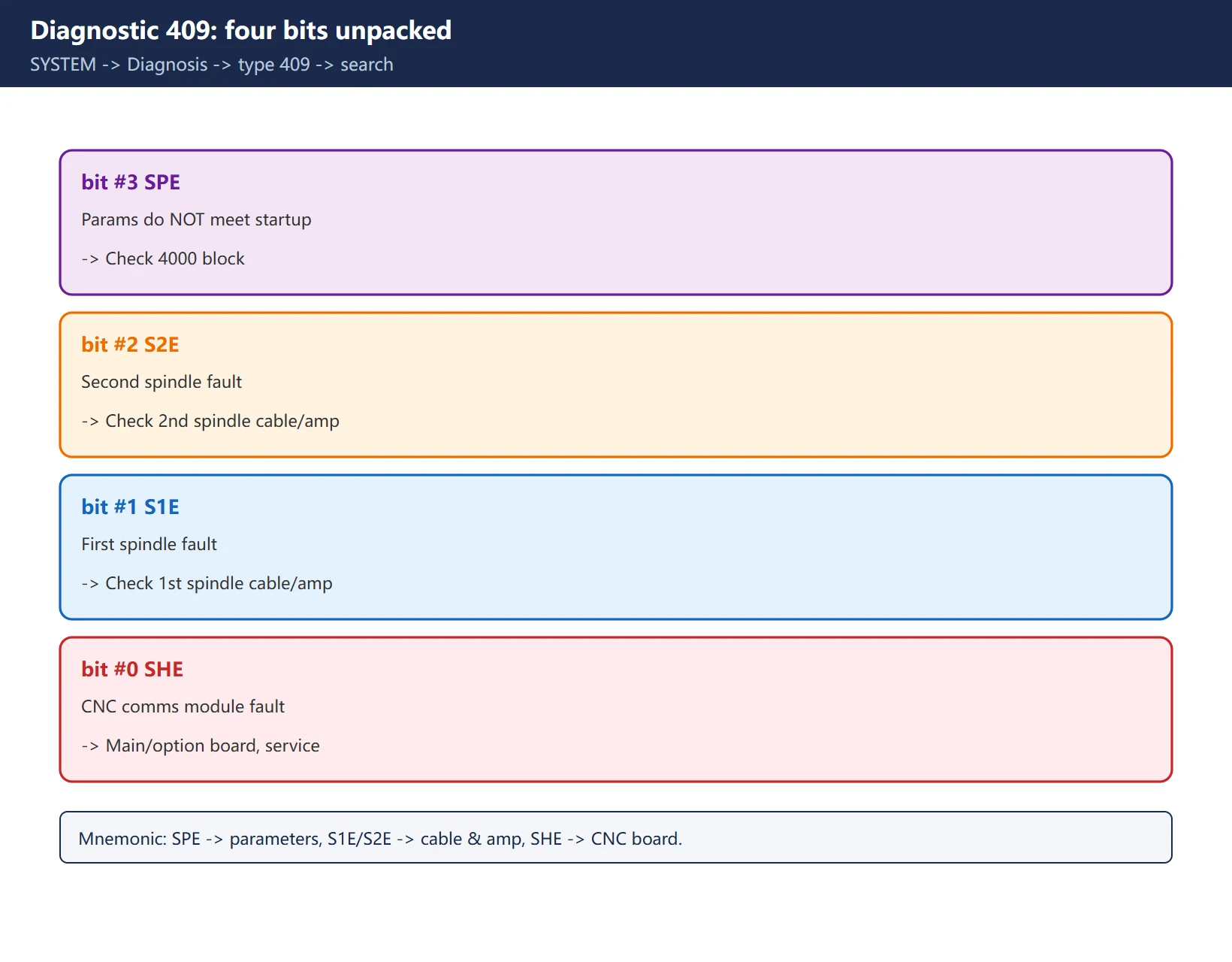
The root cause of 750 almost always sits in diagnostic 409. SYSTEM -> Diagnosis -> type 409 -> search, then read bit by bit:
| Bit | Name | =1 means |
|---|---|---|
#3 | SPE | Serial-spindle params do NOT meet startup conditions (check 4000 block) |
#2 | S2E | Second spindle fault at startup (check 2nd spindle cable/amp) |
#1 | S1E | First spindle fault at startup (check 1st spindle cable/amp) |
#0 | SHE | CNC-side serial comms module fault (main/option board, call service) |
Mnemonic: SPE -> parameters, S1E/S2E -> cable & amp, SHE -> CNC board.
4. Read the amplifier 7-segment display
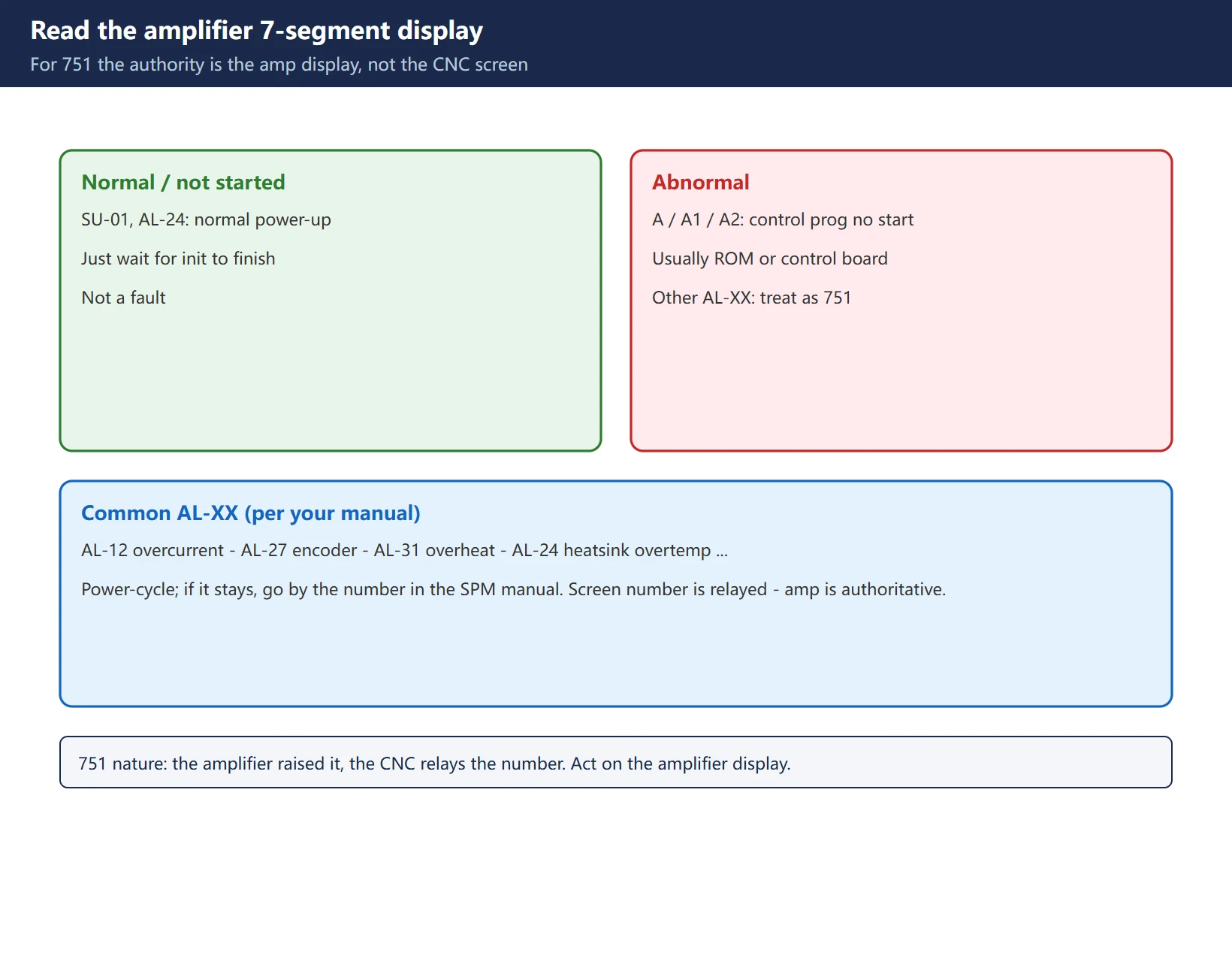
The SPM’s 7-segment display is the second key:
- SU-01, AL-24: normal states during power-up, not faults – just wait for init to finish.
- A, A1, A2: the amplifier’s own control program did not start, usually a ROM or control-board issue, replace.
- Other AL-XX: treat as 751 – the number on the display is authoritative (e.g. AL-12 overcurrent, AL-27 encoder, AL-31 overheat); power-cycle, and if it stays, check the maintenance manual.
- The nature of 751 is “the amplifier raised it, the CNC only relays the number”, so the authority is always the amplifier display, not the CNC screen.
5. Hands-on procedure
- Full power-off -> reseat the JA41 (CNC side) and JA7B / JA7A (amplifier side) optical cable ends; check for dirty end-face, loose plug, or a cable pinched by the cabinet door.
- Power on -> note the amplifier display, then read DGN 409 S1E / S2E.
- Swap in a known-good optical cable -> if 750 remains, check the amplifier 200V input and DC bus.
- SPE = 1 -> against a parameter backup, verify the 4000 block serial-spindle parameters (machine-specific, no universal values).
- SHE = 1 -> CNC-side comms module fault, stop and call service, do not keep power-cycling.
- 751 -> go by the display AL-XX, check the motor, encoder, or power line it points to.
The optical cable must not be bent and cannot be replaced by ordinary fiber; clean a dirty end-face with ethanol and a lint-free swab. After swapping cable or amp, a full power-off restart is required – 750 is only generated during the handshake.
![图片[4]-FANUC Serial Spindle Alarms 749/750/751: Split by Timing, then DGN 409 and Amp Display-CNCShare | 数控电气技术中心](https://www.cncshare.com/wp-content/uploads/2026/11/SS-en-04.webp)
6. Common traps
- Single spindle treated as second: if
No.3701#4 (SP2) = 1is set by mistake, the system looks for a non-existent second spindle and still reports 750. Confirm whether the machine really has one. - 750 only happens at handshake: after swapping a cable or amp, if you skip the full power-off restart, 750 will not clear – the handshake phase has already passed.
- 749 mistaken for a motor fault: 749 is a dropped link; the cause is usually the cable/amp board, not the spindle motor. Cable first, motor later.
- 751 trusts only the screen number: the AL-XX on the screen is relayed; the amplifier display is the original. Go by the amplifier.
7. Wrap-up checklist
- [ ] Identified 750 (power-on) / 749 (after ready) / 751 (amplifier AL-XX)
- [ ] Read DGN 409; SPE/S1E/S2E/SHE states recorded
- [ ] Amplifier display state read (SU-01/AL-24 vs A/A1/A2/AL-XX)
- [ ] JA41<->JA7B cable ends reseated and end-faces cleaned
- [ ] SPE=1 parameters verified in 4000 block; SHE=1 stopped for service
- [ ] 751 located to a subsystem by the amplifier AL-XX number
Further reading: the serial-spindle PMC signals share the discrete-logic handling of FANUC PMC Force output, and the spindle-parameter basics are in FANUC analog spindle commissioning.
Frequently Asked Questions
What is the real difference between 749 and 750, and why power off for both?
750 is the CNC-amplifier handshake failing at power-on; 749 is the link coming up then dropping during run. Both can trace to cable or amp board, but 749 leans toward “contact/noise” and 750 toward “parameters/power/hardware mismatch”. When they won’t clear on reset, a full power-off (including the spindle side) and restart is mandatory – a CNC reset alone cannot re-run the handshake, so both require powering off first.
DGN 409 shows SPE=1 telling me to fix the 4000 block, but I have no backup – what now?
The 4000-block serial-spindle parameters (4000, 4001, 4004…) depend on the motor and amplifier model and have no universal values; blind editing makes it worse. Recover them from an identical machine or the FANUC parameter backup first; with no backup, contact the machine builder or Beijing-FANUC and refill from the factory configuration table – do not guess.
The screen shows AL-XX but the amplifier display is dark/unreadable – how do I locate it?
For 751 the authority is the AL-XX on the amplifier display. If the display is dark, the amplifier power (200V input or DC bus) is likely missing – check the amp supply and the emergency-stop chain first. If it shows but is illegible, photograph and zoom to confirm the number, then look up that SPM alarm (AL-12 overcurrent, AL-27 encoder, AL-31 overheat…). The screen number is only relayed – the amplifier is authoritative.
Last updated: 2026-10-31
Where to go next
- FANUC Troubleshooting — the full guide library: alarms, diagnosis numbers, servo, spindle, PMC and electrical faults, organised by symptom.
- CNC Repair Tools — which instrument measures what: multimeters, clamp meters, insulation testers and oscilloscopes, with the specification that actually matters.
- Remote Technical Support — have the readings reviewed with you: alarm reverse lookup, PMC ladder analysis and servo tuning advice by call. Repair companies and integrators welcome.
Read the guide, get the right instrument, or walk the diagnosis through with someone — pick whichever you need.
The original Chinese version — same procedure, with the full field notes.






























暂无评论内容