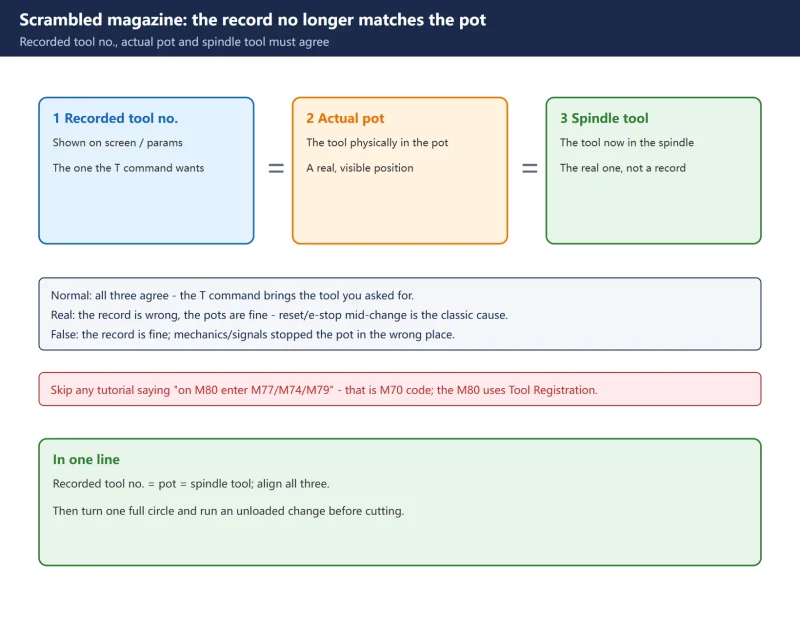



The biggest trap when handling this on a Mitsubishi M80: most tutorials online hand you the M70 M77 / M74 / M79 maintenance codes. That is the M70 logic. The M80 does not work that way. The correct entry point on an M80 is Tool Registration under the Setup menu, correcting tool numbers back to their pots one by one.
This article targets Mitsubishi M80 / M80V-series machining centres (including drill-tap centres). Any alarm number or parameter number that is machine-builder-defined must be taken from that machine’s parameter list / ladder – builders differ enormously, and nothing here should be copied blindly.
1. Tell “real” from “false” scrambling first
The first step on the machine is not to start editing data, but to classify it – otherwise you make it worse:
- Real scrambling: the physical tools in the magazine are fine; it is the recorded tool number that is wrong. The classic case is pressing reset / e-stop mid-change and the system writing a half-finished record. This is fixable with Tool Registration.
- False scrambling: the record is fine; the mechanics or signals stopped the magazine at the wrong position – encoder lost steps, a proximity switch clogged with chips, a gear jumping teeth. Correct the numbers here and it scrambles again after two turns; you must check the mechanical side.
- Alarm triage: most builders use their own L alarms (e.g. L26/L27) for magazine faults, but these L numbers are defined by the builder in the ladder. The same number can mean something completely different on another machine, so do not force-fit an online cross-reference.
2. Three synchronisations: signal / parameter / mechanical
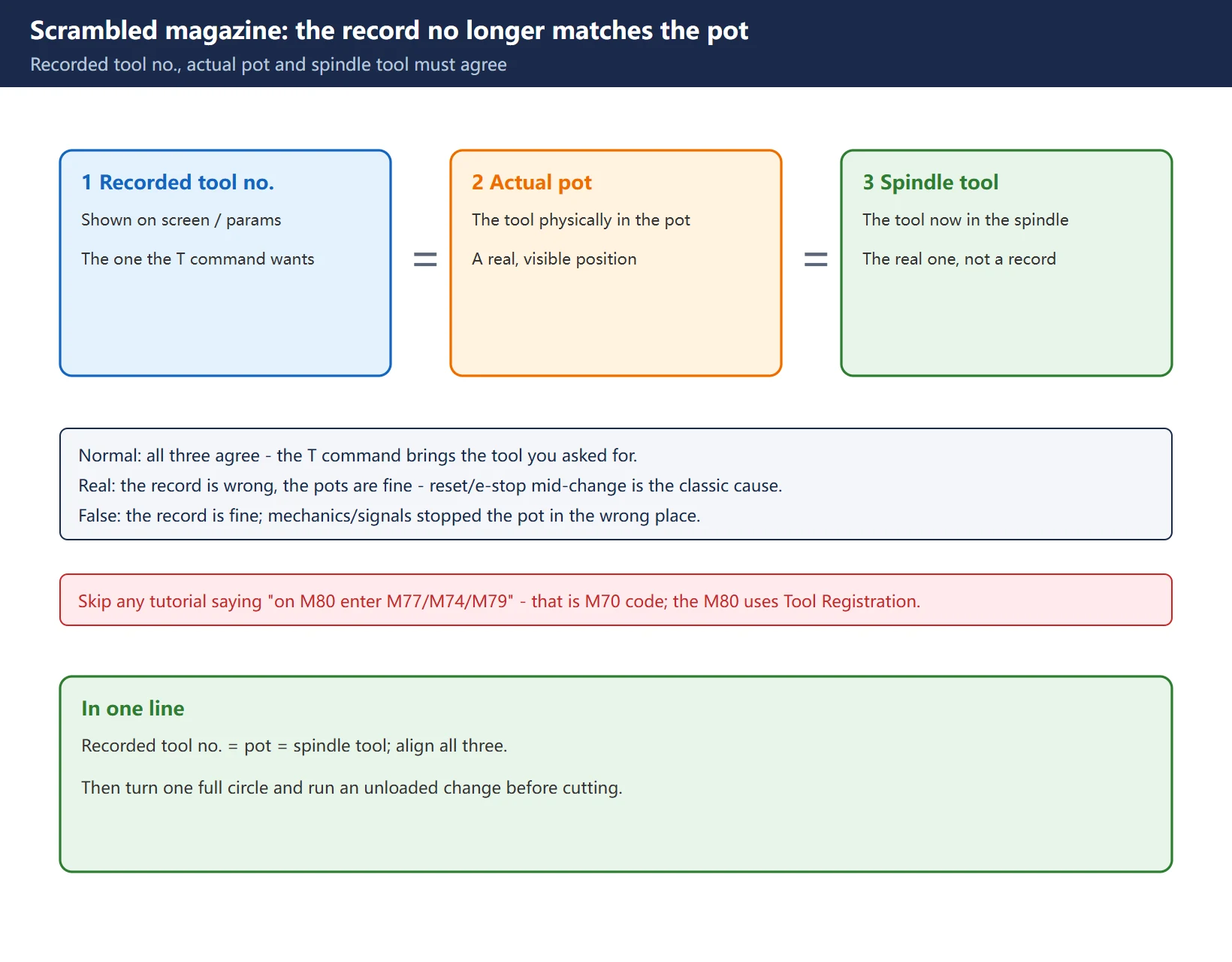
Group the root cause into three and check in this order for the highest hit rate:
- Signal sync: the magazine motor encoder’s position feedback, the pot-in-position proximity switch, and spindle clamping detection. Worn encoder cable and chip-contaminated proximity switches are the two most frequent.
- Parameter sync: magazine capacity, tool-change point coordinate, magazine homing mode (absolute/incremental). Changed or factory-wrong parameters cause “scrambled on every power-up” or “one pot always wrong”.
- Mechanical sync: excessive play in the magazine drive gear, a sticking pot-flip mechanism, spindle clamp slipping. Mechanical-wear scrambling is usually regular (e.g. always between the same two pots).
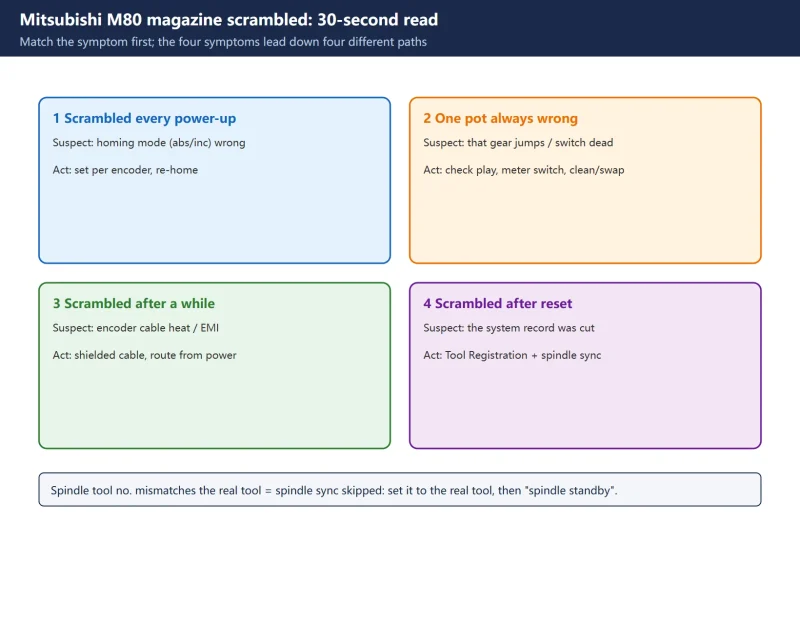
Reading the pattern helps: scrambled on every power-up -> check homing-mode parameters first; one pot always wrong -> check that gear/switch; scrambled after running a while -> check encoder cable for heat/interference.
| Symptom | First suspect | Check here |
|---|---|---|
| Scrambled on every power-up | Magazine homing-mode parameter | Absolute vs incremental set correctly? |
| One pot always wrong | That pot’s drive gear or proximity switch | Turn by hand for play; meter the switch |
| Scrambled after running a while | Encoder cable heat / interference | Cable routing and plugs, away from power |
| Scrambled after reset mid-change | Interrupted system record | Go to Tool Registration, correct pot by pot |
| Spindle tool no. mismatches the real tool | Spindle sync skipped | Set the spindle tool no. to the real tool |
3. The M80’s core tool: correct pot by pot with Tool Registration
The main function for fixing scrambling on an M80 is Tool Registration. Its job is to tell the system which tool number sits in which magazine pot, on the spindle, or at the standby location. In the official manual the screen is called Tool Registration, under the Setup menu.
Key steps:
- Go to Setup -> Tool Registration. The screen lists each tool number and its currently registered pot / spindle / standby location.
- Put the cursor on the first wrong tool number, type the actual pot number, move down with the arrow keys and check pot by pot.
- Spindle sync: the tool currently in the spindle must be set in “spindle tool number” to match the physical tool, then confirm with “spindle standby”. Skip this and the system thinks the spindle is empty or holds another tool – and it crashes on the next change.
- When everything is corrected, jog the magazine through one full turn and check the screen for duplicate tool numbers or mismatches with the physical tools.
- In MDI, orient the spindle with
M19, return to the second reference point (tool-change point) withG91 G30 Z0, and runT01 M6as an unloaded change to verify.
Some builders add a parameter lock/password to Tool Registration. If you cannot edit, confirm the unlock method with the builder – do not force it.
![图片[3]-Mitsubishi M80 Tool Magazine Out-of-Order: Fix It with Tool Registration-CNCShare | 数控电气技术中心](https://www.cncshare.com/wp-content/uploads/2026/11/MG-en-03.webp)
4. Five-step emergency recovery
Follow these five steps when the machine is down, to get it moving first and fix the root cause second:
- Record the state: write down every tool number and pot on screen, the current alarm, and where the spindle is stopped. This is the only evidence for root-causing later – do not skip it.
- Exit safely: e-stop -> manually crank the spindle / tool arm back to a safe position (especially on arm-type magazines – never index the magazine while the arm is stuck mid-air).
- Tool Registration: correct tool numbers back to pots as above, and sync the spindle tool number.
- Magazine check: jog one full turn, confirm no jamming, no abnormal noise, no duplicate tool numbers.
- Unloaded verification: run
T01 M6in MDI, then change one or two more tools, and confirm the numbers match the physical tools before calling it recovered.
5. Parameters and signals: what you can check, what you must never copy
The parameter numbers for M80 magazines circulating online contradict each other (the same function is P1032 in one post and #18036 in another) – do not copy these numbers. The right way is to look the function name up in that machine’s parameter list, not to type a number you saw.
What can be stated reliably:
- Magazine tool data area: on the M80 series the magazine tool data starts at R10700 and runs in pot order (official PLC interface manual). This is where the ladder/PMC reads and writes tool numbers.
- Tool life management: spare-tool data in R11800~R11823, active-tool data in R11824~R11847, spindle tool number in R12200/R12201.
- Tool-change point: normally the second reference point via
G91 G30 Z0, spindle orientation viaM19– standard G/M codes, unaffected by the builder.
🚨 Key correction: M77 (maintenance-mode enable), M74 (magazine zero), M79 (tool-number reorder) are M70-series maintenance codes. The M80 has no such set. If a tutorial says “on M80 enter M77/M74/M79”, skip it – the M80 uses Tool Registration, corrected pot by pot.
6. Mechanical side: four signal and wear checkpoints
If you skip signals and mechanics, Tool Registration will be undone:
- Encoder cable: feel for wear, check the connector; if it runs parallel to the motor power cable, EMI will make position feedback lose steps. Route them apart with separation.
- Pot-in-position proximity switch: measure its output with a multimeter – the level should flip when the pot is home; if it does not, the switch is dirty or dead. Clean the sensing face and verify the sensing distance.
- Drive gear / coupling: turn the magazine by hand and feel for obvious play or jamming; excess play means adjusting gear mesh or tightening the coupling screws.
- Air pressure (drill-tap centres): drill-tap centres rely on pneumatics for the magazine/change, and low pressure leaves the pot flip incomplete. Builders typically require 5-7 kg/cm² – follow the specific machine, and below the lower limit do not rush to the electrical side.
7. Prevention checklist
- Before shift: spin the magazine one turn, confirm no abnormal noise; on drill-tap centres check the pressure gauge is in range.
- Weekly: clean the proximity-switch sensing faces; check encoder cable routing and connectors.
- Monthly: reconcile the Tool Registration table with the actual tools; clear chips around the magazine.
- After any abnormal stop: any reset/e-stop during a change means you must verify tool numbers before cutting again.
![图片[4]-Mitsubishi M80 Tool Magazine Out-of-Order: Fix It with Tool Registration-CNCShare | 数控电气技术中心](https://www.cncshare.com/wp-content/uploads/2026/11/MG-en-04.webp)
Frequently Asked Questions
Can an M80 “one-key reorder” the magazine with M77/M74/M79 like an M70?
No. M77/M74/M79 are M70-series maintenance codes and the M80 has no such logic. The correct entry on an M80 is Setup -> Tool Registration, correcting each tool number to its pot, then syncing the spindle. Forcing the M70 codes on an M80 does nothing – at best they are ignored as ordinary M codes, wasting time.
I corrected Tool Registration, but it scrambles again after two turns – why?
That means it is not a “record” error but a “mechanical/signal” error – false scrambling. Check three things: whether the encoder cable is worn or picking up interference (running parallel to the power cable is the classic sin), whether the pot-in-position proximity switch is clogged with chips, and whether the drive gear is jumping teeth. Tool Registration only fixes the record, not mechanical lost steps, so it recurs.
The screen shows an L26/L27-type alarm – can I just follow an alarm table?
Be careful. L-prefix alarms are builder-defined in the PLC/ladder, and the same number can mean different things on different machines. Look it up in that machine’s alarm manual or ladder comments, not a generic online table. The alarm number is a clue, not a conclusion.
Last updated: 2026-11-01
Further reading: writing the M80 ladder is covered in Mitsubishi M80 ladder logic; reading M80/M70 alarms in M80/M70 alarm codes explained.
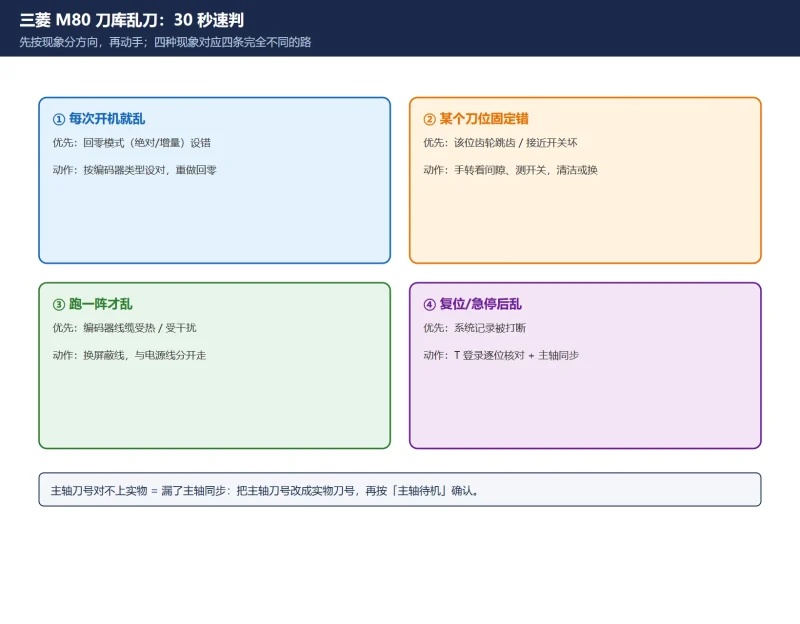
Mitsubishi M80 magazine scrambled quick chart
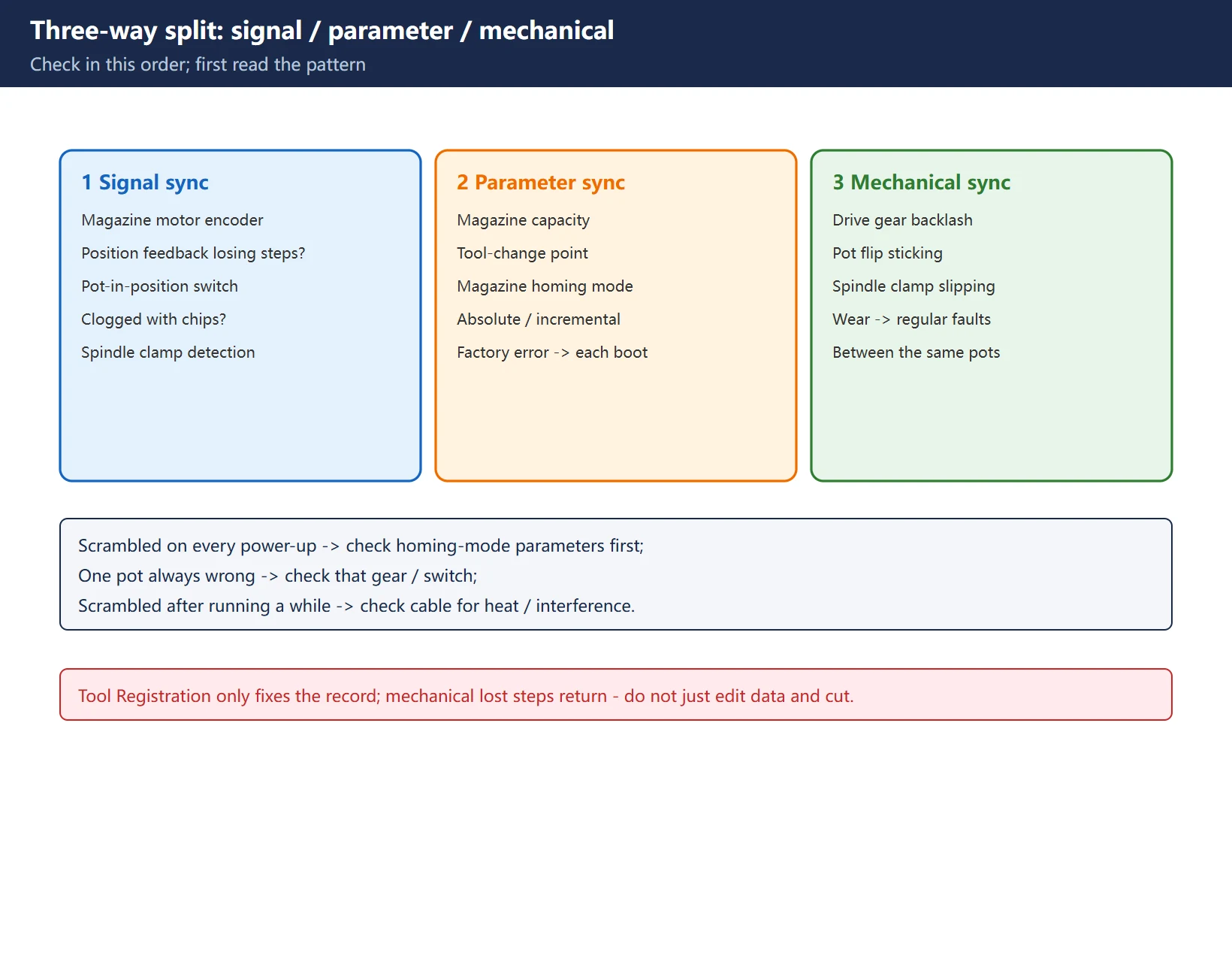
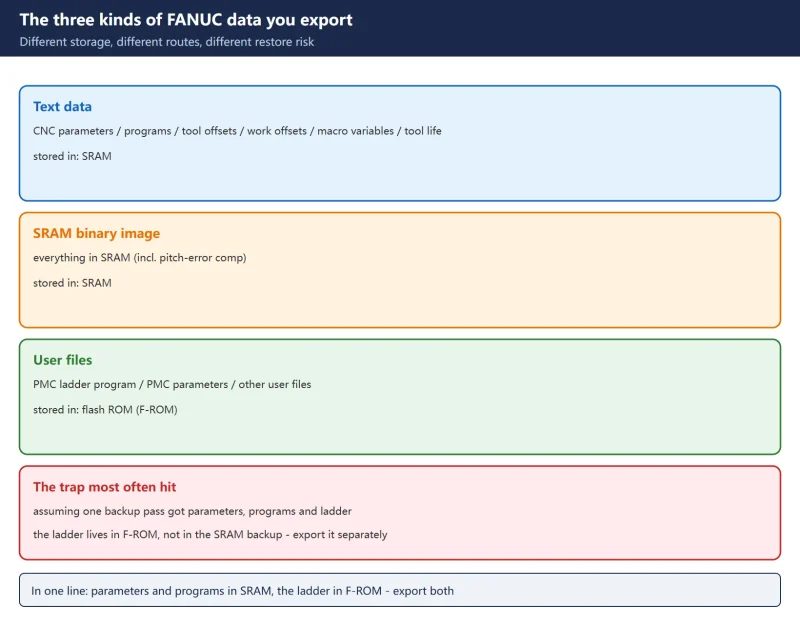
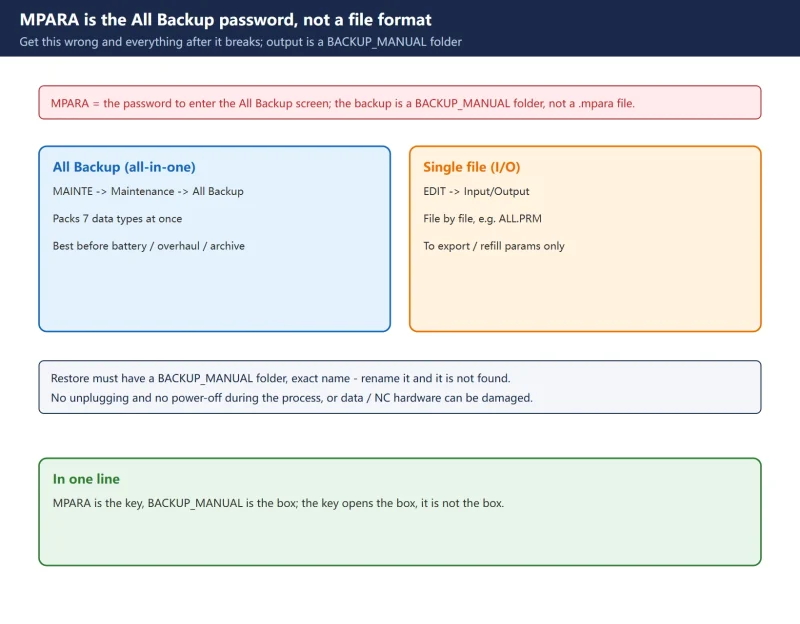
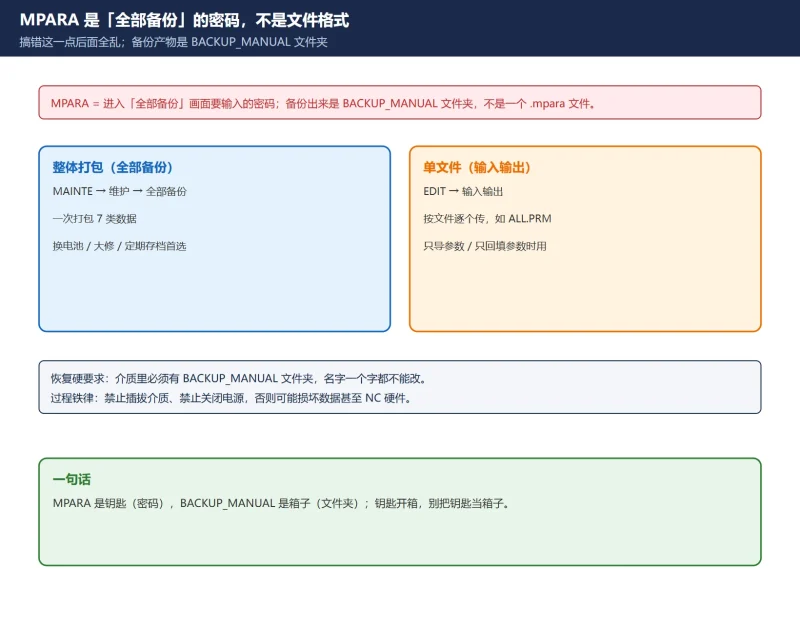
Mitsubishi M80 data backup & restore (MPARA)
Where to go next
- FANUC Troubleshooting — the full guide library: alarms, diagnosis numbers, servo, spindle, PMC and electrical faults, organised by symptom.
- CNC Repair Tools — which instrument measures what: multimeters, clamp meters, insulation testers and oscilloscopes, with the specification that actually matters.
- Remote Technical Support — have the readings reviewed with you: alarm reverse lookup, PMC ladder analysis and servo tuning advice by call. Repair companies and integrators welcome.
Read the guide, get the right instrument, or walk the diagnosis through with someone — pick whichever you need.
The original Chinese version — same procedure, with the full field notes.






























暂无评论内容