


🚨 Scope and compliance: Axis counts are checked against the official FANUC Series 16/18/21/160/180/210i Descriptions (B-63002EN/01, /02) and 16i/18i-B Descriptions (B-63522EN/02); numbers differ by model, path and CPU configuration. Board-number tables come from third-party spare-part vendors and conflict with each other – treat them as “circulated field lists, verify against the physical board silkscreen and the manual shipped with the machine”, never as officially confirmed. This page reproduces no manual content and provides no purchase or download links.
30-second triage: three steps to identify the control
| Step | Look at | Judgment |
|---|---|---|
| 1 | Display type | Vertical CRT / early integrated LCD ~ 0 / 16i / 18i / 21i older generation; widescreen ~ 0i-D/F, 30i/31i |
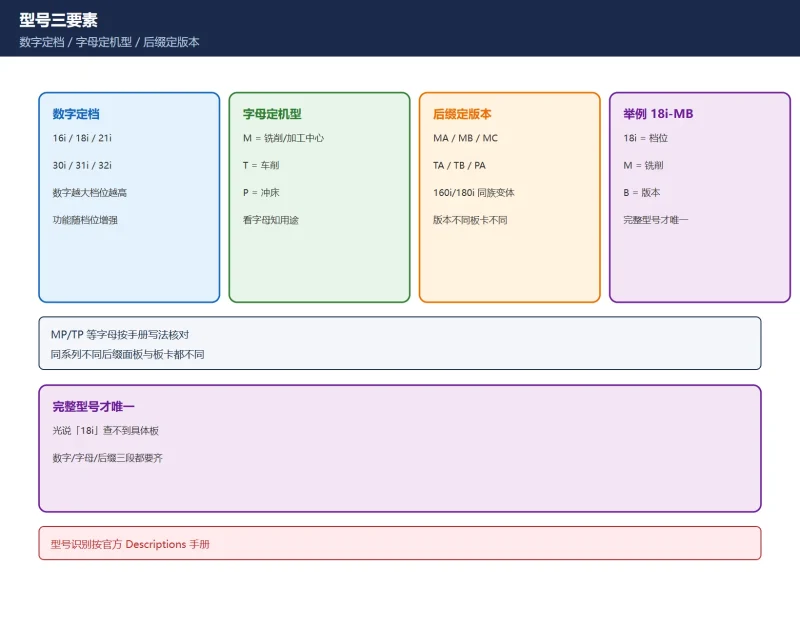
| 2 | Model three parts | Number = tier, letter = machine type (M milling / T turning), suffix = version |
| 3 | Spares by board number | Read the physical A02B / A16B / A20B silkscreen, not the “18i” series name |
Table 0 Three-step identification
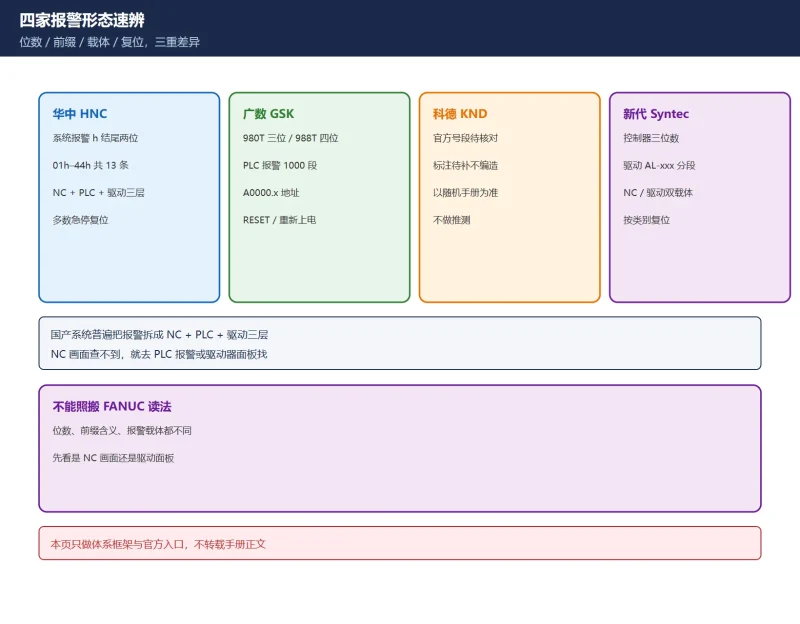
Related: FANUC main / spare board numbers and FANUC CNC specifications comparison. See also legacy 0i-B/0i-C alarms and CNC alarm number formats by brand.
1. Reading the model name
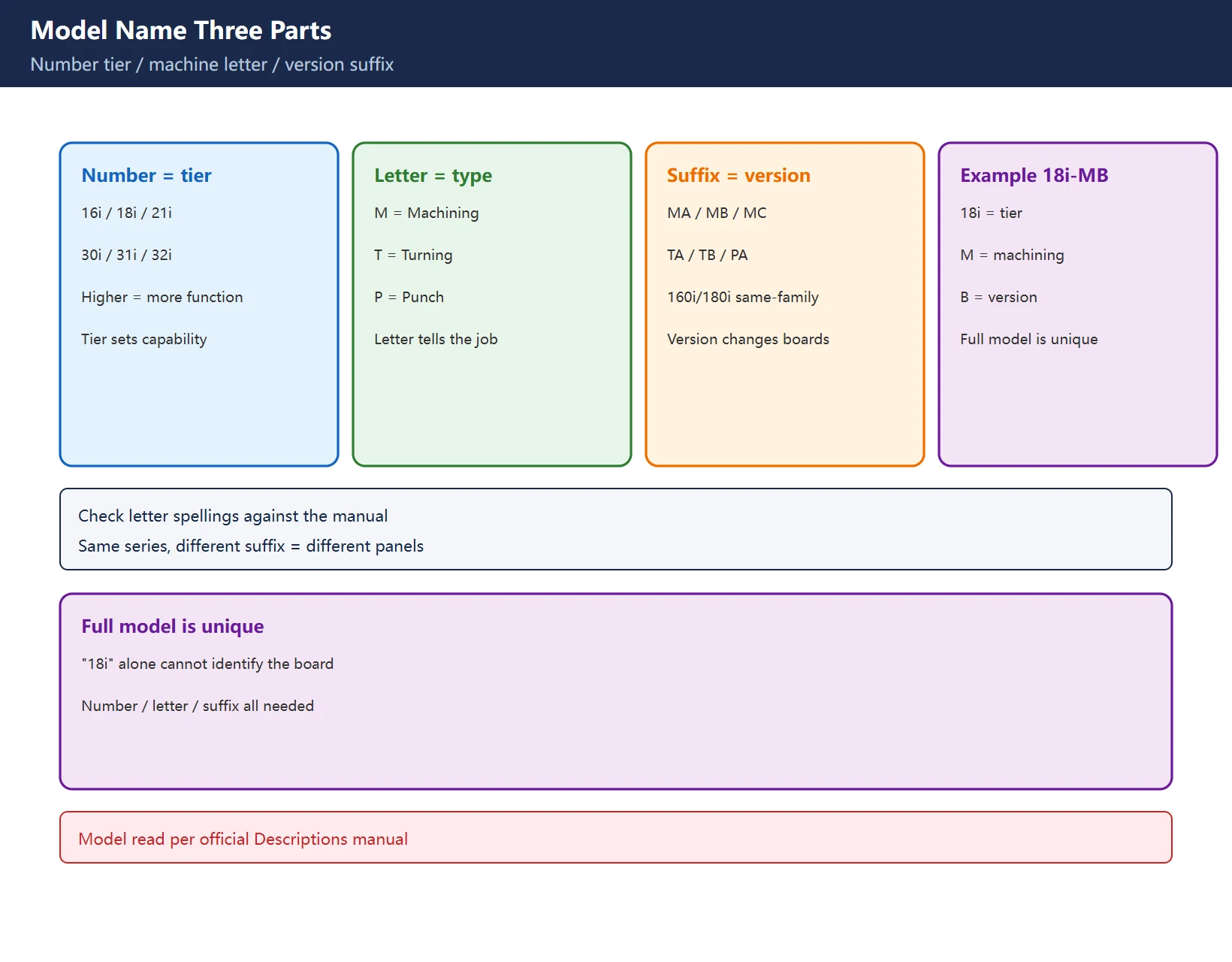
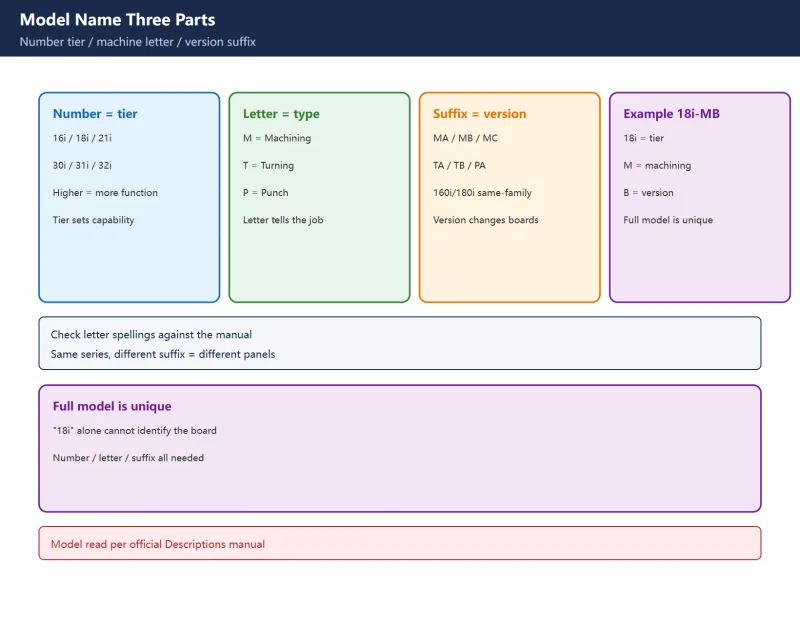
Take 18i-MB:
- Number = tier: 16i / 18i / 21i / 30i / 31i / 32i; higher tiers add function.
- Letter = machine type: M = Machining, T = Turning, P = Punch, etc.
- Suffix = version: MA/MB/MC, TA/TB are model versions; 160i/180i/210i are same-family variants with graphics display.
Table 1 Model naming three parts
2. Axis counts: don’t confuse “machine axes” with “total controlled axes”
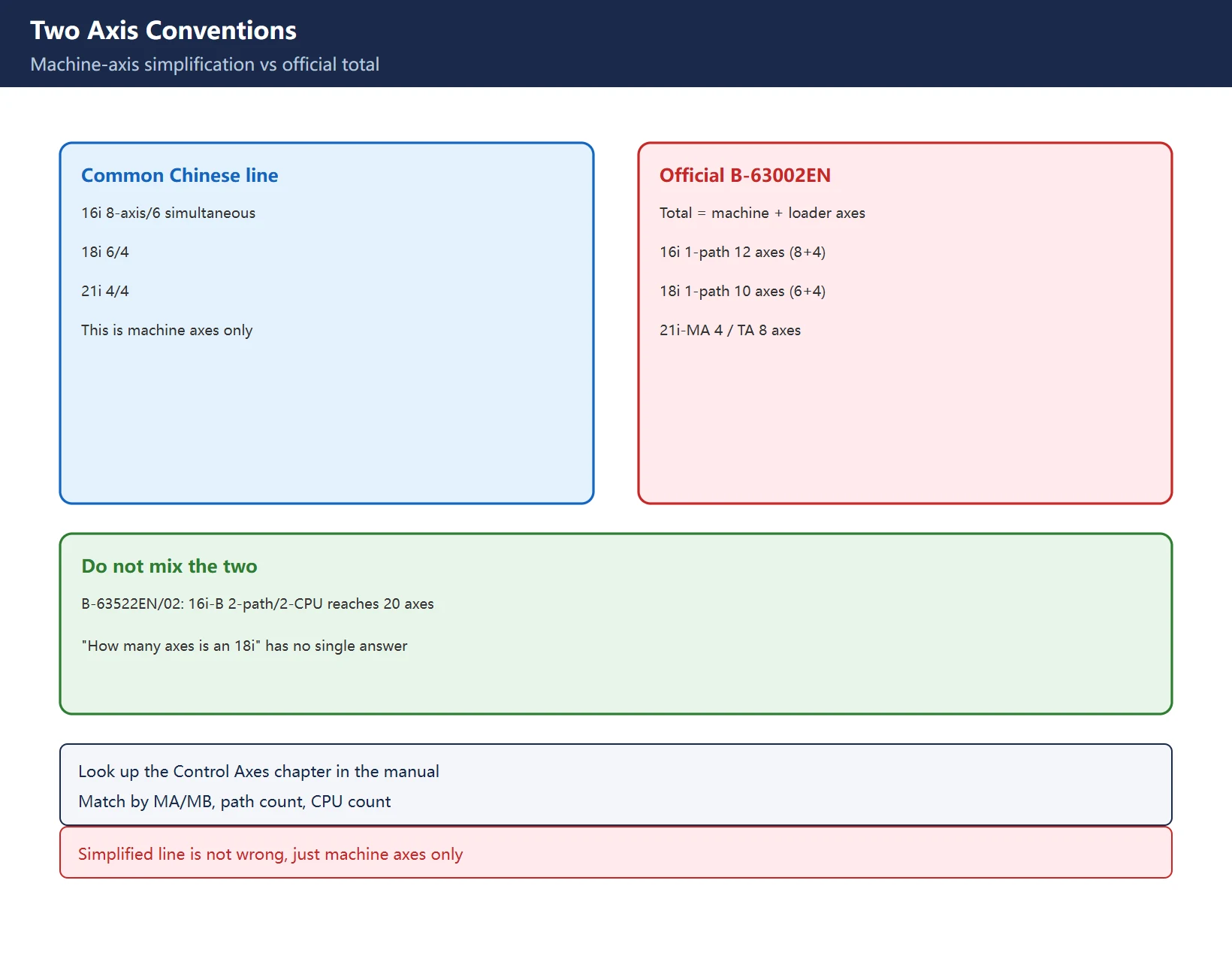
The line most Chinese references quote is “16i max 8 axes / 6 simultaneous, 18i 6/4, 21i 4/4”. That is not wrong, but it is a machine-axis simplification. The official Descriptions manual (B-63002EN/01) gives total controlled axes = machine axes + loader axes, split by path:
| Model | Official total controlled axes (example) | Common simplified line |
|---|---|---|
| 16i-MA/TA (1 path) | 12 axes (8 machine + 4 loader) | 8 axes / 6 simultaneous |
| 18i-MA/TA (1 path) | 10 axes (6 machine + 4 loader) | 6 axes / 4 simultaneous |
| 21i-MA | 4 axes (4 machine) | 4 axes / 4 simultaneous |
| 21i-TA | 8 axes (4 machine + 4 loader) | – |
Table 2 Two axis conventions (B-63002EN/01 examples; check your own manual)
And the numbers change between manual revisions: in B-63522EN/02 (16i-B/18i-B), a 16i-MB with 2 paths / 2 CPUs reaches 20 axes, and 18i-TB 2-path/2-CPU reaches 16. So “how many axes is an 18i” has no single answer – you need the full model (MA/MB, path count, CPU count). Look it up in the manual’s “Control Axes” section against the exact model.
3. The GE Fanuc badge: a joint-venture label, not another product line
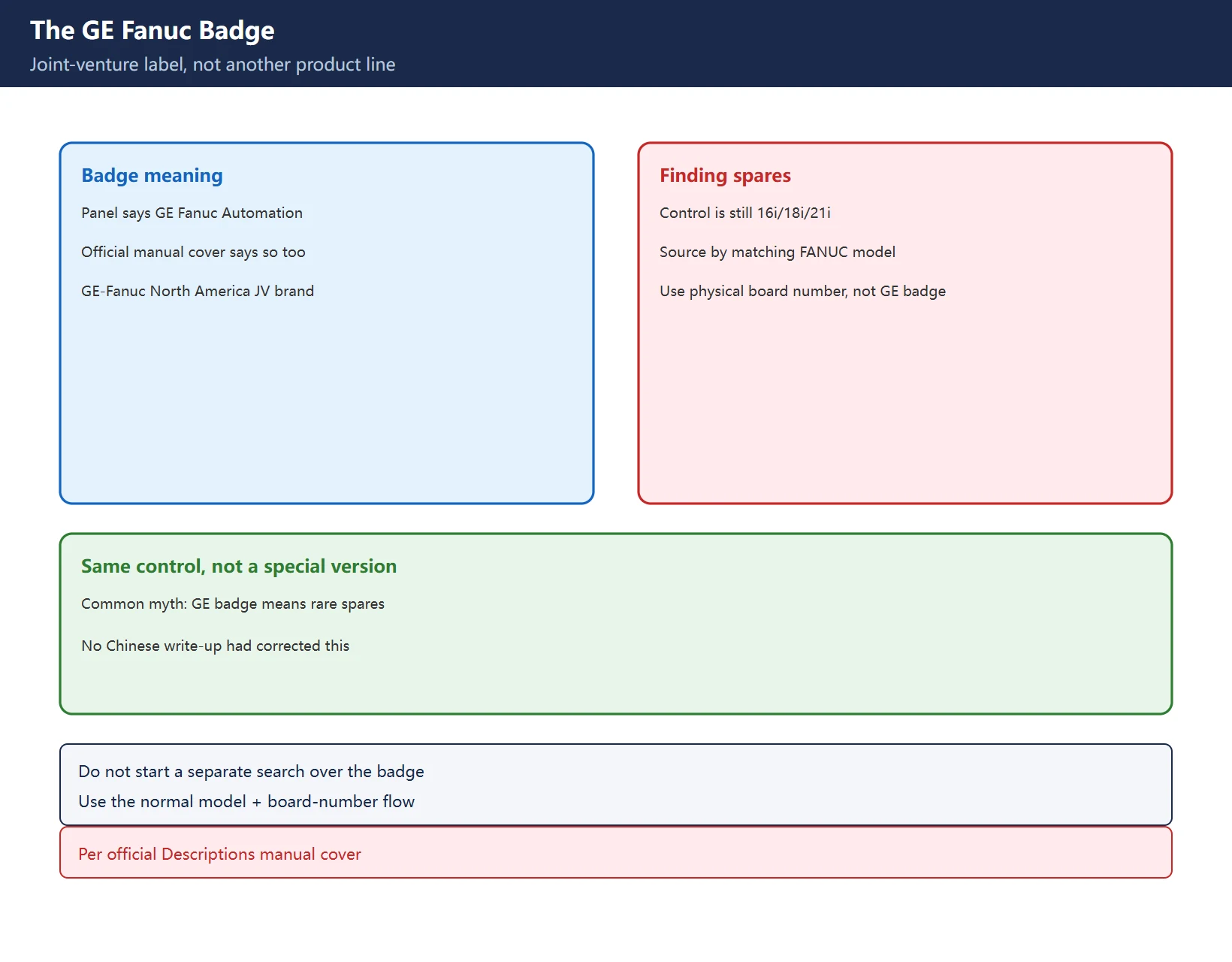
Many older machines carry a GE Fanuc Automation badge, leading people to think it is a special version with hard-to-find spares. It is not – the official Descriptions manual cover reads “GE Fanuc Automation, Computer Numerical Control Products, Series 16i/18i…”. This was the GE-Fanuc North American joint-venture branding; the control is the same 16i/18i/21i hardware. Source spares by the corresponding FANUC model and board number, not by the GE badge.
4. One “18i”, three panel layouts: match spares by board number
| Panel layout | Note |
|---|---|
| CRT + separate MDI | Early |
| Separate LCD + separate MDI | Mid |
| Integrated LCD/MDI | Later, slim |
Table 3 Three panel layouts for one 18i
One series name can mean different displays, CPU boards and I/O boards. For quotes and spares, always give the physical A02B / A16B / A20B board number and revision suffix, not just “18i”. See FANUC main / spare board numbers for how to read them.
5. Reading a board number (tables are clues only)
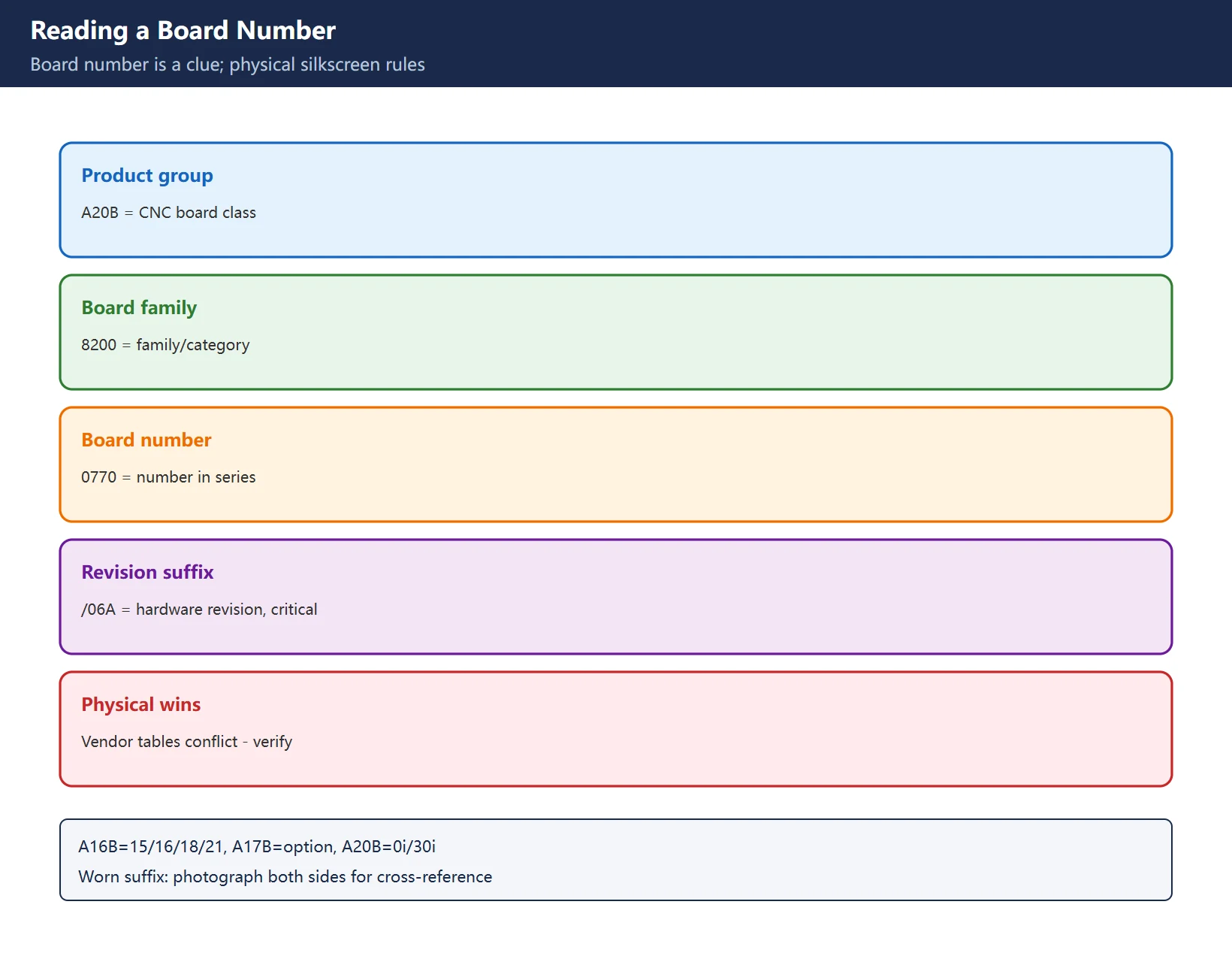
A common form from spare vendors is A20B-8200-0770/06A:
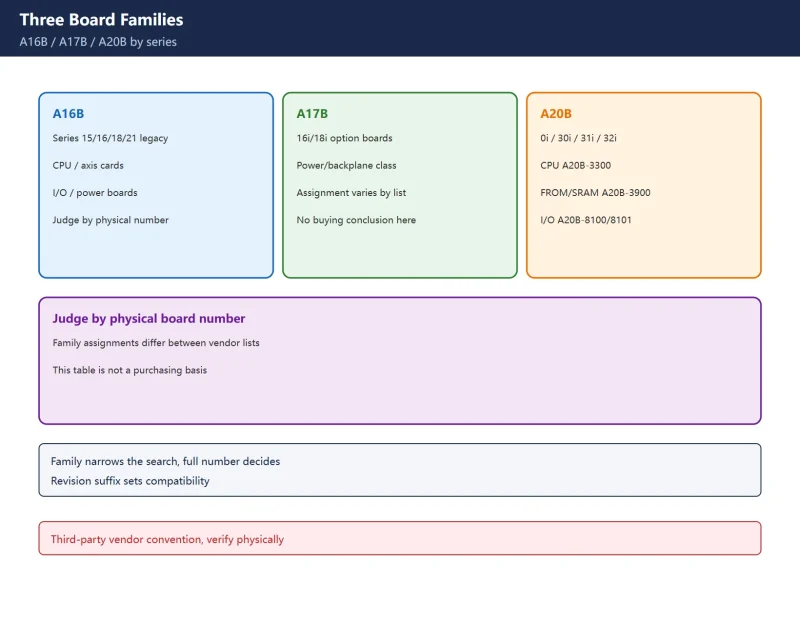
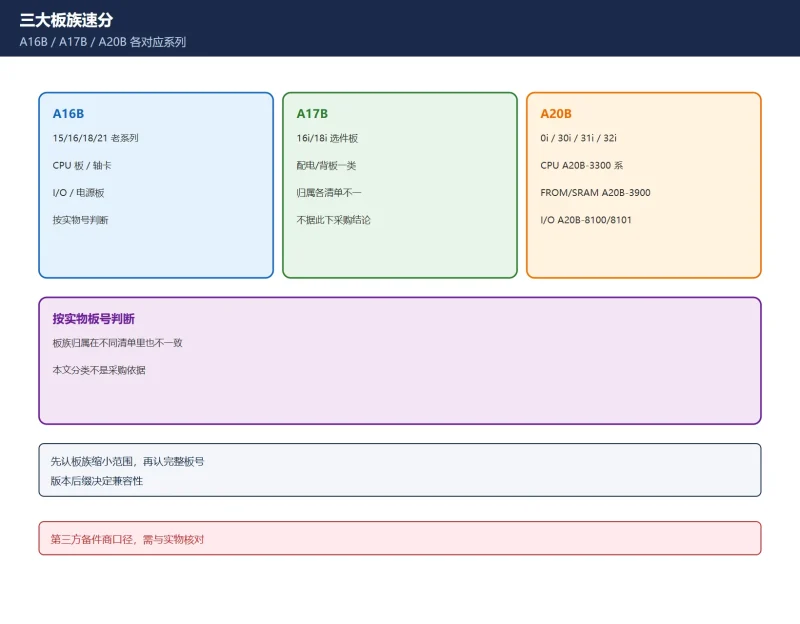
A20B= product group (CNC boards; A16B = Series 15/16/18/21 legacy boards, A17B = 16i/18i option boards, A20B = 0i/30i/31i/32i boards);8200= board family/category;0770= board number;/06A= revision suffix, critical – FANUC revises boards and some revisions are not backward-compatible with older system software.
Table 4 Board number anatomy (third-party vendor convention; verify physically)
Important: circulated tables such as “0i-A=A20B-8100-0135, 0i-B=-0450, 0i-C=-0660, 0i-D=-0930” come from different spare vendors who assign different board numbers to the same control (e.g. -0660 is called 0i-C by one and 21i by another). Such tables are search clues only – actual spares must match the removed board’s physical silkscreen and the machine’s own manual.
6. Can an old control be upgraded to an i-series?
Manufacturers are usually conservative about whole-control upgrades: hardware architecture, servo interfaces, PMC and displays all change, so repair / board-swap / replacement is often more practical. Whether to replace depends on downtime cost, spare availability and accuracy needs – see the repair-vs-replace decision table. Storage moved from SRAM card -> CF card -> CFast/SATA, which also decides whether to change a storage module or the whole control.
Frequently Asked Questions
What is the difference between FANUC 18i and 21i? Can they be swapped?
Different tiers: in B-63002EN an 18i 1-path example totals 10 controlled axes (6 machine + 4 loader), while 21i-MA is 4 and 21i-TA is 8; the common “18i 6/4, 21i 4/4” line is the machine-axis simplification. Swap-ability depends on the full model, path count, CPU and board number – the “18i/21i” name alone cannot decide, and they are generally not directly interchangeable.
Does a GE Fanuc badge mean spares are unavailable?
No. GE Fanuc was the GE-Fanuc North American joint-venture branding – the official manual cover says so – and the control is the same 16i/18i/21i hardware. Source spares by the matching FANUC model and physical board number.
Can I find the exact CPU board from just “18i”? What else do I need?
No. One 18i can have CRT+separate MDI, separate LCD+separate MDI, or integrated LCD/MDI, with different CPU and I/O boards. Provide the physical A02B/A16B/A20B board number and revision suffix (e.g. /06A), ideally plus photos of both sides and the alarm number.
Last updated: 2026-11-16
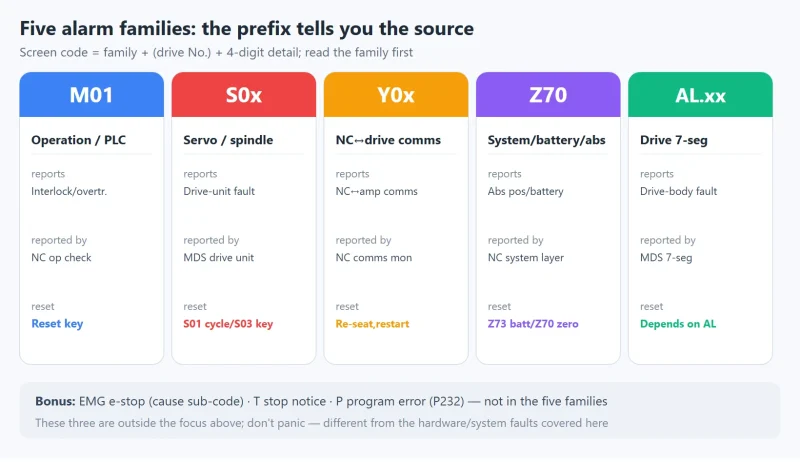
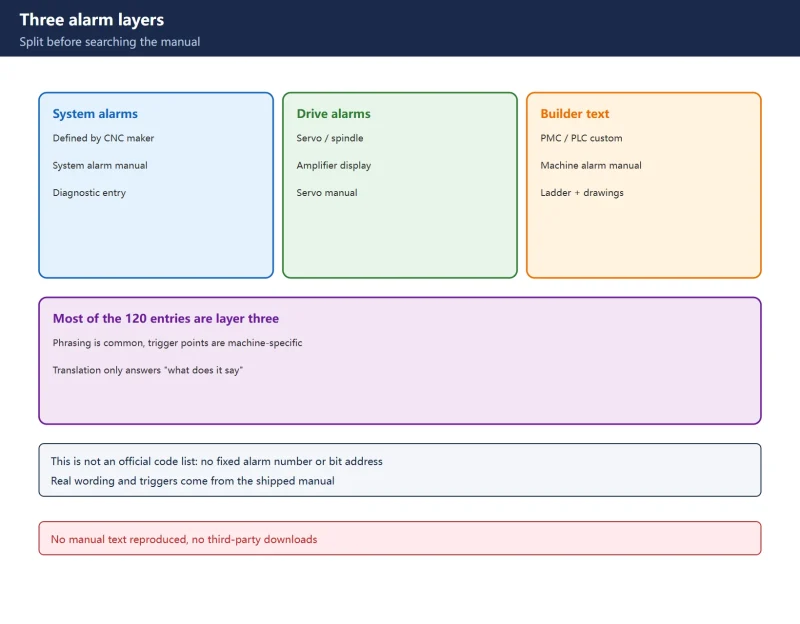
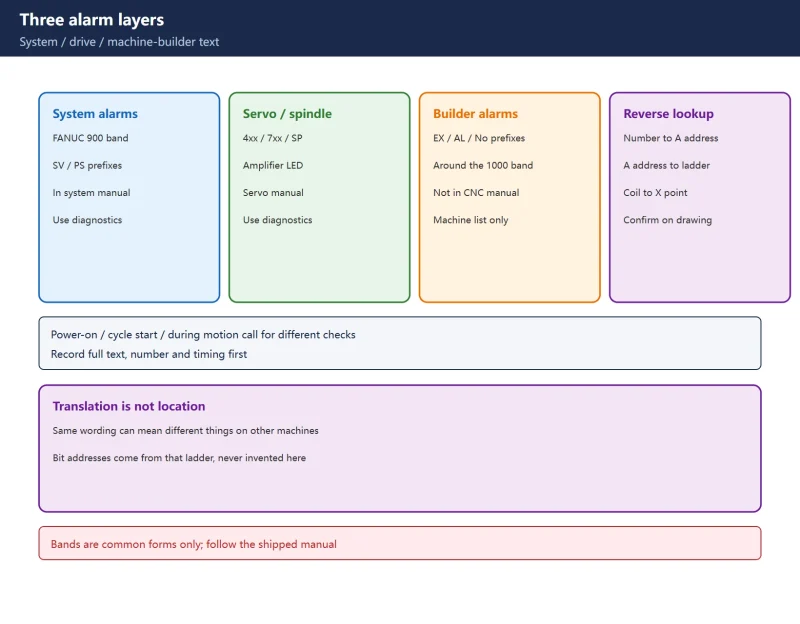
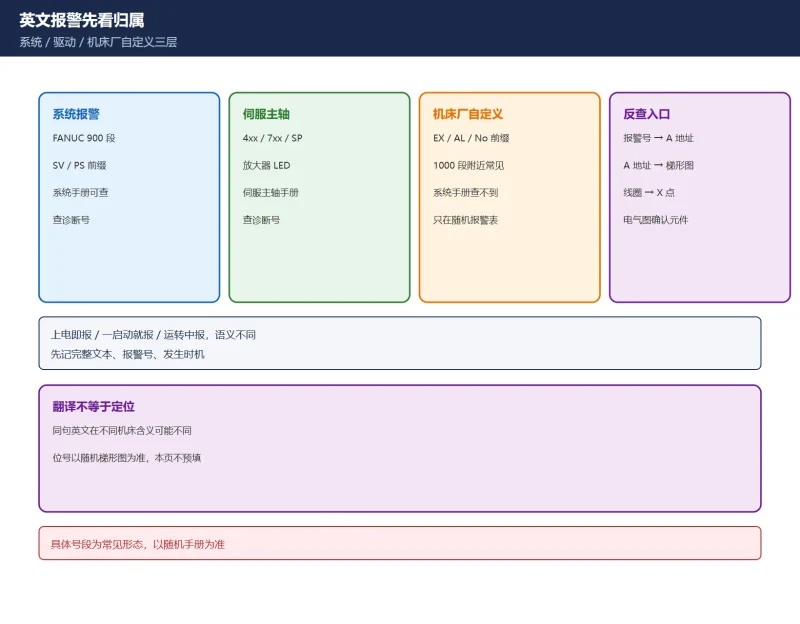
Beyond model identification: reading alarm text by timing
Where to go next
- FANUC Troubleshooting — the full guide library: alarms, diagnosis numbers, servo, spindle, PMC and electrical faults, organised by symptom.
- CNC Repair Tools — which instrument measures what: multimeters, clamp meters, insulation testers and oscilloscopes, with the specification that actually matters.
- Remote Technical Support — have the readings reviewed with you: alarm reverse lookup, PMC ladder analysis and servo tuning advice by call. Repair companies and integrators welcome.
- Buying & Ownership Decisions — refurbished vs new, used-machine checks, software licensing and manuals: spend with the field facts in hand.
Read the guide, get the right instrument, or walk the diagnosis through with someone — pick whichever you need.
The original Chinese version — same procedure, with the full field notes.


















暂无评论内容