


🚨 Scope and compliance: Board-number tables here come from third-party spare vendors (cncspares, cncfixtech, VCOCNC, machineu) who assign conflicting numbers to the same control (e.g.
-0660is called 0i-C by one and 21i by another). Per our rule these are labeled only as “circulated field lists, verify against the physical board silkscreen and the manual shipped with the machine” – not officially confirmed, not a purchasing basis. Backup items and swap logic are general field method; defer to your manual. This page reproduces no manual content and provides no purchase or download links.
30-second triage: three things before a swap
| Step | Action | Why |
|---|---|---|
| 1 | Copy the old board's full number + revision suffix | Number sets the model; suffix sets compatibility |
| 2 | Back up the 5 SRAM data items | Lose them on power-off swap = wasted work |
| 3 | Decide board failure vs electrical noise | A misdiagnosed swap solves nothing |
Table 0 Three steps before swapping
Related: FANUC i-series model identification and the repair-vs-replace decision table. See also FANUC data backup and recovery and exporting parameter tables and ladder.
1. Three board families
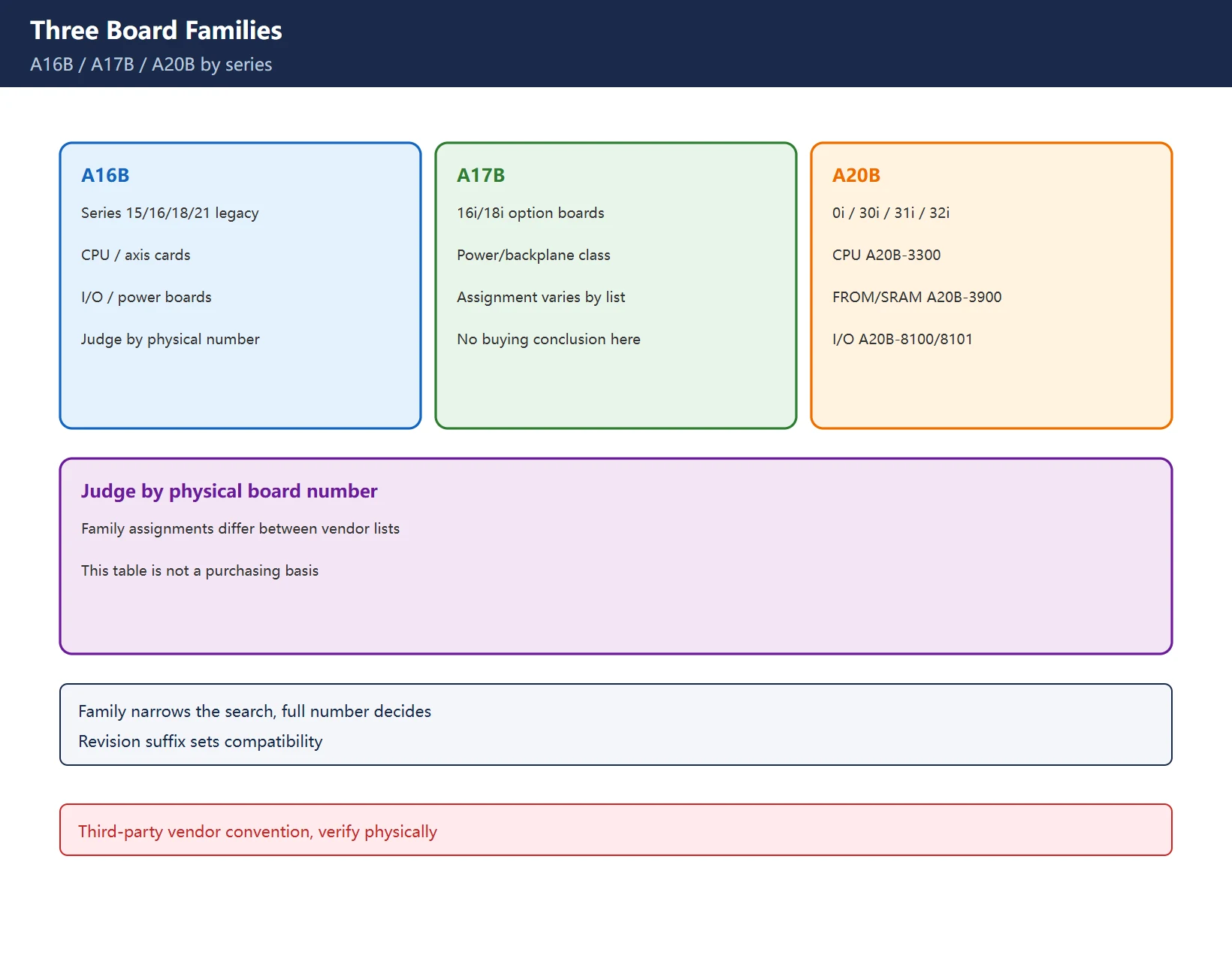
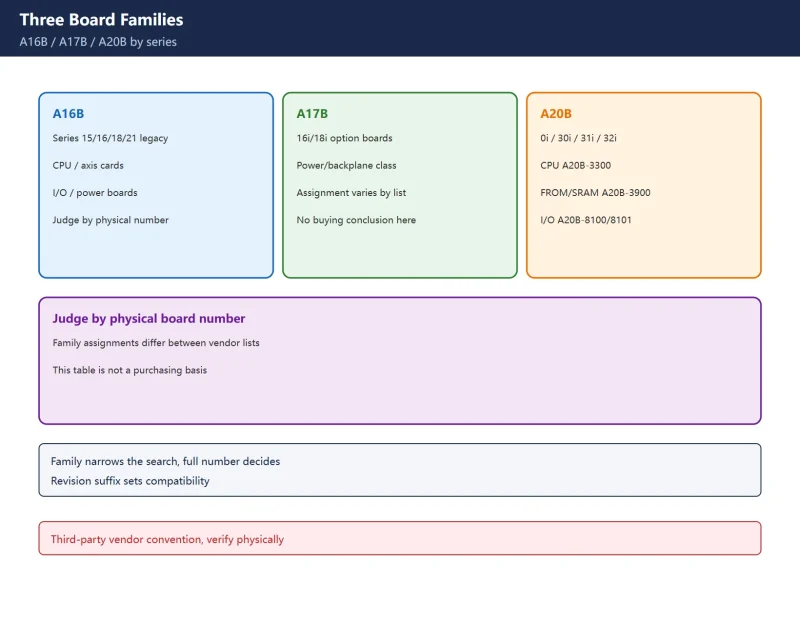
| Family | Common association | Note |
|---|---|---|
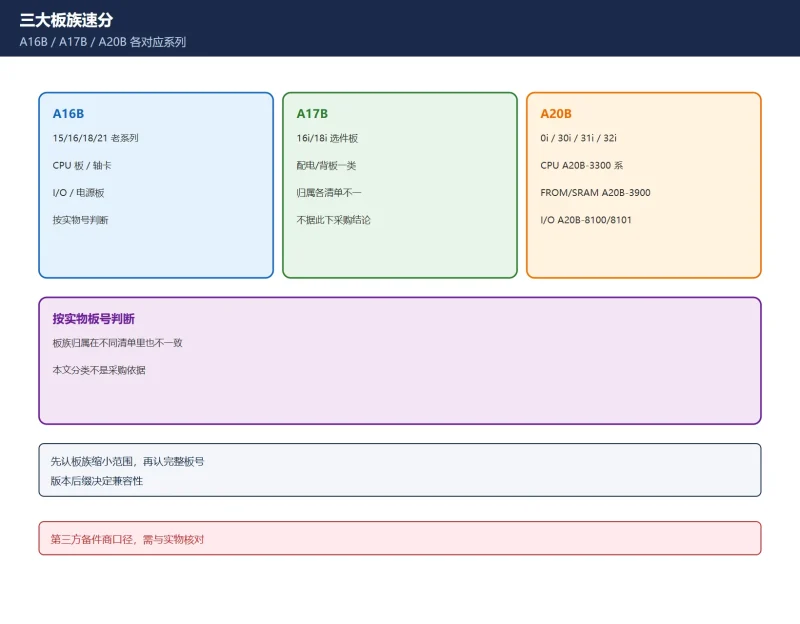
| A16B | Series 15/16/18/21 legacy | CPU, axis, I/O, power boards |
| A17B | 16i/18i option boards | Power distribution / backplane class |
| A20B | 0i / 30i / 31i / 32i | CPU (often A20B-3300), FROM/SRAM (A20B-3900), I/O (A20B-8100/8101) |
Table 1 Three board families (third-party vendor convention)
Note: family assignments also differ between vendor lists (A17B is called “16i/18i option” by some and “power/backplane” by others). Judge by the physical board number and machine configuration – do not derive a purchasing decision from this table.
2. Reading a board number
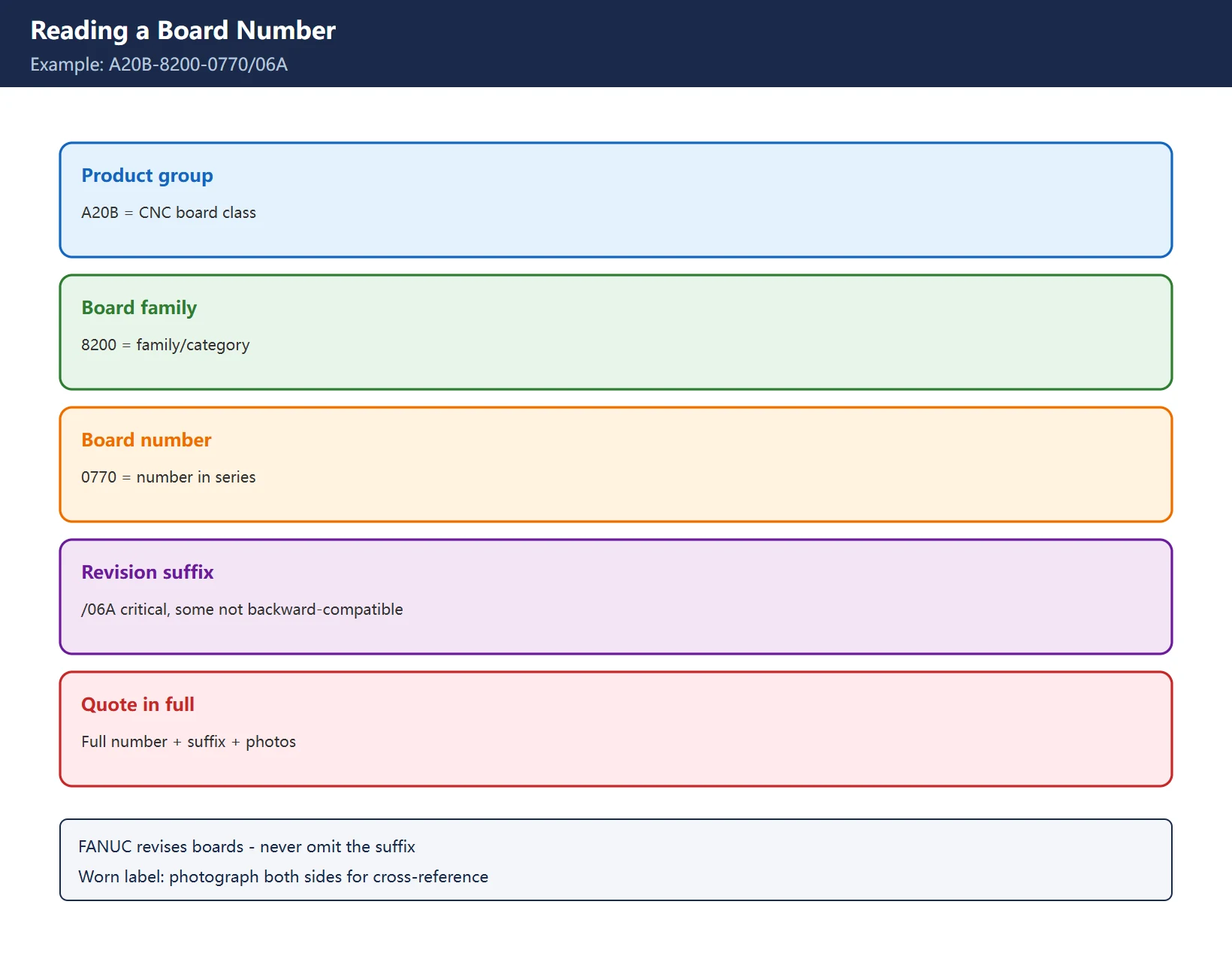
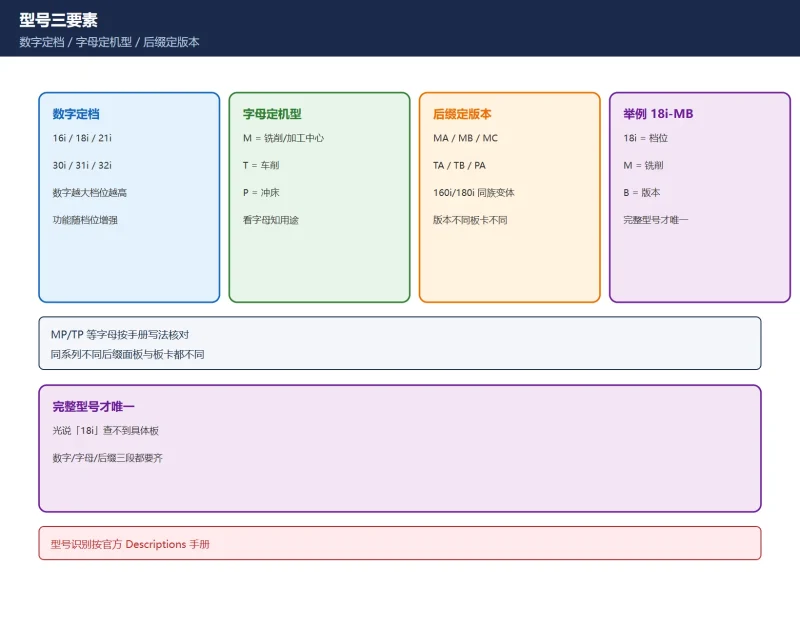
Take A20B-8200-0770/06A:
| Segment | Example | Meaning |
|---|---|---|
| Product group | A20B | CNC board class |
| Board family | 8200 | Family/category |
| Board number | 0770 | Board number within series |
| Revision suffix | /06A | Hardware revision, critical |
Table 2 Board number anatomy (third-party convention)
Why the revision matters: FANUC revises boards and some revisions are not backward-compatible with older system software. Always quote the full number including suffix; if the revision label is worn, send clear photos of both sides so the vendor can cross-reference the component layout.
3. Cross-reference table: a circulated list, conflicting
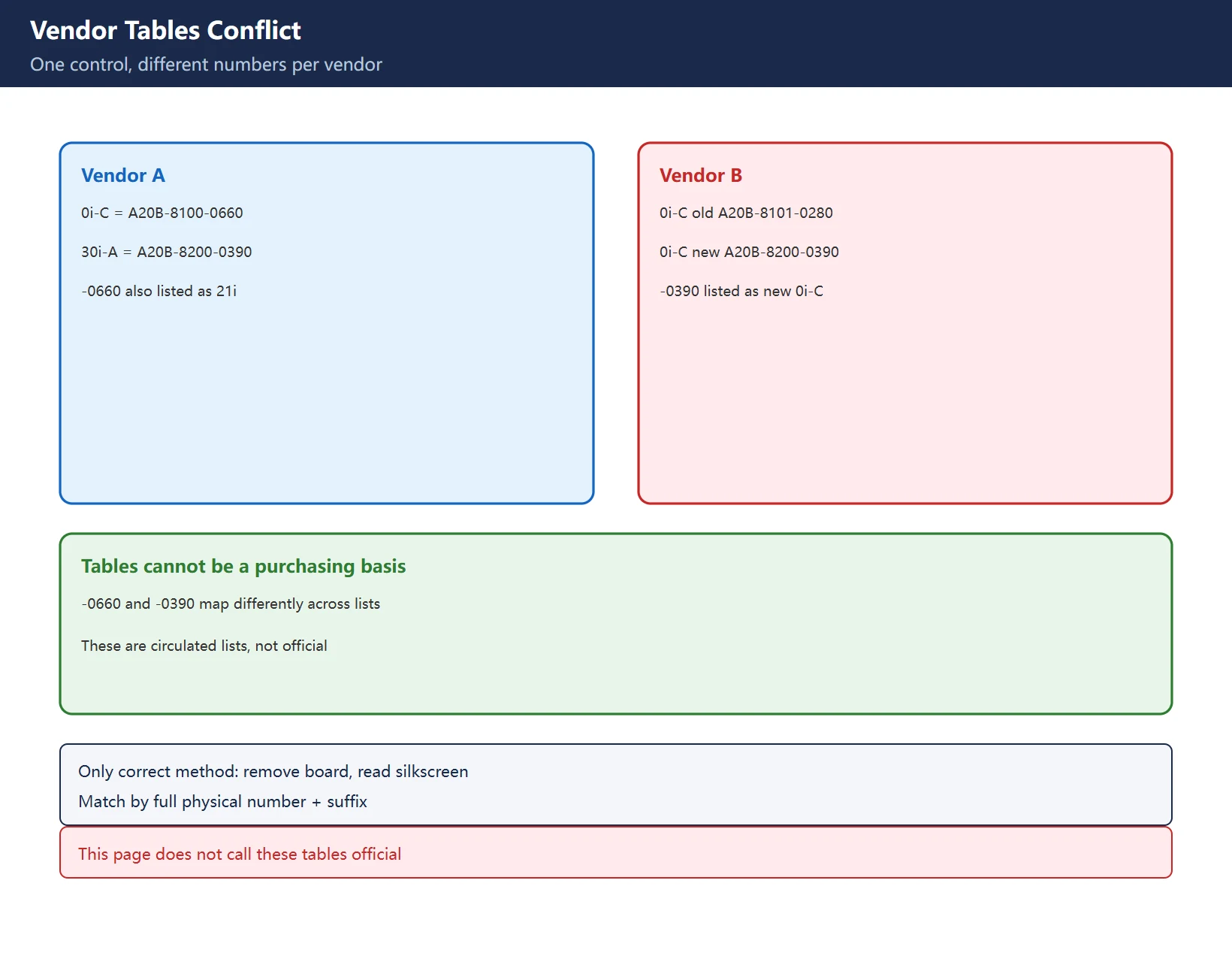
Common correspondences from multiple vendor lists, search clues only:
| Control | Vendor A list | Vendor B list (example) |
|---|---|---|
| 0i-A | A20B-8100-0135 | A16B-3200-0362 |
| 0i-B | A20B-8100-0450 | A16B-3200-0490 / A20B-3300-0293 (CPU) |
| 0i-C | A20B-8100-0660 | A20B-8101-0280 (old) / A20B-8200-0390 (new) |
| 0i-D | A20B-8100-0930 | A20B-8200-0361 (CPU) |
| 0i-F | A20B-8200-0680 | – |
| 30i-A / 30i-B | A20B-8200-0390 / -0770 | – |
| 16i/18i | A16B-3200-0040 | A16B-3200-0210 / A20B-8100-0130 |
| 21i | A16B-3200-0060 | A16B-3200-0321 / A20B-8100-0660 |
Table 3 Conflicting vendor board numbers (not official – verify physically)
See the problem? -0660 is 0i-C in list A but a 21i board in list B; -0390 is 30i-A in A but a new-version 0i-C board in B. These tables cannot be a purchasing basis. The only correct method: remove the old board, read the physical silkscreen’s full number and suffix, photograph both sides, and match by the physical number.
4. Three-step swap: board failure or noise first
| Step | Action | Point |
|---|---|---|
| 1 | Diagnose | For system alarms such as 920/930, check noise sources (relays, compressors, welders) and grounding first – don't rush to swap |
| 2 | Back up | Full SRAM backup before swapping (5 items below) |
| 3 | Verify | Power on, confirm alarms clear, then check parameters/offsets/coordinates restored |
Table 4 Three-step board swap
See FANUC data backup and recovery and exporting parameters and ladder for the actual backup procedure.
5. Five data items to back up
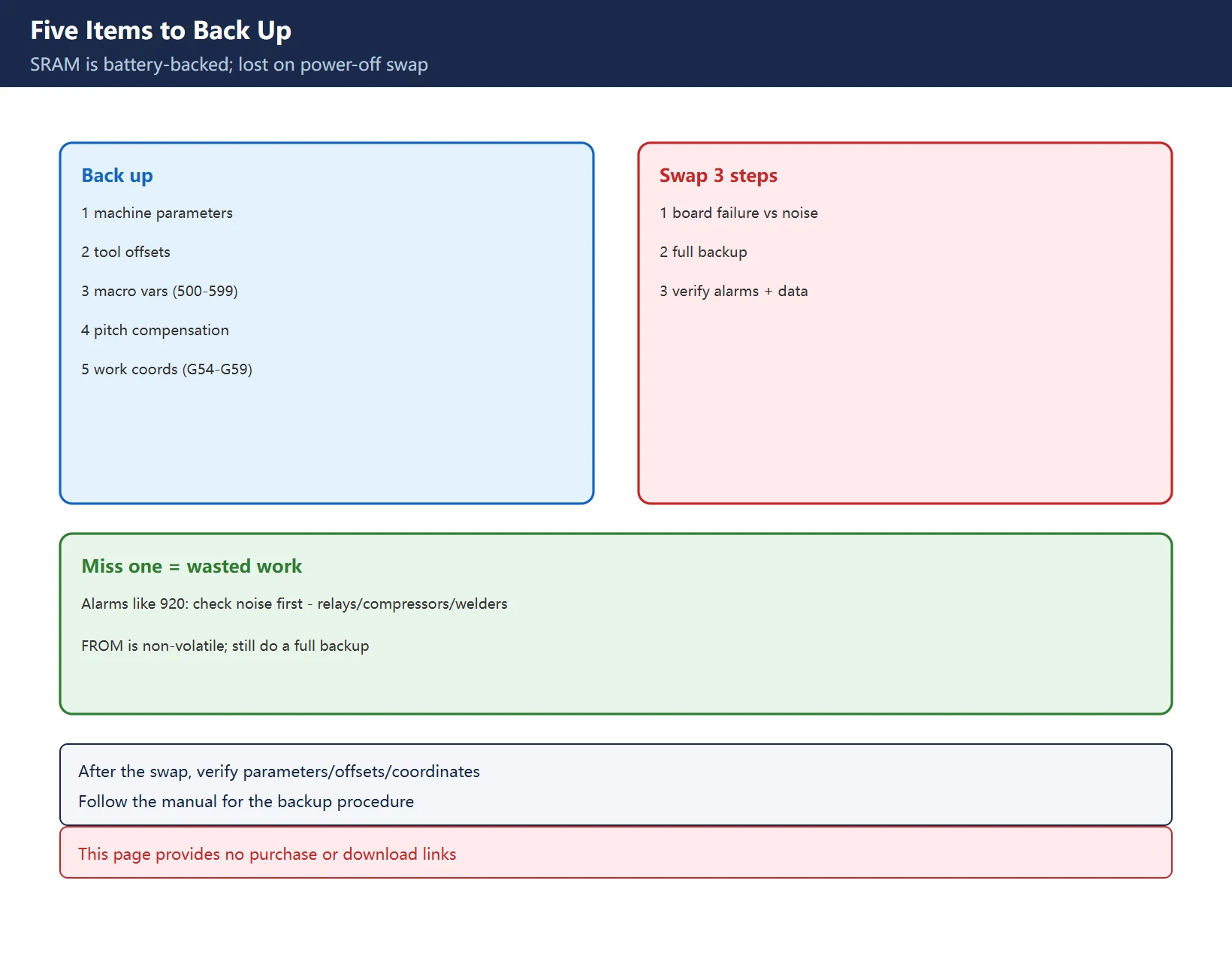
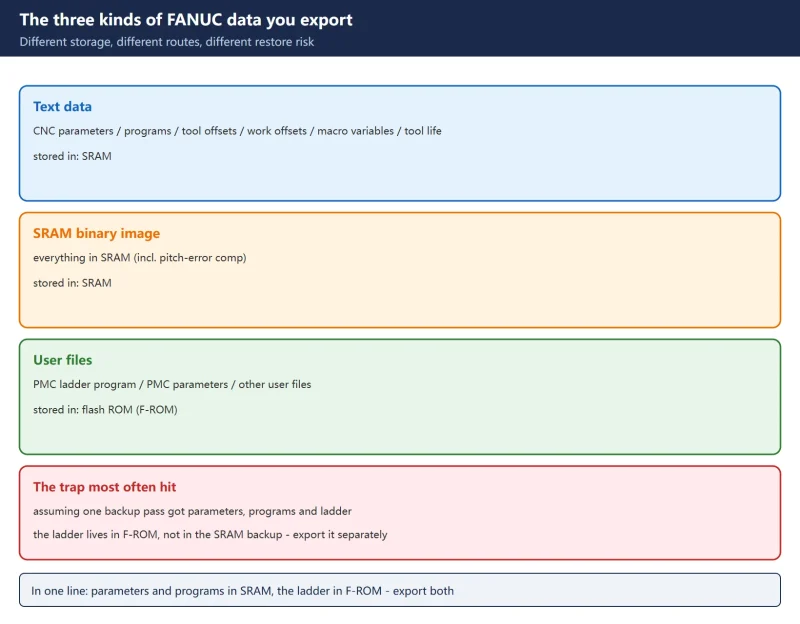
The CPU board’s SRAM is battery-backed and is lost on a power-off swap. Back up:
- Machine parameters (thousands of settings)
- Tool offset data
- Macro variables (#500-#599 common variables, etc.)
- Pitch error compensation tables
- Work coordinate systems (G54-G59, etc.)
Table 5 Five items to back up before swapping
Miss any one and you will be re-entering tables and re-calibrating after the swap – wasted work. The system software, ladder and macro executor in FROM are non-volatile and often travel with the board or a separate module, but still do a full official backup before removing the board – don’t gamble.
6. Old board / refurbished / replace the whole control
The decision depends on downtime cost, spare availability and machine condition: a single-board fault with complete backups makes a board swap/repair most economical; multiple aging boards, hard-to-find spares and degraded accuracy justify evaluating a whole-control replacement. Cost comparison is in the repair-vs-replace decision table.
7. What to give the vendor when enquiring
Give it all at once: full physical board number (with suffix) + control series and full model + photos of both sides + current alarm number/symptom. Saying just “0i-B main board” cannot confirm a revision and the back-and-forth costs downtime. Again: the table here is a clue only – the physical number decides.
Frequently Asked Questions
How do I read a FANUC board number? Which control is A20B-8100-0930?
Read the full physical silkscreen including revision suffix. Third-party lists call A20B-8100-0930 a 0i-D, but other lists assign the same number to a different control – such tables conflict, are not official, and are clues only. The removed board’s physical number and the machine manual decide.
What data must be backed up before swapping a FANUC main board? What happens if I skip it?
Five items: machine parameters, tool offsets, macro variables, pitch error compensation, work coordinates. These live in battery-backed SRAM and are lost on a power-off swap; skip the backup and you will re-enter tables and re-calibrate after the swap.
Is alarm 930 always a bad CPU? When is it actually noise?
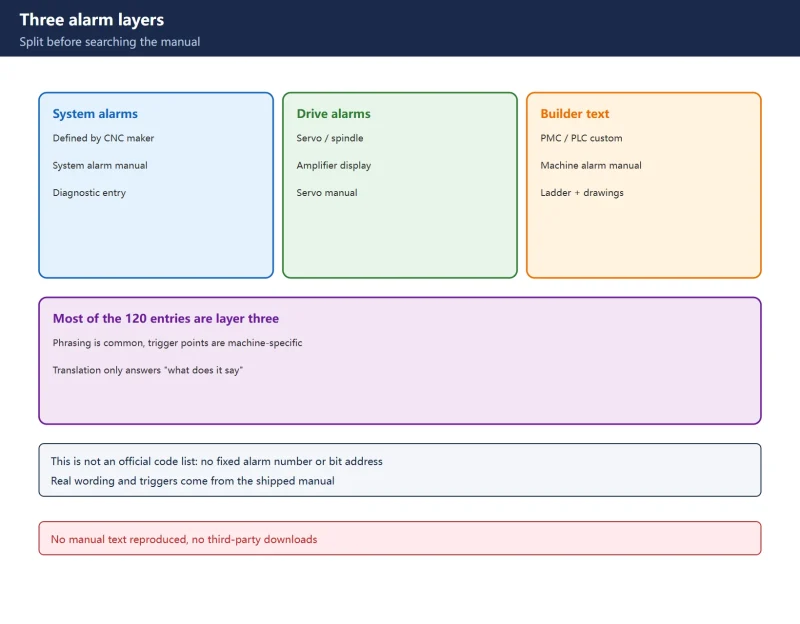
Not always. For system alarms such as 920/930, check noise sources (relays, compressors, welders), grounding and poor contacts first; an alarm that recurs at every power-on plus RAM parity symptoms points more to the board itself. Follow the troubleshooting flow in the manual shipped with the machine.
Last updated: 2026-11-16
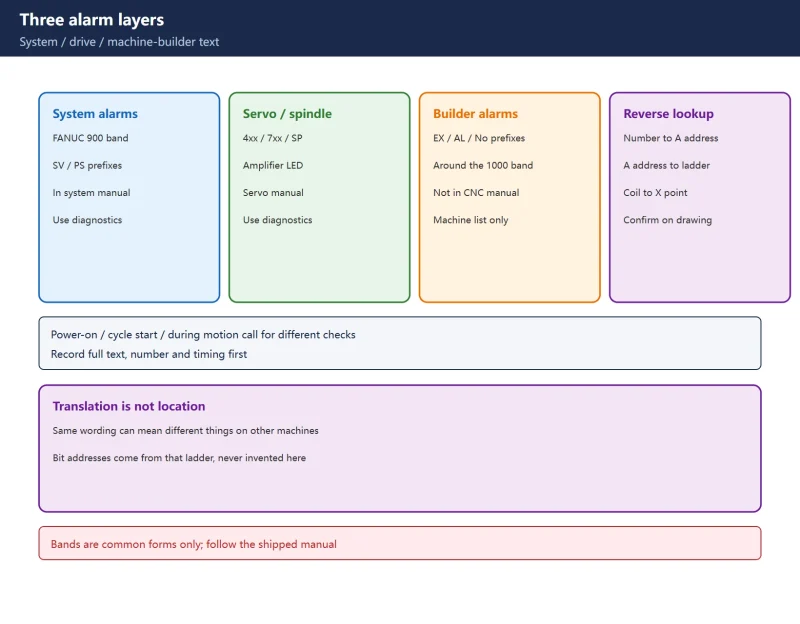
Beyond board numbers: no bit address should be invented
Where to go next
- FANUC Troubleshooting — the full guide library: alarms, diagnosis numbers, servo, spindle, PMC and electrical faults, organised by symptom.
- CNC Repair Tools — which instrument measures what: multimeters, clamp meters, insulation testers and oscilloscopes, with the specification that actually matters.
- Remote Technical Support — have the readings reviewed with you: alarm reverse lookup, PMC ladder analysis and servo tuning advice by call. Repair companies and integrators welcome.
- Buying & Ownership Decisions — refurbished vs new, used-machine checks, software licensing and manuals: spend with the field facts in hand.
Read the guide, get the right instrument, or walk the diagnosis through with someone — pick whichever you need.
The original Chinese version — same procedure, with the full field notes.
















暂无评论内容