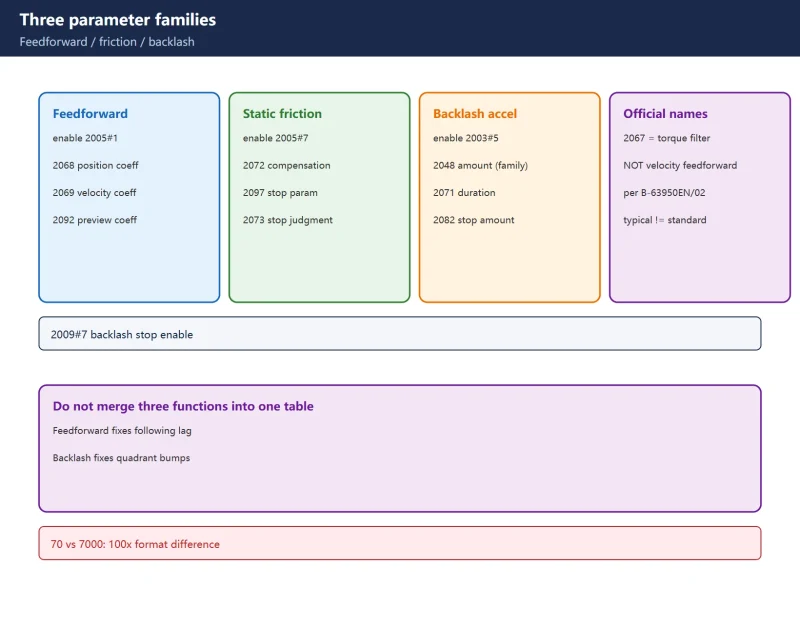



53.1 Three functions, three parameter families
Separate the functions before discussing numbers:
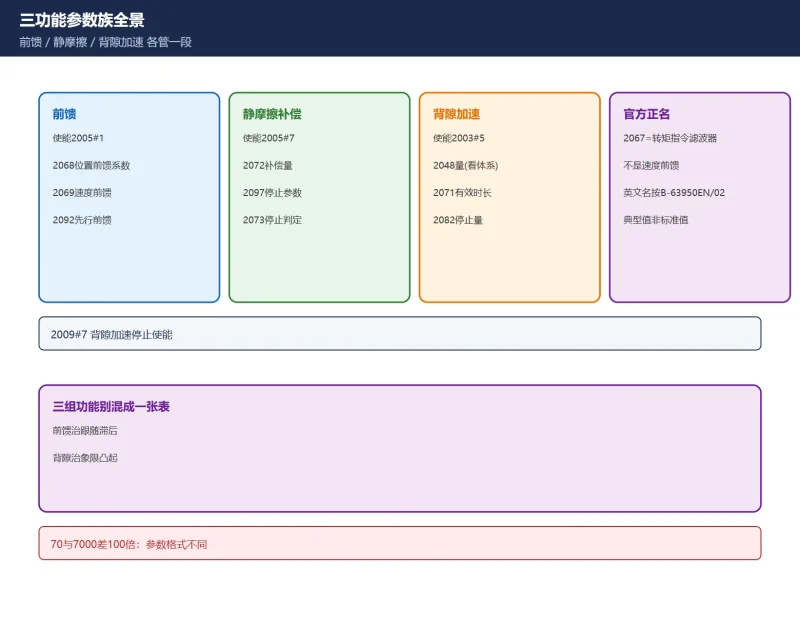
- Feedforward compensates known servo computation lag. The command moves but the motor lags behind; feedforward makes the motor start earlier. It splits into position feedforward (2068), velocity feedforward (2069) and, on higher-end control, advanced preview feedforward (2092).
- Static friction compensation addresses the lost motion at the instant a machine starts moving, when static friction delays mechanical response. 2072 is the compensation amount, 2097 the stop parameter, 2073 the stop judgment parameter.
- Backlash acceleration addresses the bump at direction reversal that appears at quadrant transitions on circular cuts. 2003#5 enables it; 2048/2071/2082 set amount, duration and stop amount; 2009#7 enables the stop function.
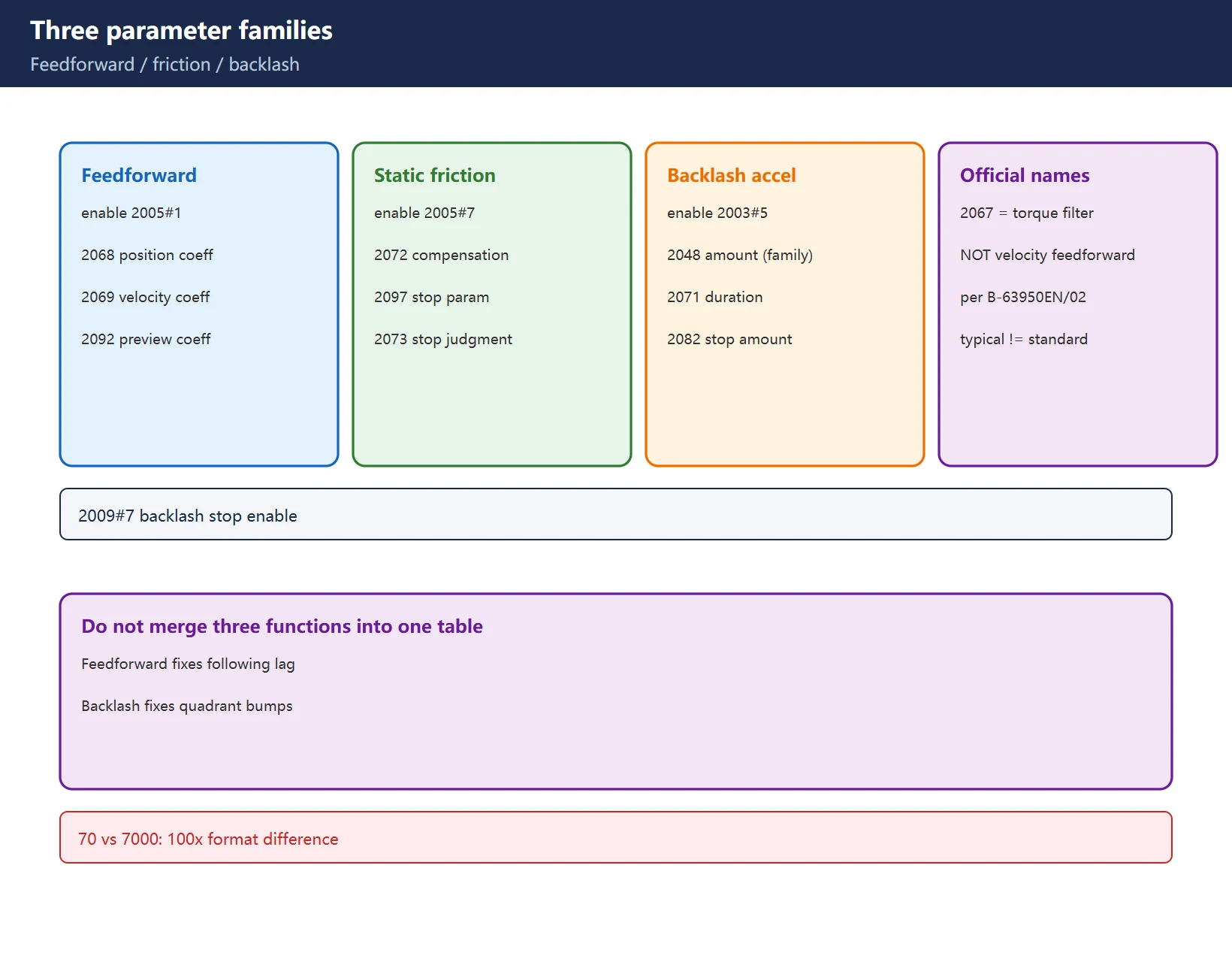
| Function | Enable bit | Core parameters (official names) | Symptom addressed |
|---|---|---|---|
| Feedforward | 2005#1 | 2068 Feed forward coefficient, 2069 Velocity feed forward coefficient, 2092 Advanced preview feed forward coefficient | Following lag, undersized contours |
| Static friction compensation | 2005#7 | 2072 Static friction compensation, 2097 Static friction compensation stop parameter, 2073 Stop judgment parameter | Start-up lost motion, notch at arc start |
| Backlash acceleration | 2003#5 | 2048 (see family note), 2071 Backlash acceleration effective duration, 2082 Backlash acceleration stop amount | Quadrant bumps or overcut |
Table 53-1 Enable bits and core parameters; English names follow the FANUC parameter manual
53.2 Feedforward: 2068 position, 2069 velocity, 2092 advanced preview
Feedforward is an open-loop correction of a known lag, so every parameter is a ratio, not a time or distance.
- 2005#1 = 1: master enable for feedforward. With this bit off, the coefficients below do nothing.
- 2068 Feed forward coefficient (position): field starting points span 70 to about 7000 – see the value trap below.
- 2069 Velocity feed forward coefficient: a common field starting point is around 50.
- 2092 Advanced preview feed forward coefficient: used under AI contour control (AICC/AIAPC); common starting points are 9800 to 10000.
Value trap (the most misleading part): the same 2068 is quoted as “70” in one source and “7000 or 9800” in another. Neither is necessarily wrong – different control generations and parameter formats represent the coefficient differently (percent versus a 100x scaled integer). Check the unit and the manual definition on your own parameter screen before copying any number; 70 and 7000 differ by a factor of 100.
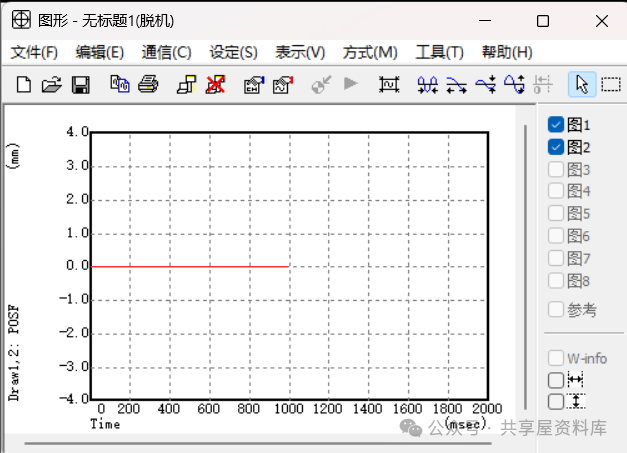
Adjustment: after enabling, watch the TCMD (torque command) waveform and following error in SERVO GUIDE. If you see overshoot, lower the coefficient; if the contour is still undersized with no overshoot, raise it slightly. A 97-99 percent coefficient range is often cited as effective, but that is field experience, not a standard value.
53.3 Static friction compensation: 2072 amount, 2097 stop, 2073 judgment
- 2005#7 = 1: enables static friction compensation.
- 2072 Static friction compensation: a common starting point is around 100. The compensation is added at startup and must be removed once motion begins, otherwise it over-compensates during normal running.
- 2097 Static friction compensation stop parameter: controls when compensation stops. Circulated values range from 5 to 55 – another generation/format difference, so do not copy blindly.
- 2073 Stop judgment parameter: that is the official English name. Field sources often explain it as “compensation cancel time, in multiples of 8 ms” – a practical interpretation, not the official title.
Diagnosis order: confirm 2005#7 is set, look for lost motion at startup, adjust 2072 in small steps, use overshoot or crawling to judge 2097, and use 2073 for stop timing. Change one parameter at a time, back up before editing, and record every change.
53.4 Backlash acceleration: 2003#5 enable, 2048 amount but mind the family
This is the section where parameter numbers are most often written incorrectly.
- 2003#5 = 1: backlash acceleration enable (consistent across sources and the official family).
- 2071 Backlash acceleration effective duration: common starting points 20 to 50; field advice keeps it at or below 100, and notes that 2071 should exceed 2082 (often a 10x relationship).
- 2082 Backlash acceleration stop amount: a common starting point is 5 (unit 1 um).
- 2009#7 = 1: enables the backlash acceleration stop function to prevent overcut.
2048 family difference (important): in older 0i-B/0i-C field material, 2048 is treated as the backlash acceleration amount (often 600, tied to an alpha encoder at 600 pulses per revolution). In the newer 30i/31i official manual, 2048 is the velocity loop gain (PG1) and the backlash amount has a different number. This article deliberately does not fix 2048 to one function – check your control generation and machine manual first. That is the line we will not cross on parameter accuracy.
53.5 Quadrant-bump diagnosis: machine first, parameters last
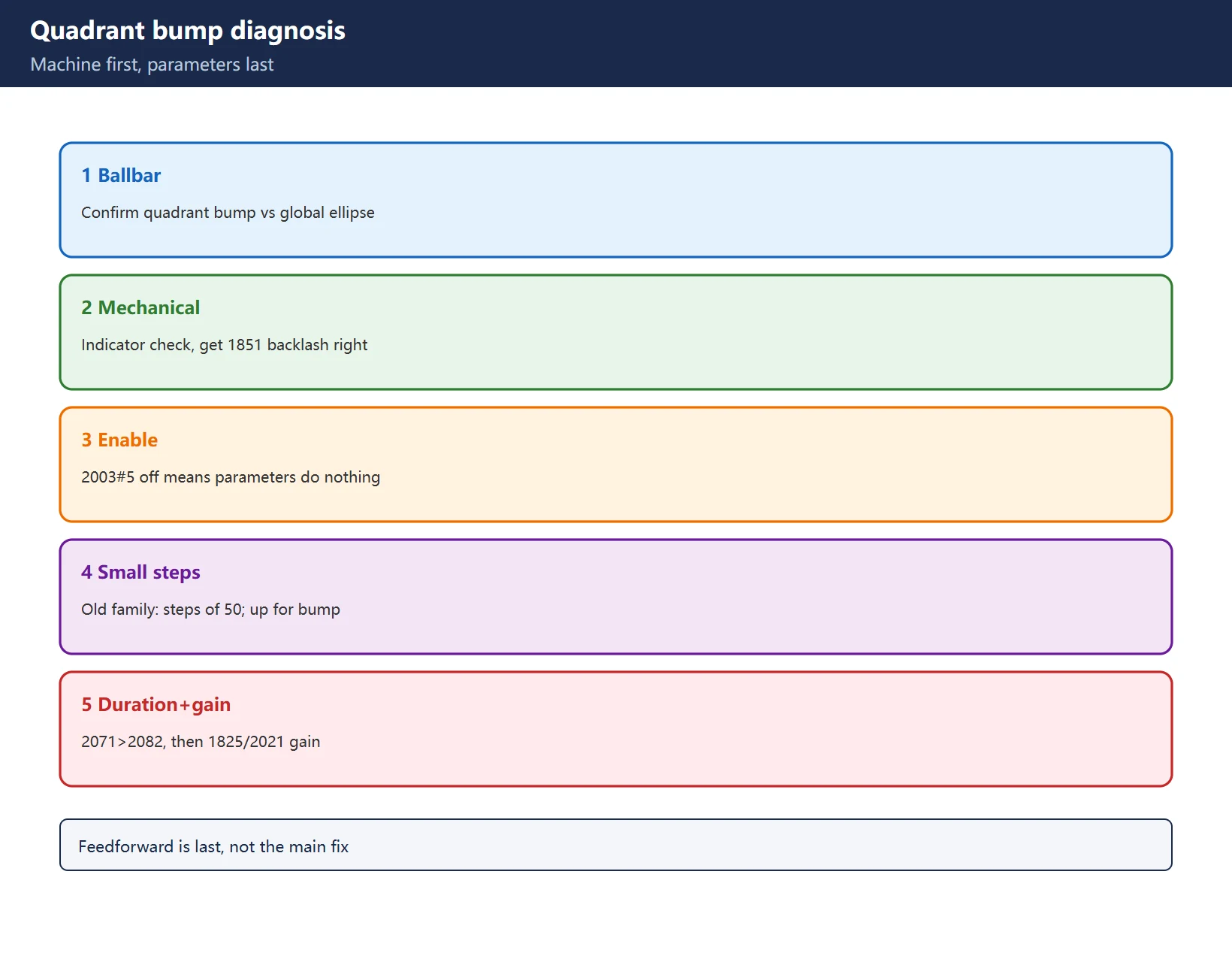
A bump or notch at 0/90/180/270 degrees on a circular cut is the classic use case for this parameter group. But do not start with parameters – follow this order:
- Run a ballbar roundness test: confirm it is really a quadrant bump and not a global ellipse (an ellipse usually means gain mismatch or uncompensated backlash). See the machine accuracy check article for criteria.
- Check mechanical backlash: measure with a dial indicator and get conventional backlash compensation (1851) right first. Unfixed mechanical play is only masked by parameters.
- Confirm 2003#5 is set: with backlash acceleration disabled, changing 2048/2071 does nothing.
- Adjust the backlash amount in small steps: in older-family practice, steps of 50; raise for a bump, lower for overcut.
- Set 2071 duration and 2082 stop amount: keep 2071 greater than 2082 to avoid compensation tail.
- Then check gain matching: position loop gain 1825 and load inertia ratio 2021 – weak gain undermines every compensation.
- Only then look at feedforward: feedforward addresses contour undersizing from following lag, not the main cause of quadrant bumps.
Watch waveforms in SERVO GUIDE and results on the ballbar at every step; verify each change before making the next.
53.6 Adjustment discipline: backup, one variable, power cycle, verify
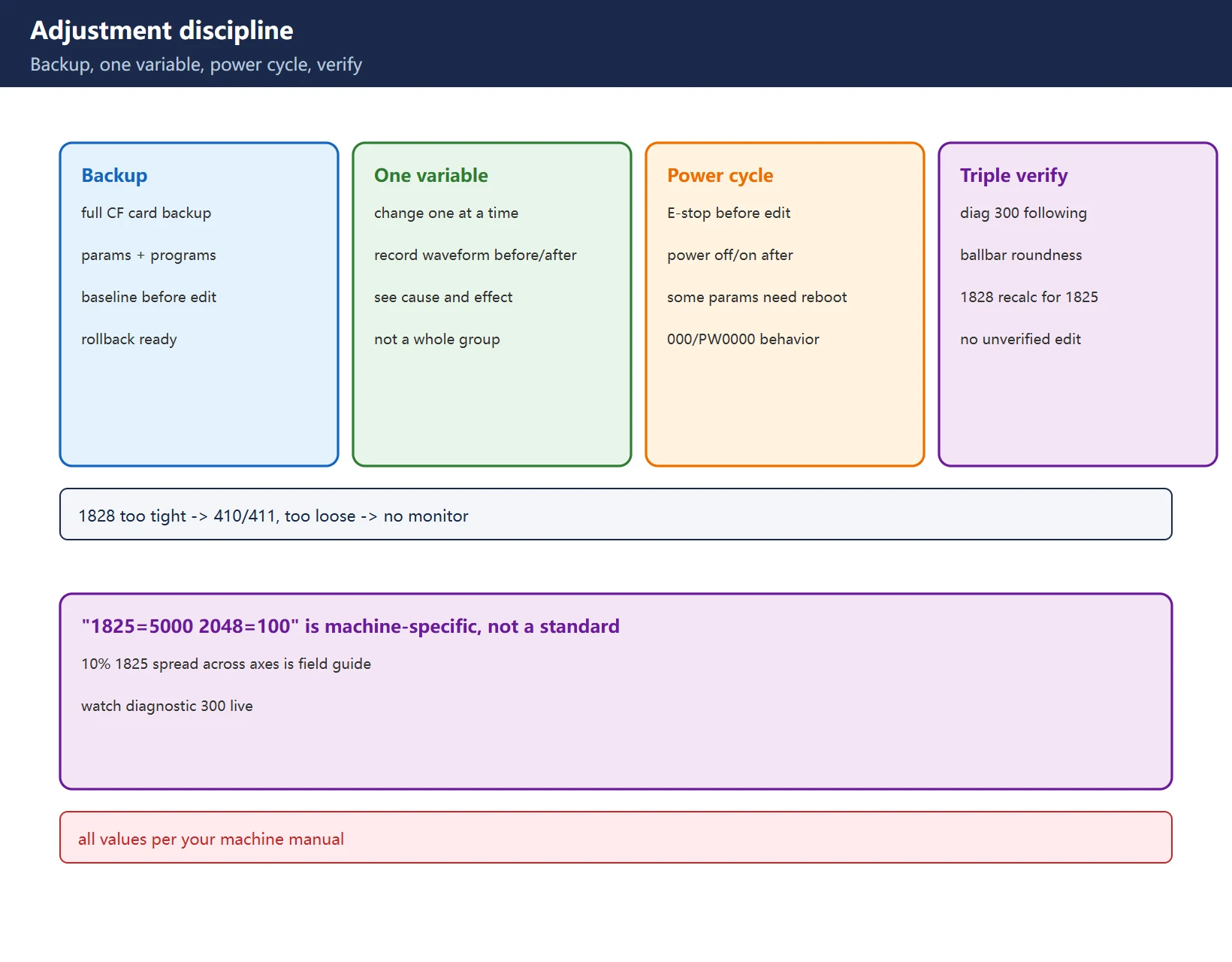
- Full backup first: complete CF card / memory card backup of parameters and programs. Every number here is a starting reference, not a table to copy.
- One variable at a time: change one parameter, record waveforms and roundness before and after, so cause and effect stay visible.
- Emergency stop before editing: servo parameter changes should be made with E-stop pressed; power-cycle and re-verify afterward, since some parameters only apply after a power cycle (see alarm 000 / PW0000 behavior).
- Monitor diagnostic 300: watch following error in real time; keeping axis variation within about 10 percent is a common field guide.
- Recalculate 1828 following-error tolerance: after changing 1825, 1828 must be recalculated, or you either get nuisance 410/411 alarms or lose the monitoring function.
Do not treat circulated numbers such as “1825=5000, 2048=100” as standards – they are measurements from specific machines and copying them onto a different machine causes trouble.
53.7 Related content and cross-brand note
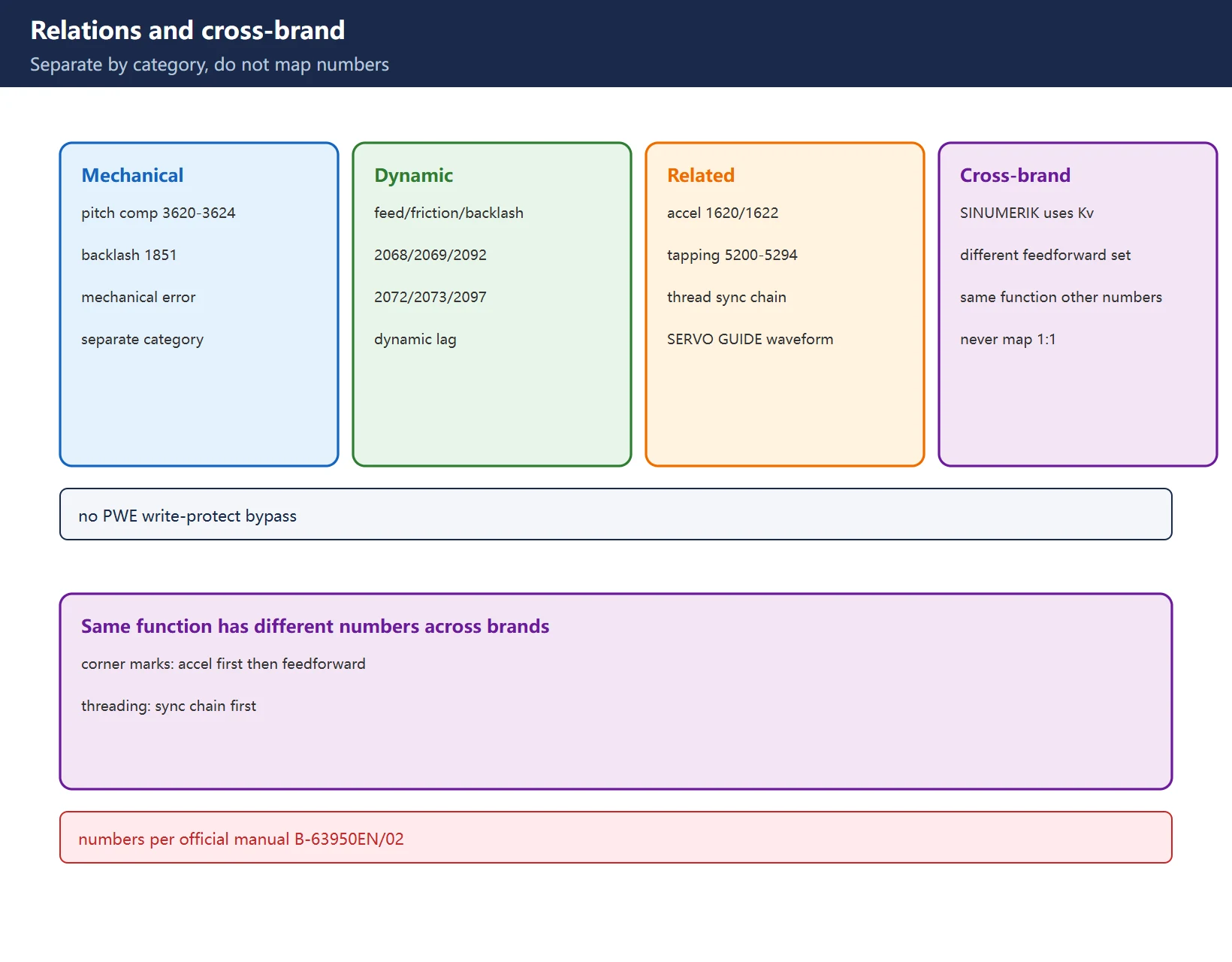
- Acceleration / corner overrun: 1620/1622 and corner deceleration are covered in the acceleration time-constant article. Diagnose corner marks through acceleration before feedforward.
- Rigid tapping: the M29/G84 5200-5294 parameter chain and the threading synchronization chain have their own articles. Diagnose threading through synchronization, not feedforward.
- Pitch and backlash compensation: lead-screw compensation (3620-3624) and backlash compensation (1851) correct mechanical error; feedforward/friction/backlash acceleration correct dynamic response. Keep the two categories separate.
- Cross-brand note: the same feedforward-plus-friction function on SINUMERIK uses a different parameter set (Kv factor, feedforward and friction compensation). The same function has completely different parameter numbers across brands – never map them one-to-one.
- Software tool: FANUC SERVO GUIDE waveform analysis and vibration suppression have a dedicated article.
53.8 Compliance boundary and value discipline
- Numbers follow the official manual: parameter numbers and English names here follow the FANUC 30i/31i parameter manual B-63950EN/02 parameter descriptions; 0i and older i-series families may differ, so confirm against the machine manual.
- Typical values are not standards: 70/50/100/9800 are field starting points; sources disagree across generations and formats, so this article names no single correct value.
- No bypasses: parameter write protection and PWE access go only through the machine builder and official channels; no bypass methods are provided.
- Close the loop: verify every change with SERVO GUIDE waveforms, ballbar roundness and diagnostic 300 – no unverified parameter edits.
Frequently Asked Questions
Is 2067 the velocity feedforward coefficient? Why do sources say 70 or 7000?
No. Per the FANUC parameter manual, 2067 is the Torque command filter; the velocity feedforward coefficient is 2069 and the position feedforward coefficient is 2068. As for 70 versus 7000, the difference comes from different control generations and parameter formats (percent versus a 100x scaled integer). Check the unit on your own parameter screen and the manual definition before copying a number.
Is a quadrant bump a feedforward problem? Which parameter should I touch first?
Quadrant bumps are mainly handled by backlash acceleration, not feedforward. The order is: confirm the shape with a ballbar, measure and fix mechanical backlash (1851), confirm 2003#5 backlash acceleration is enabled, adjust the backlash amount in small steps (50 in older-family practice), set 2071 duration and 2082 stop amount, then check 1825/2021 gain matching. Feedforward fixes contour undersizing from following lag, not quadrant bumps.
Is 2048 the backlash acceleration amount or the velocity loop gain?
Both appear in literature, depending on control generation. Older 0i-B/0i-C field material treats 2048 as the backlash acceleration amount; the newer 30i/31i official manual lists 2048 as velocity loop gain (PG1) with the backlash amount under a different number. This article does not fix it to one function – check your control generation and machine manual first.
Last updated: 2026-11-26
Where to go next
- FANUC Troubleshooting — the full guide library: alarms, diagnosis numbers, servo, spindle, PMC and electrical faults, organised by symptom.
- CNC Repair Tools — which instrument measures what: multimeters, clamp meters, insulation testers and oscilloscopes, with the specification that actually matters.
- Remote Technical Support — have the readings reviewed with you: alarm reverse lookup, PMC ladder analysis and servo tuning advice by call. Repair companies and integrators welcome.
- Buying & Ownership Decisions — refurbished vs new, used-machine checks, software licensing and manuals: spend with the field facts in hand.
Read the guide, get the right instrument, or walk the diagnosis through with someone — pick whichever you need.
The original Chinese version — same procedure, with the full field notes.























暂无评论内容